

What Is a Net Pay Calculator?
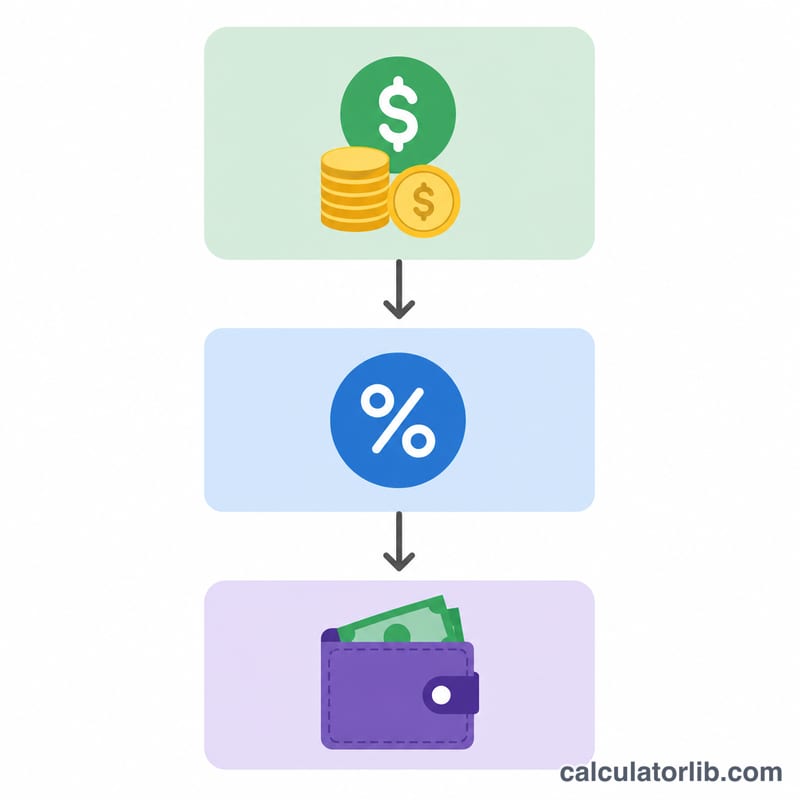
A net pay calculator converts your gross pay — the total amount you earn before anything is withheld — into your net pay, the actual amount that lands in your bank account. It does this by applying a single combined deduction rate that represents the total share of your gross pay taken out for taxes, insurance, retirement contributions, and other withholdings.
How to Use It
Enter your gross pay for the period (per paycheck, per month, or per year — the math works for any period). Then enter your total deduction rate as a percentage. If you know your individual deductions (for example 12% income tax + 7.65% payroll tax + 5% retirement), simply add them together and enter the combined figure. The calculator instantly shows your net take-home pay along with the total amount deducted.
The Formula Explained
The core equation is simple:
$$\text{Net} = \text{Gross} - \left(\text{Gross} \times \frac{\text{Deduction\%}}{100}\right)$$
The deduction amount is the gross multiplied by the rate expressed as a decimal. Subtracting it from gross gives net. Equivalently, net pay equals gross pay times \(\left(1 - \frac{d}{100}\right)\).

Worked Example
Suppose your gross pay is $5,000 and your total deduction rate is 25%. The deductions equal $$\$5{,}000 \times 0.25 = \$1{,}250$$ Your net pay is $$\$5{,}000 - \$1{,}250 = \$3{,}750$$ That $3,750 is your take-home amount.
FAQ
Is this calculator country-specific? No. It uses a generic deduction percentage, so it works anywhere — just supply a rate that reflects your local taxes and withholdings.
How do I find my total deduction rate? Divide your total deductions on a recent payslip by your gross pay and multiply by 100. For example, \(\$1{,}000\) deducted from \(\$4{,}000\) gross is 25%.
Can I use annual figures? Yes. The formula is period-independent, so enter annual, monthly, or per-paycheck gross — the net result will match the same period.