
What is the GST Percentage Calculator?
Goods and Services Tax (GST) is a value-added tax applied to most goods and services in many countries, including India, Australia, Canada, New Zealand and Singapore. This calculator works for any GST rate, letting you either add GST to a net price or remove GST from a tax-inclusive total. Because you choose the rate yourself, it is jurisdiction-neutral and works with rates such as 5%, 10%, 12%, 15% or 18%.
How to use it
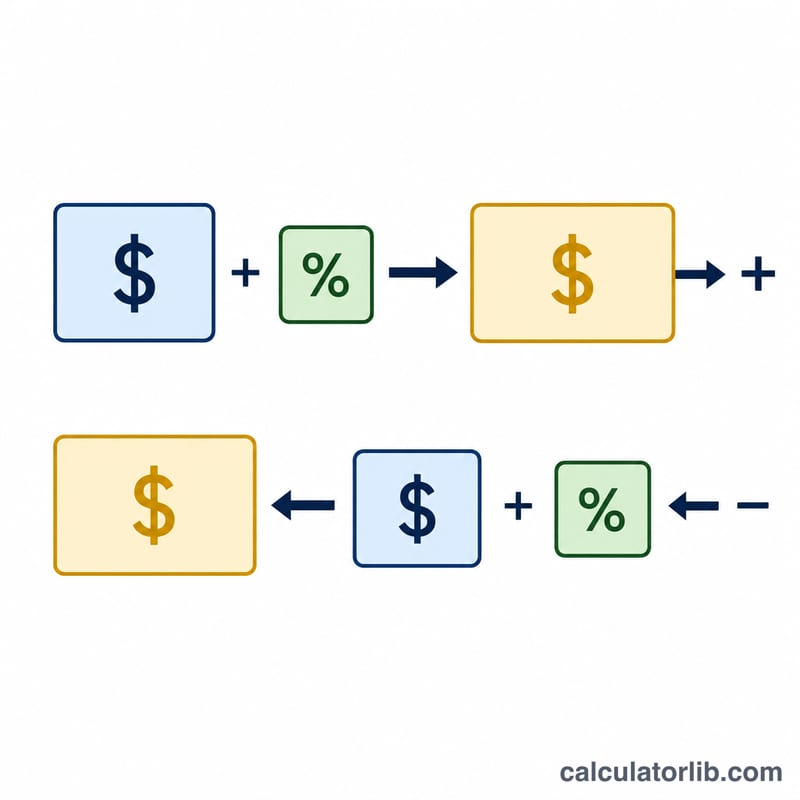
Pick a mode: choose Add GST when your amount excludes tax (you want to know the final price), or Remove GST when your amount already includes tax (you want the pre-tax base). Enter the amount and the GST rate as a percentage, then read the net price, GST amount and gross total.
The formula explained
To add GST, multiply the net amount by the rate divided by 100: $$\text{GST} = \text{Amount} \times \frac{\text{Rate}}{100}$$ then the total is \(\text{Amount} + \text{GST}\). To remove GST from an inclusive total, divide by one plus the rate fraction: $$\text{Base} = \frac{\text{Total}}{1 + \frac{\text{Rate}}{100}}$$ and the GST portion is \(\text{Total} - \text{Base}\).
Worked example
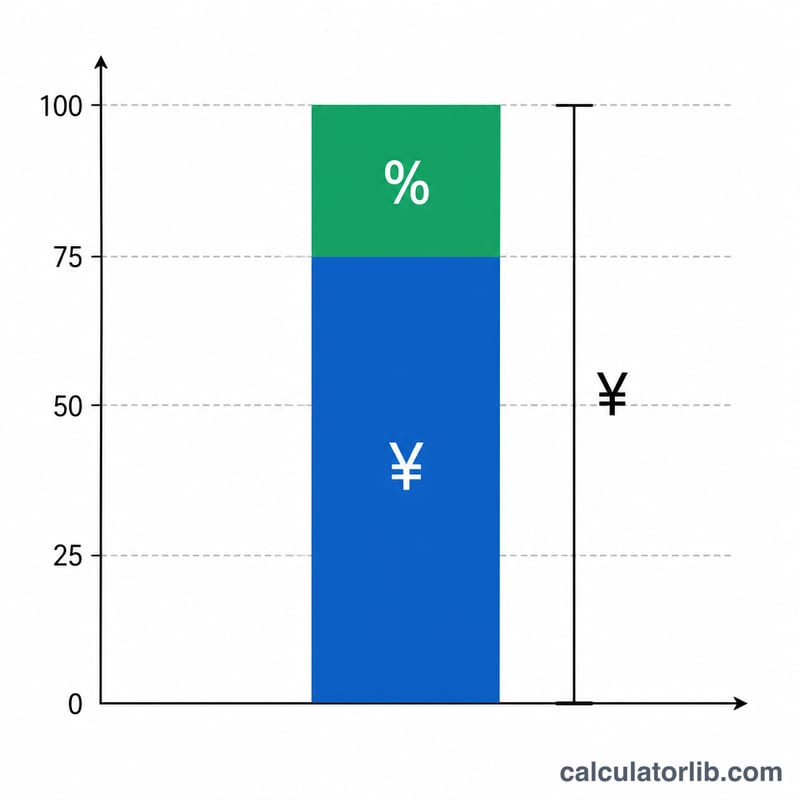
Suppose a product costs 1,000 (net) and GST is 18%. The GST amount is $$1{,}000 \times 0.18 = 180$$ and the gross total is \(1{,}180\). Reversing it: a 1,180 inclusive price divided by 1.18 gives a base of $$\frac{1{,}180}{1.18} = 1{,}000$$ confirming 180 of GST.
FAQ
Does this work for any country? Yes — enter whatever GST/VAT rate applies in your region.
What is the difference between add and remove? Add assumes your figure excludes tax; remove assumes it already includes tax and extracts the base price.
Can I use it for VAT? The maths is identical to VAT, so you can use it for VAT-inclusive or VAT-exclusive calculations too.