
What Is a Percent Increase?
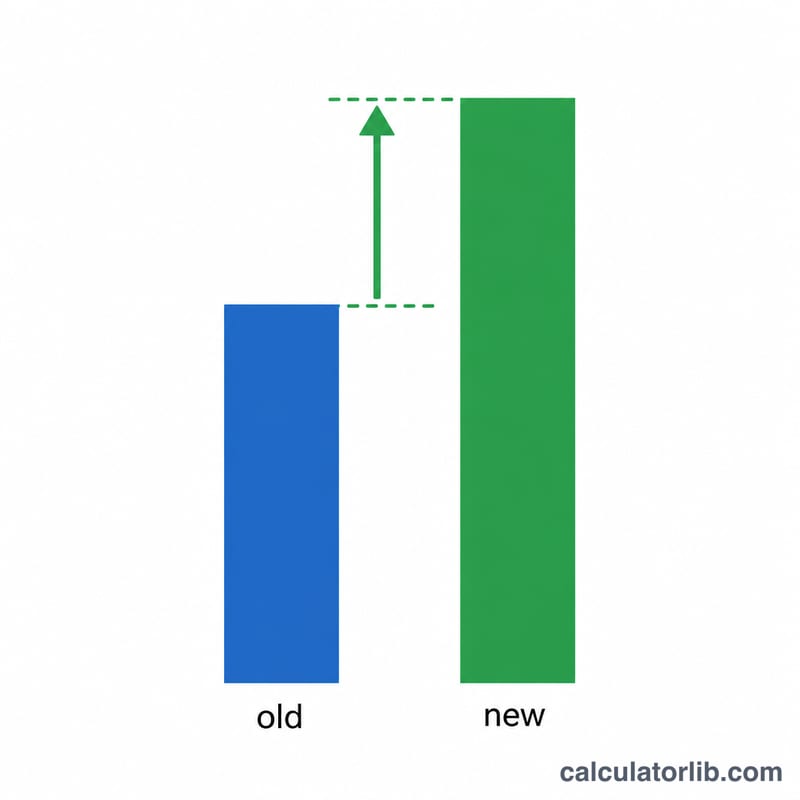
A percent increase measures how much a quantity has grown relative to its original size, expressed as a percentage. It answers questions like "How much did my salary go up?" or "By what percent did sales rise this quarter?" Because the change is scaled against the starting value, percentages let you compare growth across items of very different sizes.
How to Use This Calculator
Enter the original value (the starting or old number) and the new value (the current or larger number). The calculator instantly returns the percent increase along with the absolute change. If the new value is smaller than the old value, the result will be negative — indicating a decrease instead of an increase.
The Formula Explained
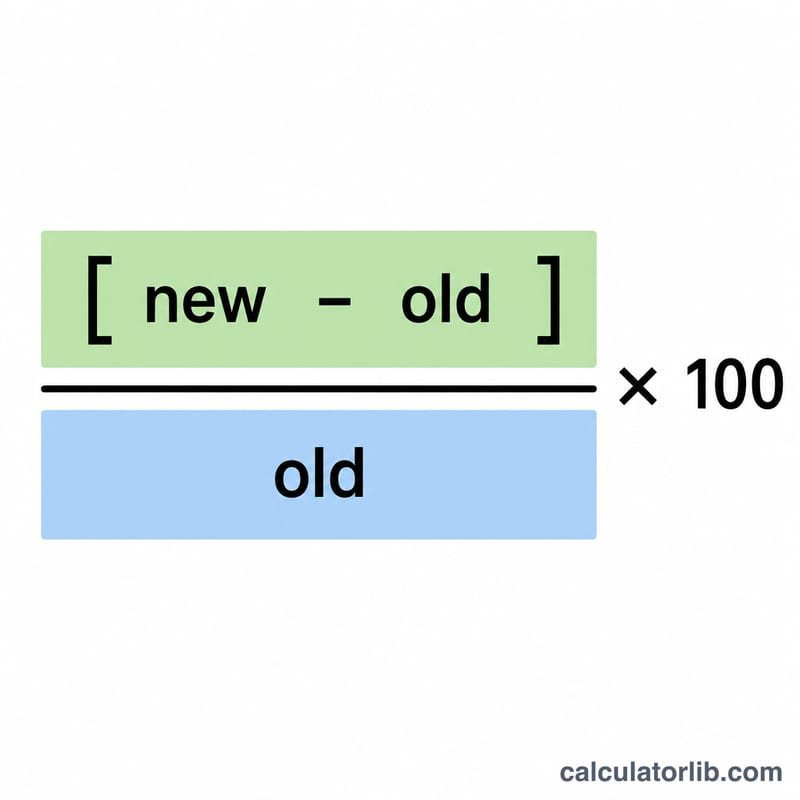
The percent increase is calculated as:
$$\text{Increase \%} = \frac{\text{New} - \text{Old}}{\text{Old}} \times 100$$
First subtract the old value from the new value to get the absolute change. Then divide by the old value to express that change as a fraction of where you started. Multiplying by 100 converts it to a percentage.
Worked Example
Suppose a product price rose from $80 to $100. The change is \(100 - 80 = 20\). Dividing by the original 80 gives \(0.25\), and multiplying by 100 yields a 25% increase. So the price went up by 25%.
$$\text{Increase \%} = \frac{100 - 80}{80} \times 100 = 25\%$$
FAQ
What if the result is negative? A negative result means the value actually decreased rather than increased. For example, going from 100 to 80 gives \(-20\%\).
Why can I not divide by zero? If the original value is 0, the percent increase is undefined because you cannot express growth relative to nothing. This calculator returns 0% in that case.
Is percent increase the same as percent change? Yes — when the value rises it is called a percent increase, and when it falls it is a percent decrease. Both use the same formula.