
What This Calculator Does
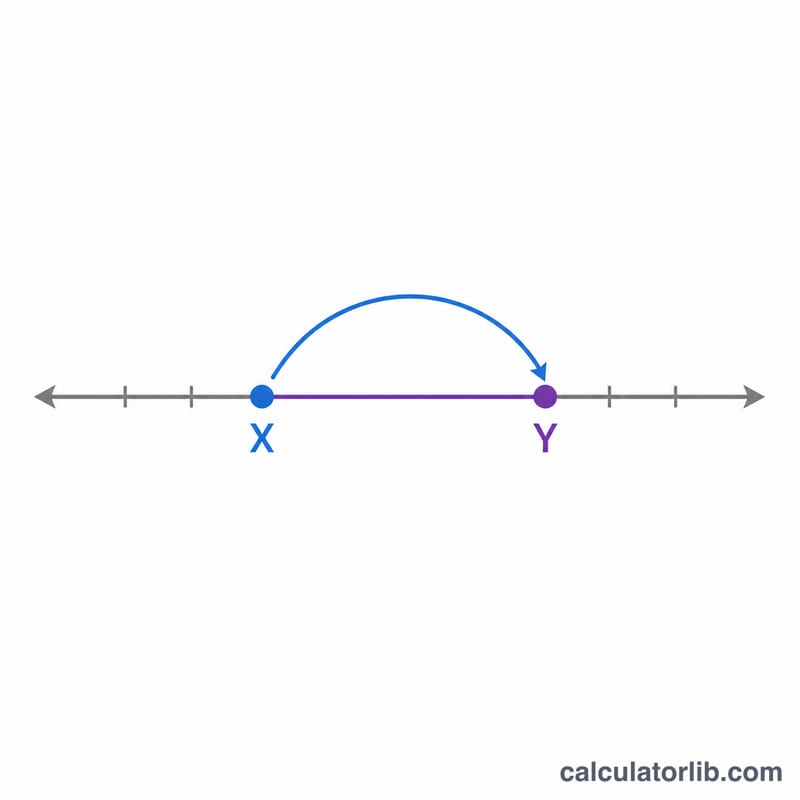
This tool tells you the percentage change when a value moves from a starting amount (X) to an ending amount (Y). A positive result means an increase, while a negative result means a decrease. It also shows the absolute difference between the two numbers, so you can see both the relative and the raw change at a glance.
How to Use It
Enter your original value in the Starting Value (X) box and the new value in the Ending Value (Y) box. The calculator instantly returns the percentage change and the difference (Y minus X). It works for prices, salaries, populations, test scores, weights, and any other measurable quantity.
The Formula Explained
The percentage change is computed as \(\frac{\text{Y} - \text{X}}{\text{X}} \times 100\). You subtract the starting value from the ending value to get the change, divide by the starting value to express it relative to where you began, then multiply by 100 to convert it into a percentage.
$$\text{Increase} = \frac{\text{Y} - \text{X}}{\text{X}} \times 100\%$$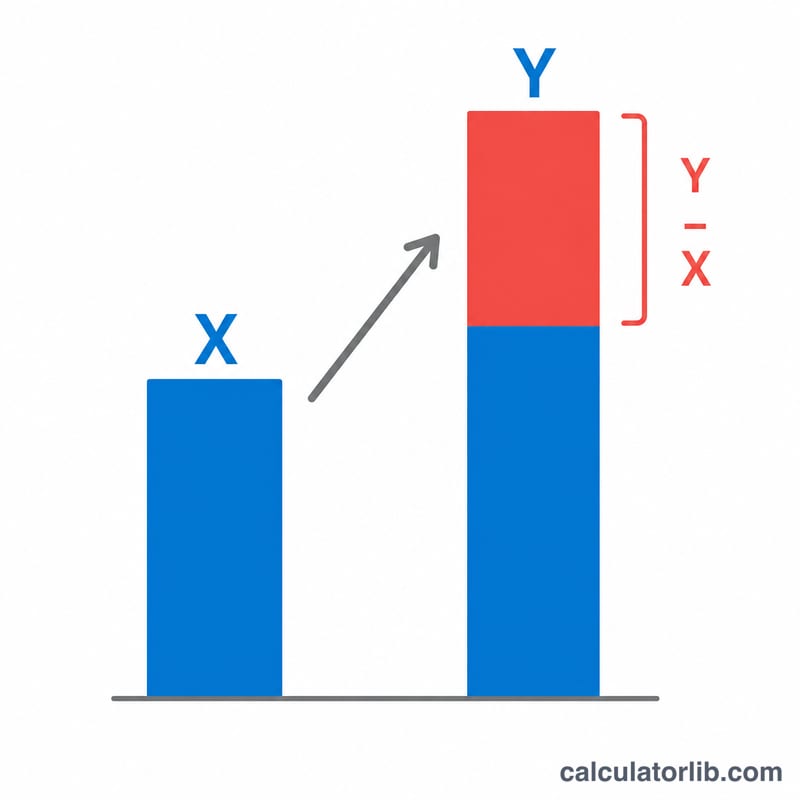
Worked Example
Suppose a product price rises from $50 to $75. The difference is \(75 - 50 = 25\). Divide by the starting value: \(25 / 50 = 0.5\). Multiply by 100 to get a 50% increase. If instead the price fell from 75 to 50, you would get
$$\frac{50 - 75}{75} \times 100 = -33.33\%$$a decrease of about 33.33%.
FAQ
What if X is zero? Percentage change is undefined when the starting value is zero (you cannot divide by zero), so this calculator returns 0% in that case.
Is increase and decrease symmetric? No. Going from 50 to 75 is a 50% increase, but going from 75 to 50 is only a 33.33% decrease, because the base value differs.
Can I use negative numbers? Yes, but interpret the result carefully, as the sign of the base value affects the meaning of the percentage.