
What Is the Image File Size Calculator?
This tool estimates how large an image file will be based on its pixel dimensions, color depth, and how much compression is applied. It's useful for web designers budgeting page weight, photographers planning storage, and developers estimating upload or bandwidth requirements before exporting images.
How to Use It
Enter the image width and height in pixels, choose the color depth (24-bit true color is the most common for photos), and set an estimated compression percentage. The calculator returns the size in bytes, kilobytes, and megabytes.
The Formula Explained
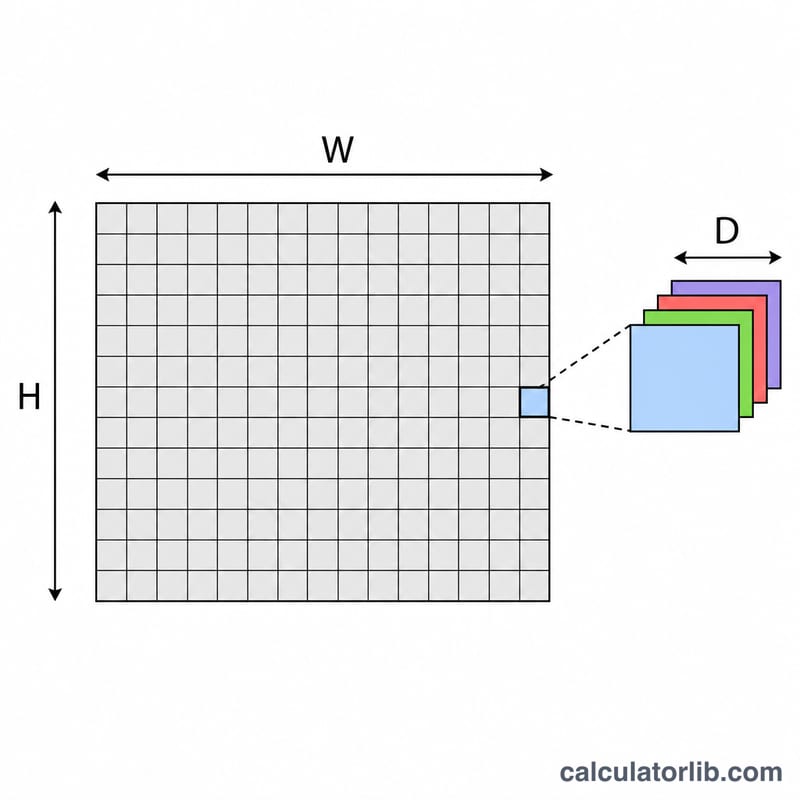
An uncompressed image stores a fixed number of bits for every pixel. Total pixels equal width × height, and each pixel uses color depth bits, so the raw size in bits is \(W \times H \times D\). Dividing by 8 converts bits to bytes. Compression formats like JPEG remove redundant data, so we multiply by \((1 - \text{compression})\) — a 90% compression keeps just 10% of the uncompressed size.
$$\text{Size (bytes)} = \frac{\text{Width} \times \text{Height} \times \text{Bit Depth}}{8} \times \left(1 - \frac{\text{Compression \%}}{100}\right)$$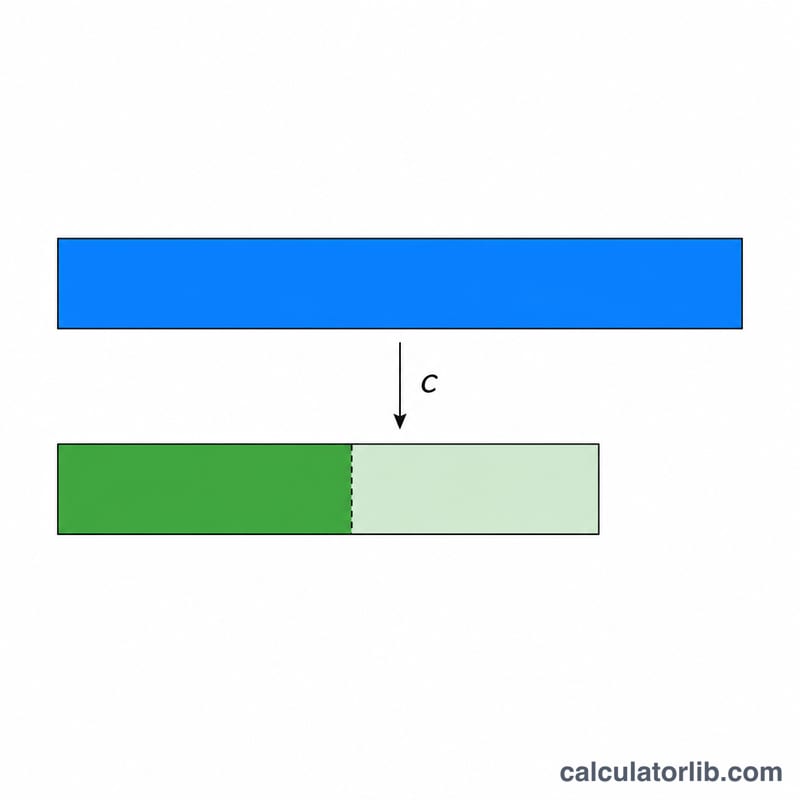
Worked Example
A 1920 × 1080 photo at 24-bit color: pixels = 2,073,600; uncompressed bits = \(2{,}073{,}600 \times 24 = 49{,}766{,}400\) bits; bytes = \(49{,}766{,}400 \div 8 = 6{,}220{,}800\) bytes ≈ 5.93 MB uncompressed. With 90% JPEG compression, the file shrinks to about 622,080 bytes ≈ 0.59 MB.
FAQ
Why is my real JPEG smaller than this estimate? JPEG compression is variable and often exceeds 90%, so use a higher compression percentage to match real exports.
What color depth should I use? 24-bit is standard for full-color photos, 32-bit adds an alpha (transparency) channel, and 8-bit suits grayscale or indexed images.
Does this include file headers? No — the estimate covers pixel data only. Real files add small headers and metadata (usually a few kilobytes).