



What it finds
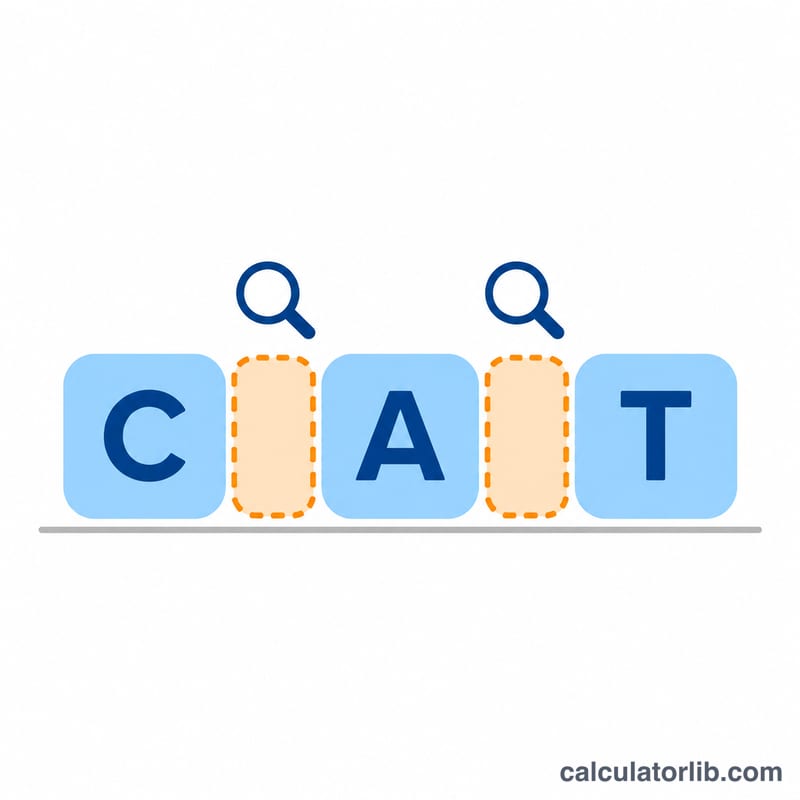
Text copied from web pages, chats and documents often carries characters you cannot see. The tool marks each one with a small label and lists them by code point:
Zero-width: ZERO WIDTH SPACE U+200B, the joiners U+200C and U+200D, WORD JOINER, the byte order mark U+FEFF, the soft hyphen and the blank Hangul fillers. Special spaces: the no-break space U+00A0, the narrow no-break space, thin, en and em spaces and the ideographic space; they look like a normal space but break searches, sorting and spreadsheet formulas. Direction and other: the marks and overrides that change the direction of text, the same characters used in the Trojan Source attack on code reviews, invisible tag characters and control codes.
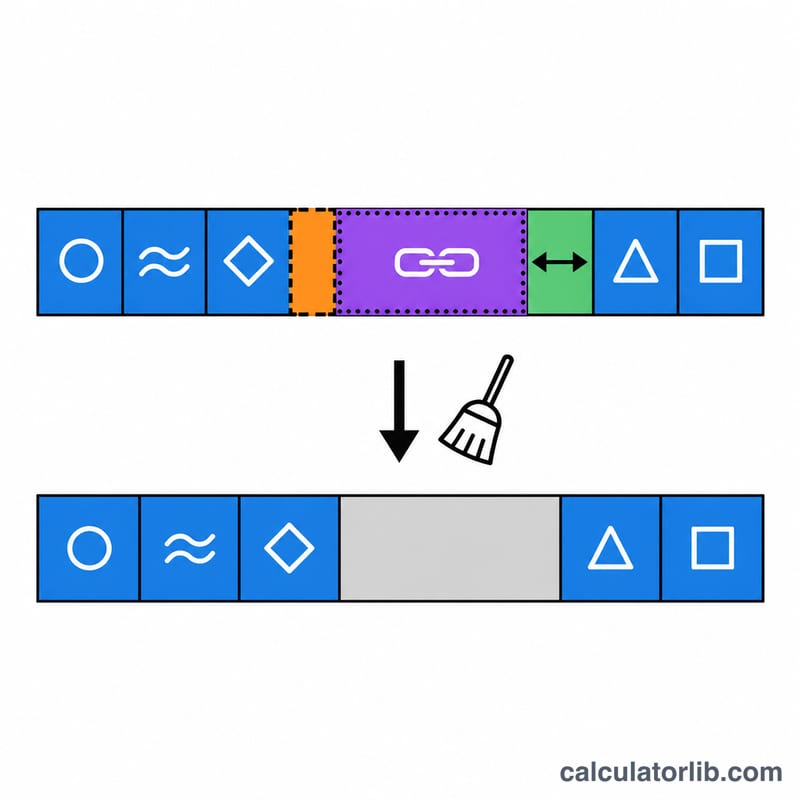
Cleaned text removes the zero-width, direction, tag and control characters and turns special spaces into ordinary ones. With Keep joiners inside words and emoji the joiners that a script or an emoji needs stay, so a family emoji or a Persian word is not broken.
Example
A price copied from a web page, "Price: 120 USD. Offer", hides 3 characters: 2 no-break spaces and 1 zero-width space. The cleaned text is “Price: 120 USD. Offer”.
FAQ
Is my text uploaded? No. The scan runs in your browser and the text is not sent anywhere.
Why can I not copy a blank character here? Blank names made of invisible characters are used to impersonate other users and to get around filters, so this tool only finds and removes them.