
What is the Money Math Calculator?
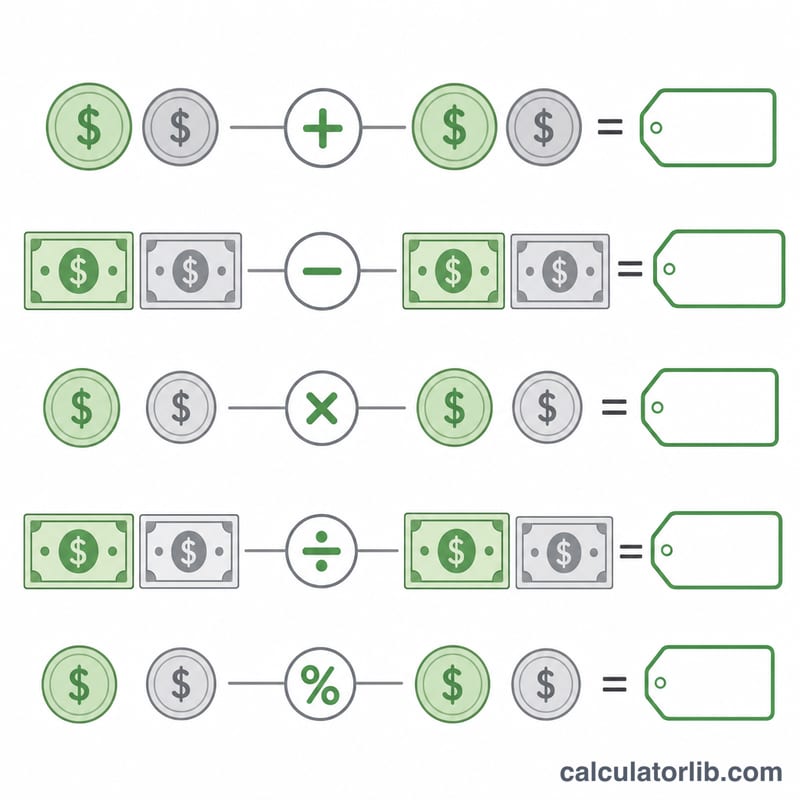
The Money Math Calculator performs everyday arithmetic on monetary amounts: adding prices, subtracting a discount, multiplying a unit price by a quantity, splitting a bill among people, working out how many priced items you can afford, or finding a percentage of an amount. It is a universal, pure-arithmetic tool. The currency selector is cosmetic only - it simply prefixes your chosen symbol to the displayed answer. No exchange rates or locale rounding rules are applied.
How to use it
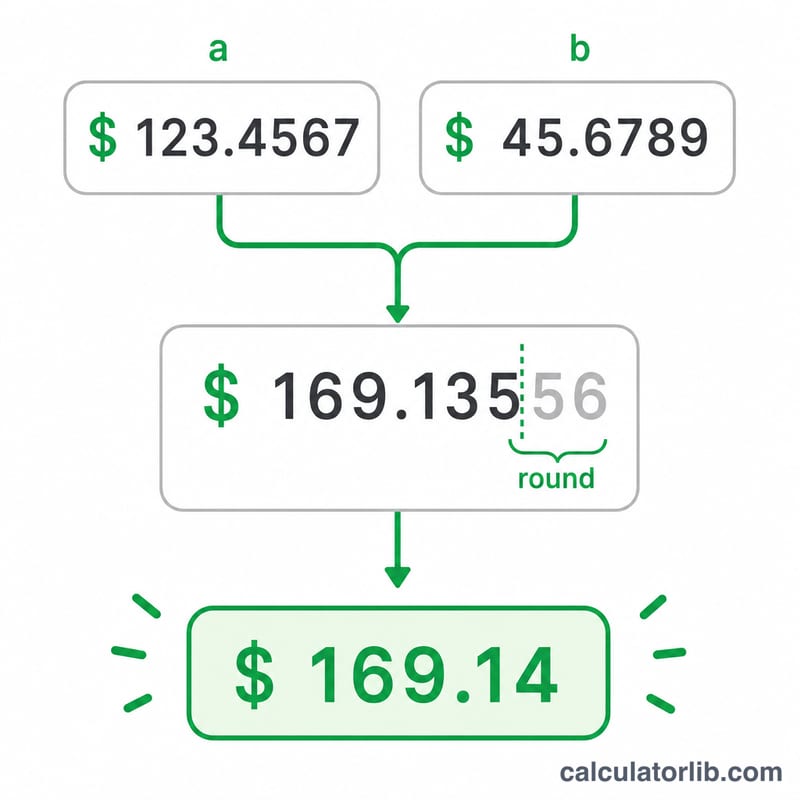
Pick a currency symbol, enter your first money value, choose an operation, then enter the second value. The meaning of the second value depends on the operation: for multiply and divide it is a plain number (a count or quantity); for divide by money it is another price; for percentage it is the percent figure itself (enter 25 for 25%, not 0.25). Money results are rounded to two decimal places using standard half-up rounding for display.
The formulas explained
With \(a\) = value 1 and \(b\) = value 2: addition gives \(a + b\), subtraction gives \(a - b\) (which may be negative, representing a deficit), multiplication gives \(a \times b\), and division gives \(a / b\). Dividing by money returns a pure count - how many items of price \(b\) you can buy with \(a\) - and the tool also shows the whole units affordable (floor) plus the leftover remainder. Percentage returns \(a \times b / 100\).
Worked example
Suppose you have 20.00 and each item costs 3.50, using "Divide by money": $$20.00 / 3.50 = 5.71$$ (exact quotient). The whole units affordable are \(\lfloor 5.714 \rfloor = 5\), and the remainder is $$20.00 - 5 \times 3.50 = 2.50$$ left over. For a percentage: 25% of 80.00 = $$80.00 \times 25 / 100 = 20.00.$$
FAQ
Does changing the currency convert my money? No. The symbol is purely cosmetic; the numbers never change. There is no foreign-exchange conversion.
What happens if I divide by zero? The calculator returns "Cannot divide by zero" instead of a number for the divide and divide-by-money operations.
How do I enter a percentage? Type the percent figure directly - enter 25 to mean 25%. Entering 0.25 would be treated as 0.25 percent.