
What is the Portrait Aspect Ratio Calculator?
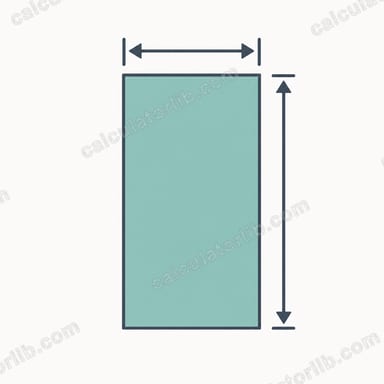
This tool computes the vertical height of an image, video, or canvas given its width and a target aspect ratio in portrait (vertical) orientation. In portrait mode the height is taller than the width, so the ratio's height component is larger than its width component (for example 4:5 or 9:16). Enter your width and the ratio, and the calculator returns the exact height in the same unit you used.
How to use it
Type the known width (in pixels, cm, inches — any unit works since the result keeps the same unit). Then enter the aspect ratio as two numbers: the ratio width and the ratio height. For an Instagram portrait post that is 1080 px wide at 4:5, you'd enter width 1080, ratio width 4, ratio height 5. Hit calculate to get the matching height.
The formula explained
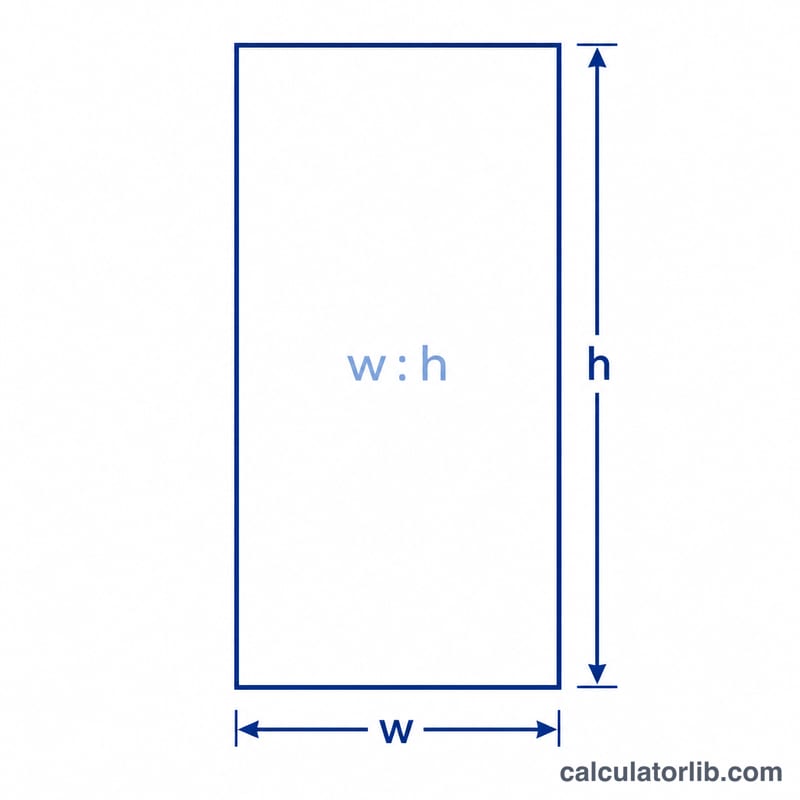
The relationship is a simple proportion: $$\text{height} = \text{width} \times \frac{\text{ratio\_h}}{\text{ratio\_w}}$$. The fraction \(\text{ratio\_h}/\text{ratio\_w}\) is the scale factor that converts a width into the proportional height. Because portrait images are taller than wide, this factor is greater than 1, so the resulting height exceeds the width.
Worked example
Suppose width = 1080 px with a 4:5 aspect ratio. $$\text{height} = 1080 \times \frac{5}{4} = 1080 \times 1.25 = \mathbf{1350 \text{ px}}$$ A 1080×1350 image is the standard tall portrait used on many social platforms.
FAQ
Does the unit matter? No — the output is in the same unit as your width input, whether pixels, millimetres, or inches.
What if I want landscape instead? Swap the ratio numbers (use ratio width larger than ratio height), or simply use a landscape calculator; here we assume vertical orientation.
Can I use non-standard ratios? Yes. Any positive numbers work, including 7:9 or 2.39:1, and the proportion still holds.