
What this calculator does
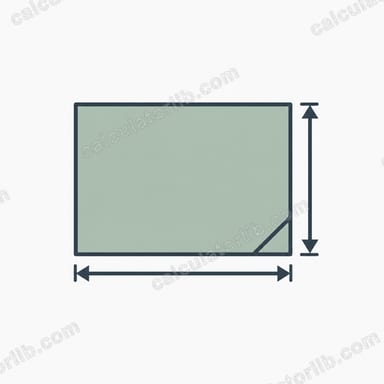
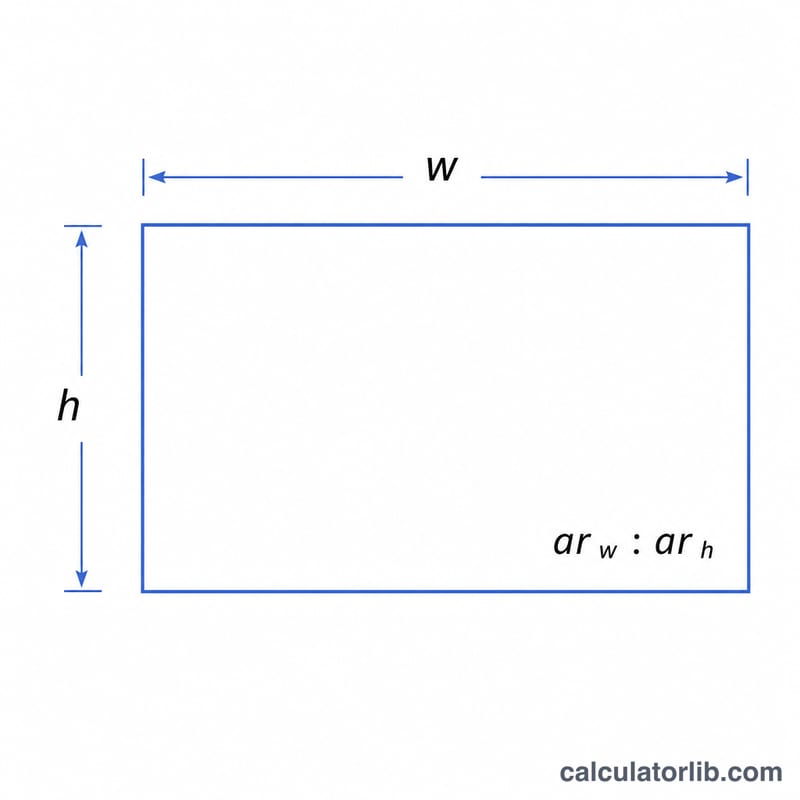
This tool computes the height of a rectangle when you already know its width and the aspect ratio you want to keep. Aspect ratio describes the proportional relationship between width and height — for example 16:9 for widescreen video, 4:3 for classic displays, or 3:2 for many photographs. By locking width and ratio, the height is fully determined.
How to use it
Enter the width in whatever units you like (pixels, cm, inches). Then enter the two parts of the aspect ratio: the width part (left of the colon) and the height part (right of the colon). For a 16:9 frame, use 16 as the aspect-width and 9 as the aspect-height. The calculator returns the matching height and the total area.
The formula explained
The governing equation is:
$$\text{Height} = \text{Width} \times \frac{\text{Aspect Ratio Height}}{\text{Aspect Ratio Width}}$$
Because the rectangle keeps the same proportions, the ratio of height to width must equal the ratio of the aspect numbers. Rearranging gives the height directly. The area is simply \(\text{width} \times \text{height}\).
Worked example
Suppose you have a banner that is 1920 px wide and you want it in 16:9. Then $$h = 1920 \times \frac{9}{16} = 1920 \times 0.5625 = \mathbf{1080 \text{ px}}.$$ The area is \(1920 \times 1080 = 2{,}073{,}600\) square pixels.
FAQ
Can I use any units? Yes — the height comes out in the same unit you entered for width, since ratios are unitless.
What if I know the height and want the width? Swap the values: \(w = h \times \frac{\text{ar}_w}{\text{ar}_h}\).
What does an aspect-width of zero do? Division by zero is undefined, so the calculator returns 0 to avoid an error — enter a positive aspect-width.