
What this calculator does
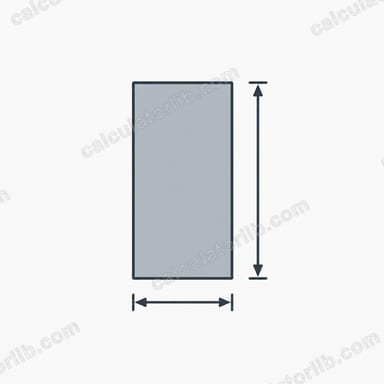
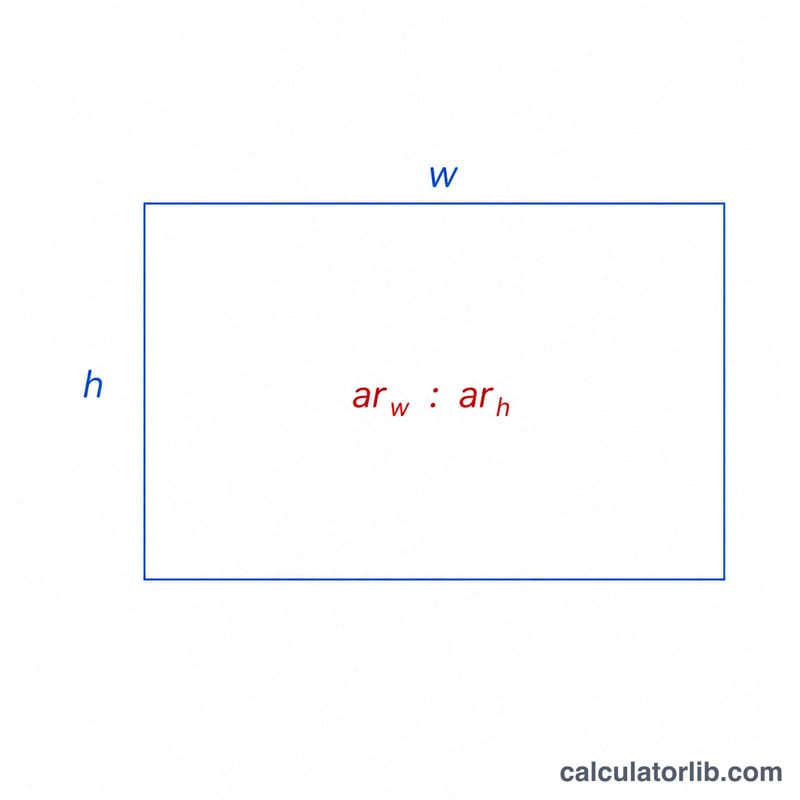
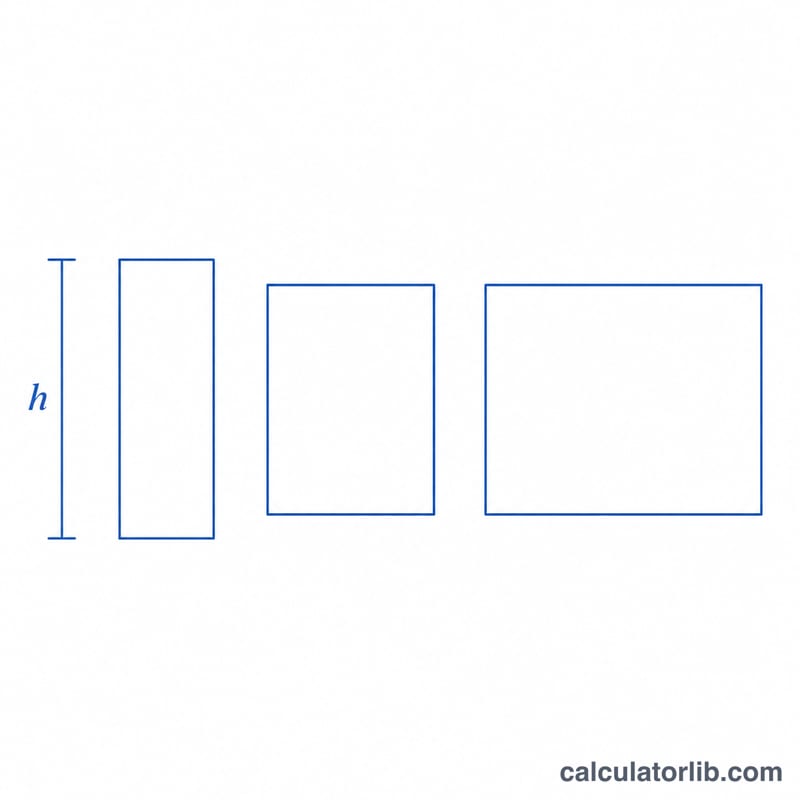
This tool finds the width of a rectangle when you already know its height and the aspect ratio you want to keep. Aspect ratio describes the proportional relationship between width and height — for example 16:9 for widescreen video, 4:3 for older displays, or 3:2 for many photographs. By locking the ratio and supplying one dimension, the other is fully determined.
How to use it
Enter the rectangle's height in any unit (pixels, centimetres, inches — the result comes back in the same unit). Then type the two parts of the aspect ratio: the width part in "Aspect Ratio Width" and the height part in "Aspect Ratio Height". For a 16:9 frame you would enter 16 and 9. Press calculate and the matching width appears instantly.
The formula explained
The calculation is a single proportion:
$$\text{Width} = \text{Height} \times \frac{\text{Aspect Ratio Width}}{\text{Aspect Ratio Height}}$$
The fraction \(ar_w \div ar_h\) is the ratio of width to height. Multiplying the known height by that ratio scales it up (or down) to the correct width while preserving the shape. If the aspect-ratio height is zero the ratio is undefined, so the tool guards against division by zero.
Worked example
Suppose you have a video that is 1080 pixels tall and you want it to be 16:9. Then $$w = 1080 \times (16 \div 9) = 1080 \times 1.7778 = 1920 \text{ pixels}$$ — the familiar 1920×1080 Full HD frame.
FAQ
Can I use decimals? Yes. Both the height and the ratio values accept decimals, so a 2.39:1 cinema ratio works fine.
What units does the width use? The same units as the height you entered — the ratio itself is unitless.
How do I go the other way? To find height from a known width, rearrange to \(h = w \times (ar_h \div ar_w)\). Use a width-to-height variant for that.