
What Is the Rectangle Width Calculator?
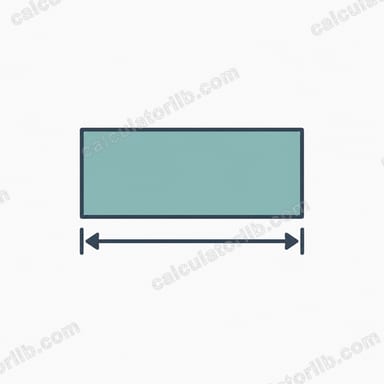
The Rectangle Width Calculator is a simple geometry tool that finds the unknown width of a rectangle when you already know other measurements, such as its area and length, or its perimeter and length. Instead of rearranging formulas by hand, you enter the values you have and the calculator instantly returns the missing width. It works with any unit of measurement — centimeters, meters, inches, or feet — as long as you stay consistent throughout your calculation.
How to Use It
- Choose which information you know: area and length, or perimeter and length.
- Enter the known values into their fields.
- Make sure both numbers use the same unit (for example, both in meters).
- Read the calculated width in the result box.
This makes it handy for everyday tasks like planning a room layout, sizing a garden bed, cutting fabric, or ordering building materials.
The Formulas Explained
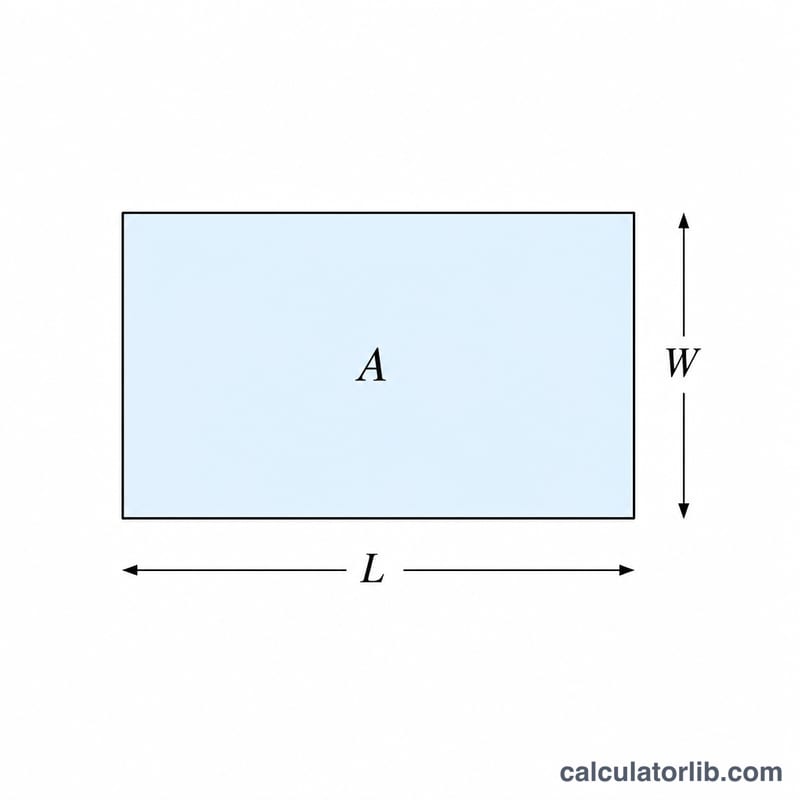
A rectangle has two key measurements: length (\(L\)) and width (\(W\)). The calculator uses one of these standard relationships depending on what you know:
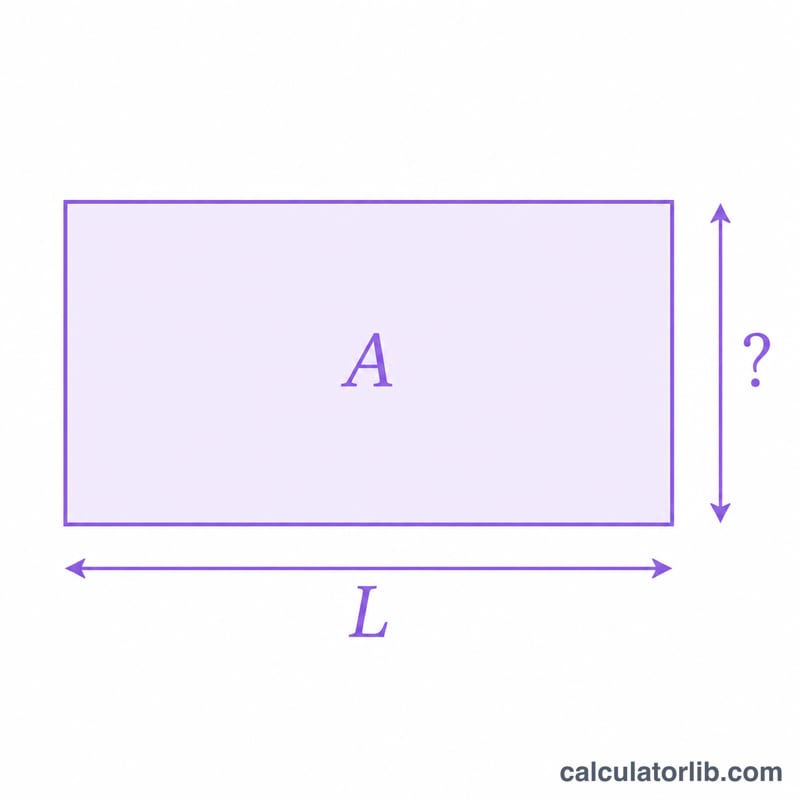
- From area: $$\text{Width} = \frac{\text{Area}}{\text{Length}}$$
- From perimeter: $$\text{Width} = \frac{\text{Perimeter}}{2} - \text{Length}$$
Both formulas come from the basic definitions: area equals length times width (\(A = L \times W\)), and perimeter equals twice the sum of length and width (\(P = 2 \times (L + W)\)).
Worked Example
Suppose you have a rectangular patio with an area of 24 square meters and a length of 6 meters. Using the area formula:
- $$\text{Width} = \frac{\text{Area}}{\text{Length}}$$
- $$\text{Width} = \frac{24}{6} = \textbf{4 meters}$$
If instead you knew the perimeter was 20 meters and the length was 6 meters: \(\text{Width} = \frac{20}{2} - 6 = 10 - 6 = \textbf{4 meters}\). Both methods confirm the same width.
Frequently Asked Questions
What units should I use? Any unit works, but you must keep them consistent. If your area is in square feet, your length should be in feet so the width comes out in feet too.
Can I find length instead of width? Yes — the formulas are interchangeable. Just swap the roles of length and width since rectangles treat both dimensions the same way.
Why is my answer negative? A negative width usually means the perimeter value is too small for the given length. Double-check that your inputs describe a valid rectangle.