
What Is the Running Split Calculator?
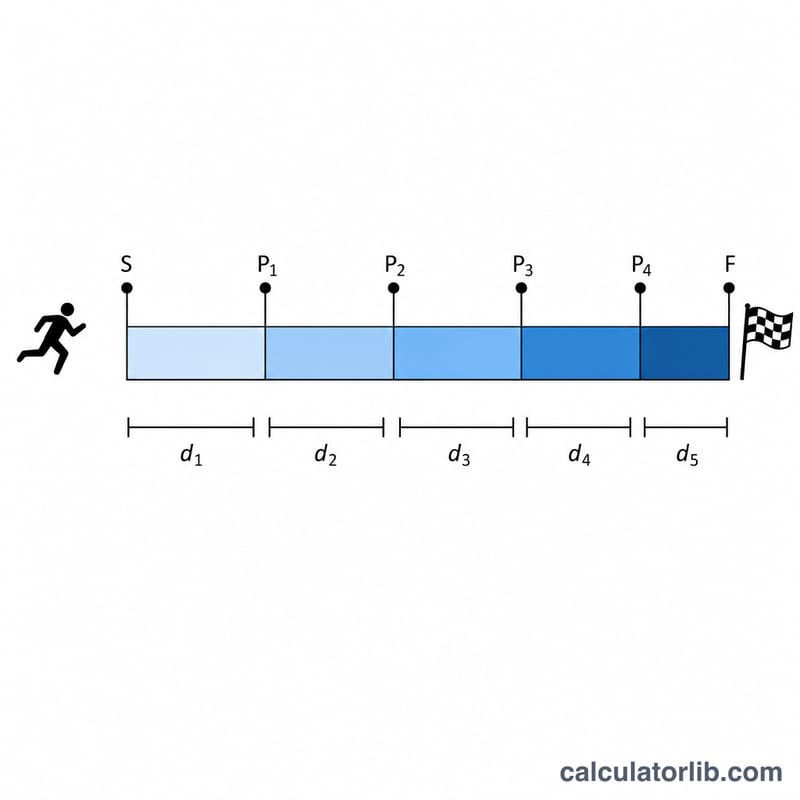
A running split is the time it takes to cover a fixed segment of a longer run — for example, each kilometer or mile of a 10K or marathon. This calculator turns your target pace into the time you should hit at every split as well as your projected total finish time. It is a universal tool that works for any distance and uses either kilometers or miles.
How to Use It
Enter your total race or run distance and choose the unit. Type your target pace as minutes and seconds per unit (e.g. 5 min 30 sec per km). Finally enter the length of a single split segment (often 1 km or 1 mile, but you can use 5 km for half-marathon splits). The calculator returns the time per split, the total finish time, the number of splits, and your pace expressed in seconds.
The Formula Explained
The math is straightforward. Pace is constant time per unit of distance, so:
\(t_{\text{split}} = p \cdot \text{Split Distance}\) and \(t_{\text{total}} = p \cdot \text{Total Distance}\). Pace is first converted to seconds: \(p = 60 \cdot \text{Minutes} + \text{Seconds}\). Multiplying that by a distance gives the time in seconds for that distance.
Worked Example
Suppose you run a 10 km race at a pace of 5:30 per km. Pace in seconds = \(5 \times 60 + 30 = 330\) seconds per km. For a 1 km split: \(330 \times 1 = 330\) seconds (5 minutes 30 seconds). Total time = \(330 \times 10 = 3300\) seconds, which is 55 minutes. The number of splits = \(10 \div 1 = 10\).
FAQ
Should I run even splits? Many runners aim for even or slightly negative splits (running the second half a touch faster) to avoid going out too hard.
Can I use miles? Yes — switch the unit to miles and enter your pace per mile.
What if my split distance does not divide evenly? The number of splits will show a fraction, meaning the final split is shorter than a full segment.