



How the list is sorted
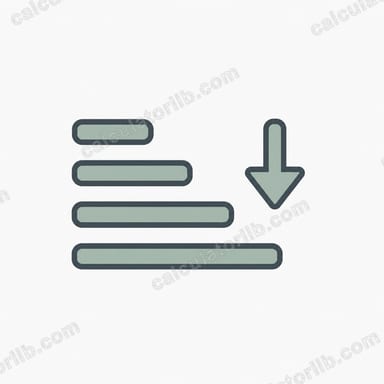
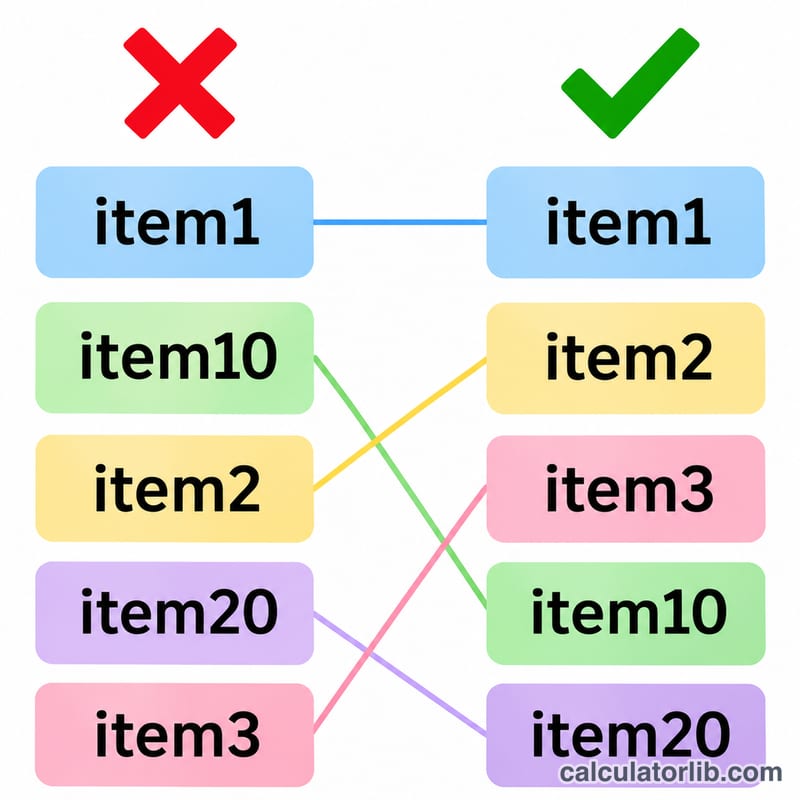
Each line is one item. A to Z and Z to A sort with the rules of the page language, so accented letters sit with their base letter instead of after Z. Natural numbers compares runs of digits by value, so "item 2" comes before "item 10". Shortest first orders by length, Reverse order turns the list upside down and Keep order only cleans it up.
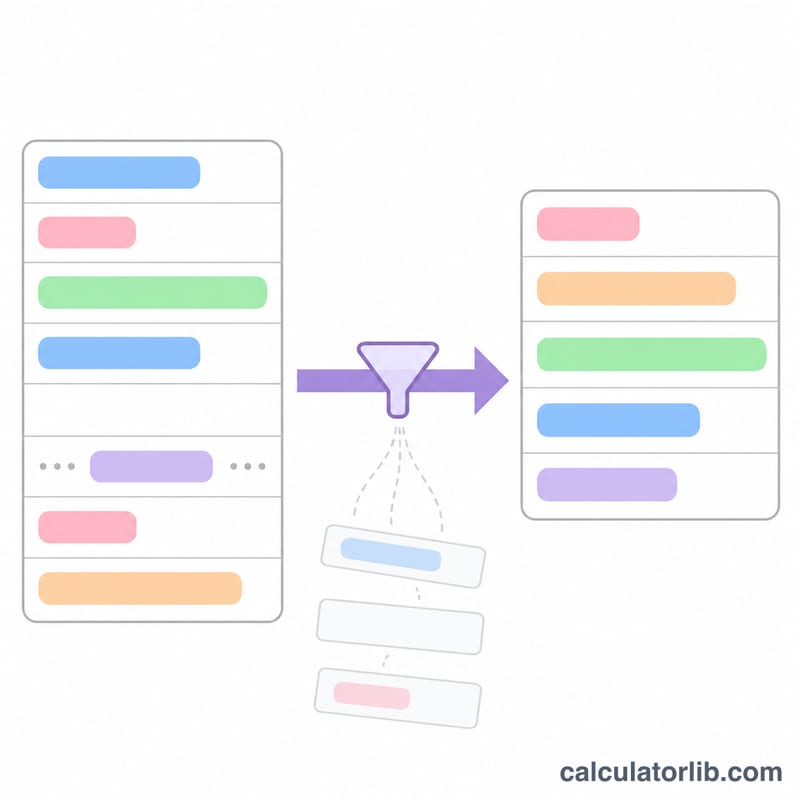
Remove duplicates keeps the first copy of each line; with Ignore case "Apple" and "apple" count as the same line. Trim spaces removes spaces at both ends of a line and Remove blank lines drops empty ones. The numbers under the result say how many lines went in and out.
Example
The list “item 10, Item 2, item 1, item 2, item 3” with one blank line, sorted A to Z with the default options, becomes “item 1, Item 2, item 2, item 3, item 10”: 6 lines in, 5 out, the blank line removed; "Item 2" and "item 2" both stay because they differ in case. With Ignore case on, "Item 2" and "item 2" are one line: “item 1, Item 2, item 3, item 10”. Without natural numbers the order is character by character: “item 1, item 10, Item 2, item 2, item 3”.
FAQ
Is my list uploaded? No. Sorting runs in your browser and the list is never sent to a server or put in the page address.
Which copy of a duplicate is kept? The first one in your list.
Can I sort a CSV by a column? This tool sorts whole lines. To sort the rows of a table by one column, use the table column sort tool.