



How the comparison works
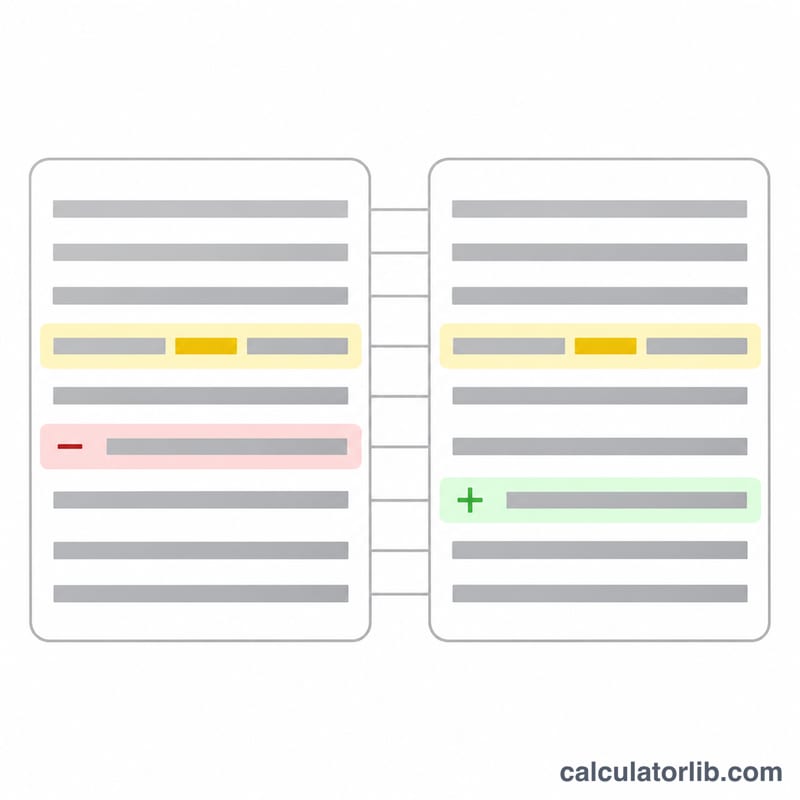
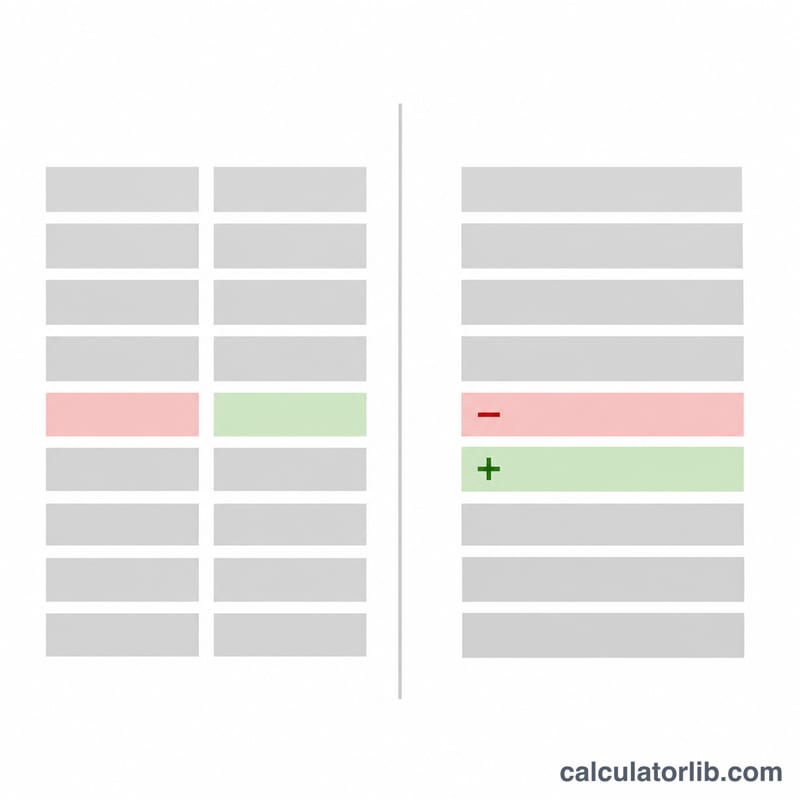
Paste the original on the left and the changed version on the right. The table updates as you type. Lines are matched with the Myers difference algorithm, the method behind git diff, which finds the smallest set of added and removed lines. When a removed line is followed by an added one, the two are shown as one changed line and the words that differ inside it are marked: struck through in red for removed, underlined in green for added.
Options. Ignore case treats "Report" and "report" as equal. Ignore spaces treats runs of spaces and tabs as one and ignores spaces at the ends of a line. Only changes folds long runs of unchanged lines, keeping two lines of context around each change. Swap exchanges the two texts. Copy diff copies the result with "- " before removed and "+ " before added lines.
Worked example
The example on this page is a meeting notice in two versions. The comparison finds 2 changed lines, 1 added line and 0 removed lines: "Friday" became "Thursday", "second" became "third", and the line about lunch is new.
FAQ
Are my texts uploaded? No. Both texts stay in your browser and the comparison runs there.
Can it compare Chinese or Japanese? Yes. Words are found with the browser's word segmentation, so a change inside a sentence without spaces is still shown word by word.
How large can the texts be? Thousands of lines work. When two long texts have almost nothing in common, the rest is shown as replaced lines instead of word by word, so the page stays fast.