What is the Days Until My Exam Calculator?
This calculator tells you exactly how many days remain between today and your scheduled exam. It turns a vague "soon" into a concrete countdown, helping you plan revision, set milestones, and stay motivated. As a bonus it converts the countdown into weeks and estimates the total study hours you could log if you stick to a daily study target.
How to use it
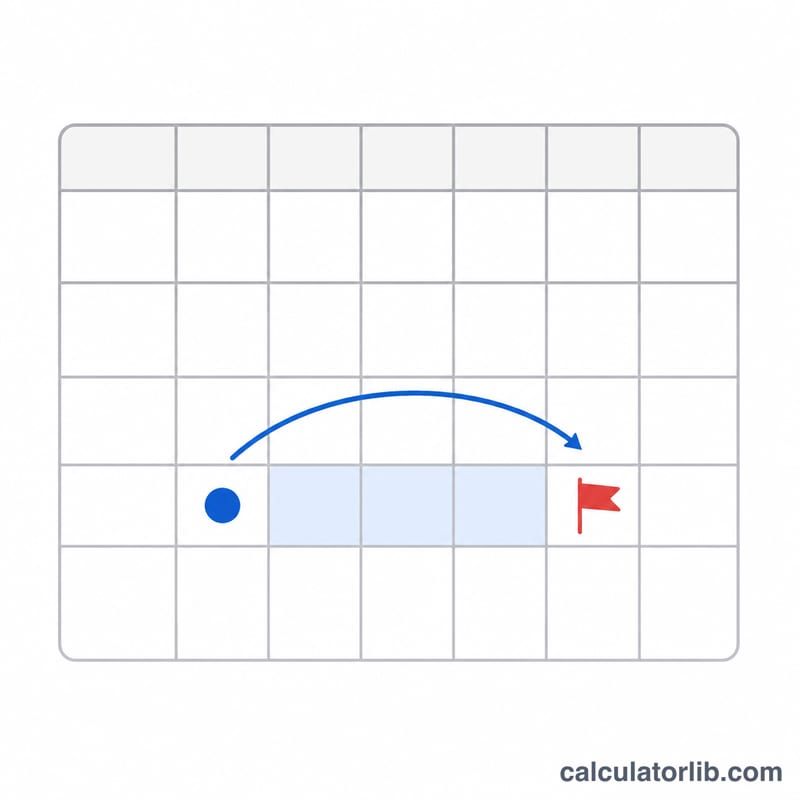
Pick your exam date from the date picker. Optionally enter how many hours you plan to study each day — the default is 3. The result shows the days until your exam, the equivalent number of weeks, and your total planned study hours over the remaining period. A negative day count means the exam date is already in the past.
The formula explained
The core calculation subtracts today's date from your exam date and divides by the number of milliseconds in one day (86,400,000), then rounds to the nearest whole day. Weeks are simply days divided by 7. Planned study hours equal the remaining days times your hours-per-day input (negative day counts are treated as zero study time).
$$\begin{gathered} \text{Days} = \text{Exam Date} - \text{Today} \\[1.5em] \text{where}\quad \left\{ \begin{aligned} \text{Weeks} &= \dfrac{\text{Days}}{7} \\ \text{Study Hours} &= \max(\text{Days},\,0) \times \text{Hours/Day} \end{aligned} \right. \end{gathered}$$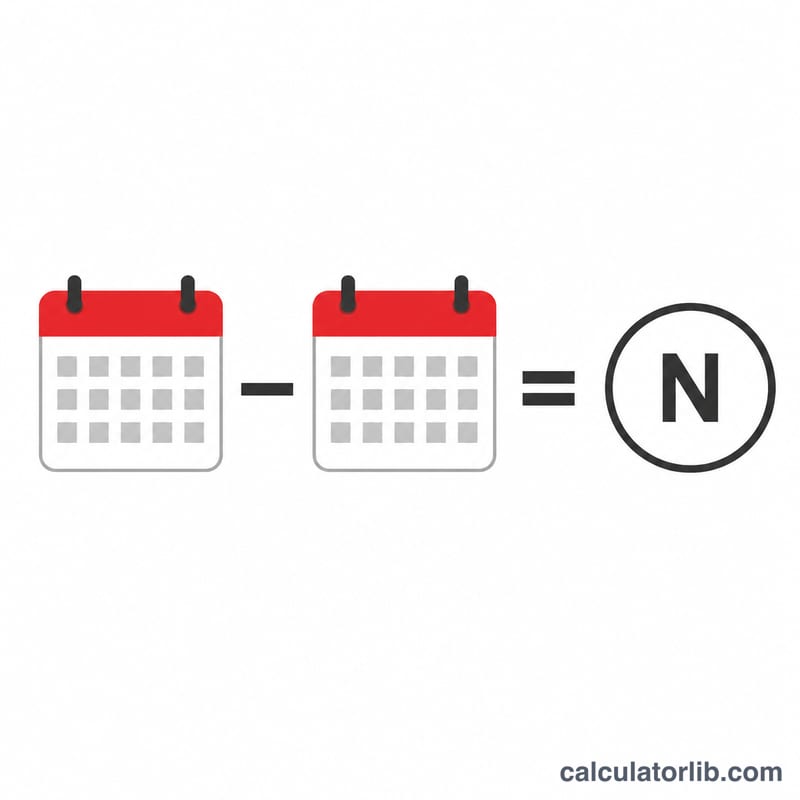
Worked example
Suppose today is January 1, 2025 and your exam is on January 31, 2025. The difference is 30 days. At 3 study hours per day, that is \(30 \times 3 = 90\) total planned study hours, or about 4.29 weeks remaining.
Study Hours Across Different Countdown Scenarios
The calculator multiplies the days remaining by your planned hours per day. The table below shows that result for common countdown lengths, assuming you study every day. Weeks are days ÷ 7, rounded to 2 decimals.
| Days to exam | Weeks | Total hours at 1 h/day | Total hours at 2 h/day | Total hours at 3 h/day | Total hours at 4 h/day |
|---|---|---|---|---|---|
| 7 | 1.00 | 7 | 14 | 21 | 28 |
| 30 | 4.29 | 30 | 60 | 90 | 120 |
| 60 | 8.57 | 60 | 120 | 180 | 240 |
| 90 | 12.86 | 90 | 180 | 270 | 360 |
| 180 | 25.71 | 180 | 360 | 540 | 720 |
A more realistic schedule: 5 study days per week at 2 hours
Few people study every single day. If you study 5 of every 7 days, multiply the days by 5/7 to estimate study days, then multiply by hours per day. For example, with 90 days at 2 hours per study day:
$$\text{Study days} \approx 90 \times \frac{5}{7} \approx 64.29, \qquad \text{Hours} \approx 64.29 \times 2 \approx 128.57$$
| Days to exam | Every day at 2 h/day | 5 days/week at 2 h/day (approx.) | Difference |
|---|---|---|---|
| 30 | 60 h | 42.86 h | about 17 h fewer |
| 90 | 180 h | 128.57 h | about 51 h fewer |
| 180 | 360 h | 257.14 h | about 103 h fewer |
Taking two rest days a week reduces the total by about 29%, so the every-day figure is best read as an upper limit rather than a forecast.
How to Use Your Countdown to Plan Revision
Your countdown is a planning tool. These general steps can help you turn the number of days into a workable schedule. They are not a guarantee of any exam result.
- Reserve a buffer. Take 1–2 days off the end of your countdown for unexpected events such as illness, travel delays or a topic that takes longer than planned. Plan against the shortened timeline.
- Subtract unavailable time. Remove rest days, classes, work shifts, holidays and other commitments. The calculator's total assumes every day is a study day, so treat it as a maximum.
- Split the remaining weeks into phases. A common pattern is roughly: (a) learning or reviewing content first, (b) practice questions and past papers in the middle, and (c) a final review of weak areas and key summaries. The exact proportions depend on your subject and starting point. For example, with 12 weeks left you might give about 5 to learning, 5 to practice and 2 to final review.
- Allocate hours by topic. Divide your realistic total hours across topics in proportion to their exam weighting and how confident you are in each one.
- Round up to whole study sessions. If your plan needs 37 hours and each session is 1.5 hours, that is 24.67 sessions, so schedule 25. Rounding up leaves some slack.
- Recalculate weekly. Re-enter your exam date and current hours per day once a week. If you fall behind, adjust the daily hours or narrow your focus instead of hoping to catch up at the end.
- Check the exam date. Confirm the date and time with your institution or exam board, because schedules can change.
This is general planning information, not professional or educational advice. Adjust it to your own circumstances and any guidance from your teachers.
FAQ
Does it count today as a day? No — it counts full days from midnight today to midnight on the exam date, so an exam later today shows 0 days.
Why is my result negative? A negative number means the exam date has already passed. Choose a future date for a study countdown.
How are study hours estimated? They assume you study your entered hours every single remaining day, including weekends. Adjust the hours-per-day field to match a more realistic schedule.