
What This Grade Calculator Does
This grade calculator finds your overall course grade when your final mark is split across weighted categories — for example homework worth 20%, quizzes worth 30%, and a final exam worth 50%. Instead of a simple average, it computes a weighted average, where heavier categories pull the result more strongly. It works for any grading scheme and even when the weights do not add up to exactly 100%, because the tool normalizes them for you.
How to Use It
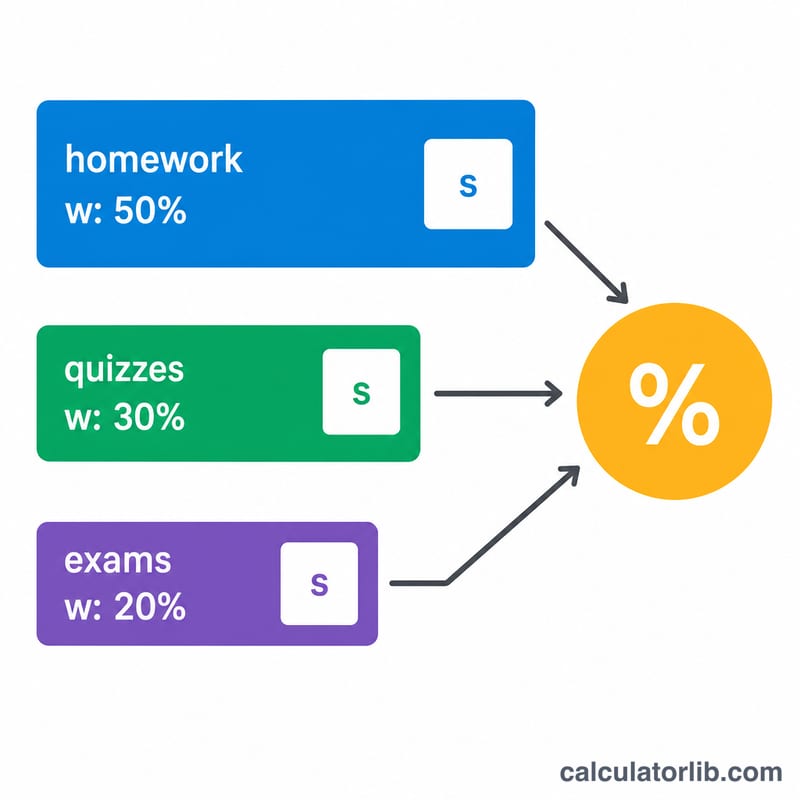
For each grading category, enter the score you earned as a percentage and the weight that category contributes to your final grade. Fill in as many of the five rows as you need and leave the rest blank. Click calculate to see your overall grade, along with the total weight you entered so you can confirm it equals 100% (or any value — normalization handles the rest).
The Formula Explained
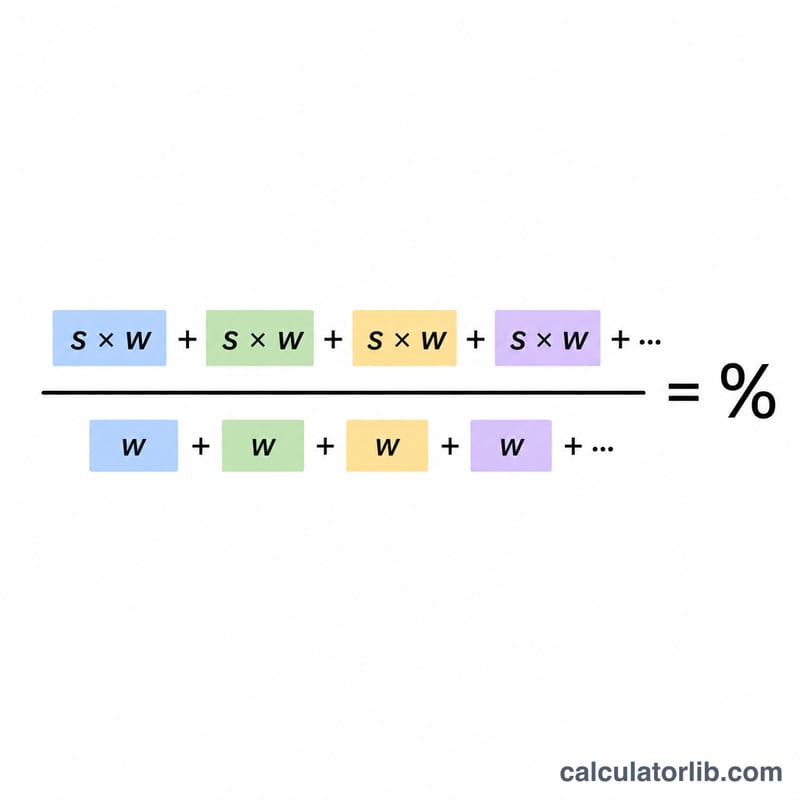
The overall grade is the sum of each score multiplied by its weight, divided by the sum of all weights:
$$\text{Grade\%} = \frac{\sum (\text{Score}_i \times \text{Weight}_i)}{\sum \text{Weight}_i} = \frac{\text{S}_1\,\text{W}_1 + \text{S}_2\,\text{W}_2 + \cdots + \text{S}_5\,\text{W}_5}{\text{W}_1 + \text{W}_2 + \cdots + \text{W}_5}$$
Multiplying score by weight gives each category's contribution; dividing by the total weight rescales the result back to a percentage. If your weights already total 100, the denominator is simply 100.
Worked Example
Suppose homework is 90% with weight 20, quizzes are 85% with weight 30, and the final exam is 78% with weight 50. The weighted sum is $$(90 \times 20) + (85 \times 30) + (78 \times 50) = 1800 + 2550 + 3900 = 8250.$$ The total weight is \(20 + 30 + 50 = 100\). So your overall grade is \(8250 \div 100 = \mathbf{82.5\%}\).
FAQ
Do my weights have to add up to 100? No. The calculator divides by the total weight you enter, so any consistent set of weights gives the correct proportional result.
What if I leave a category blank? Blank rows (or rows with zero/empty weight) are simply ignored and not counted toward the total.
Can I use points instead of percentages? Yes — if you enter raw points earned as the score and the maximum points as the weight, the result is your total percentage across all categories.