
What this calculator does
The Percent of Increase or Decrease Calculator tells you how much one number has changed relative to its starting value, expressed as a percentage. It works for prices, populations, test scores, salaries, measurements, and any quantity that moves from an original amount to a new amount. A positive result is an increase; a negative result is a decrease.
How to use it
Enter the original value (the starting or "old" number) and the new value (the ending number). The calculator returns the percent change, plus the absolute difference between the two values so you can check the work. If the original value is zero the percent change is undefined, because you cannot divide by zero.
The formula explained
The percent change is the difference between the two numbers divided by the original number, then multiplied by 100:
$$\text{percent} = \frac{\text{new} - \text{old}}{\text{old}} \times 100$$
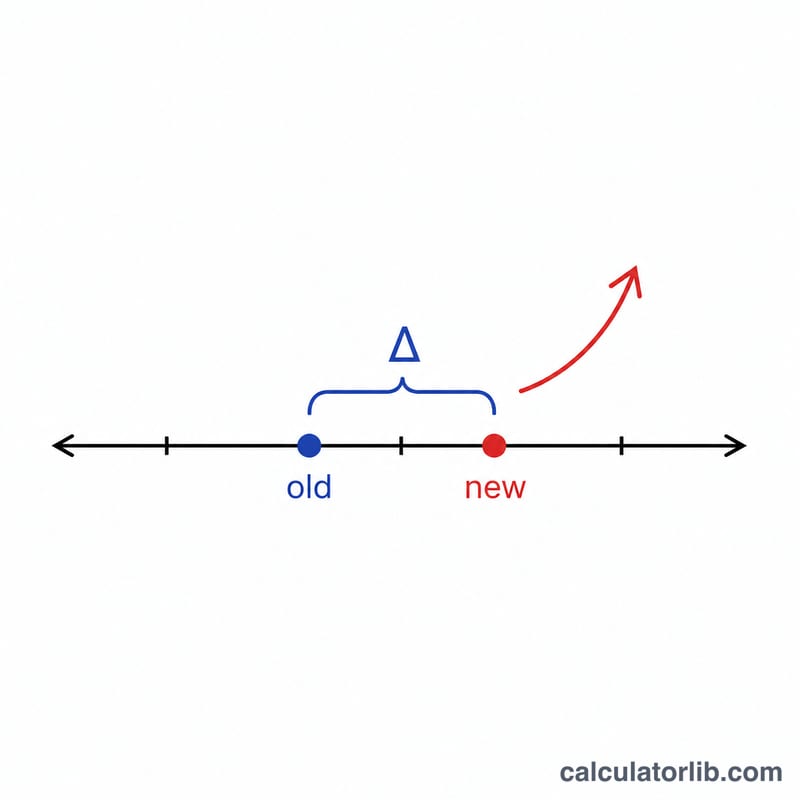
Dividing by the old value (not the new one) is what makes this a measure of change relative to where you started. The sign of \((\text{new} - \text{old})\) automatically tells you the direction: subtraction gives a positive number for growth and a negative number for a drop.
Worked example
Suppose a price rises from 50 to 65. The change is \(65 - 50 = 15\). Divide by the original: \(15 / 50 = 0.30\). Multiply by 100 to get 30. So the price increased by 30%. If instead it fell from 65 to 50, the change would be \(-15 / 65 \approx -0.2308\), or about a −23.08% decrease.
FAQ
Why divide by the old value and not the new one? Percent change measures growth from a baseline, and the baseline is the original value. Dividing by the new value would answer a different question.
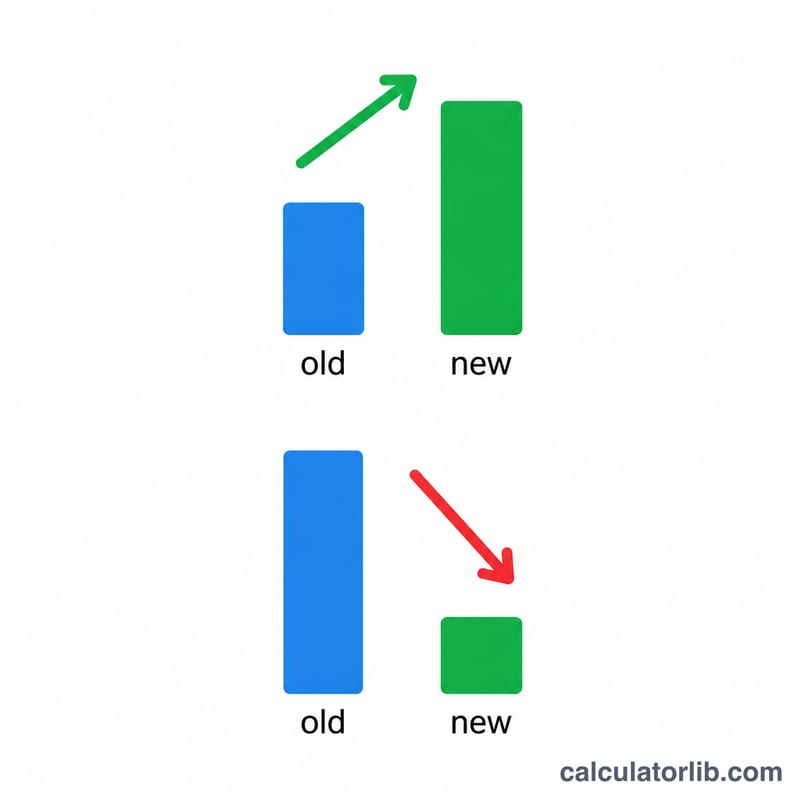
Why is my result negative? A negative percent means the new value is smaller than the original — a decrease. The magnitude tells you how large the drop was.
What if the original value is 0? The percent change is mathematically undefined because the formula divides by the original value. This calculator returns 0 in that case to avoid an error.