What this calculator does
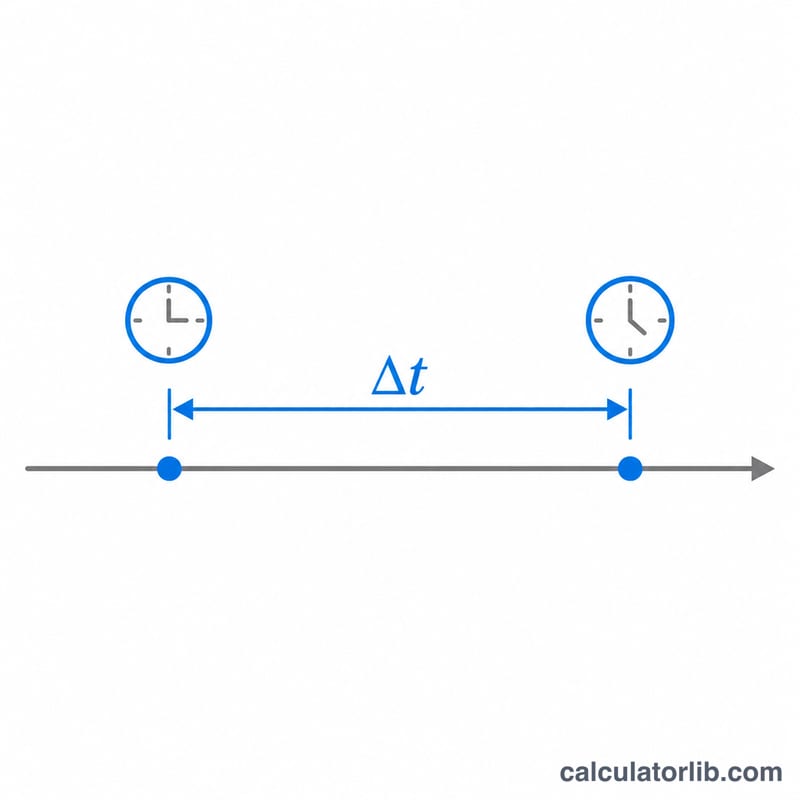
This tool returns the elapsed time between two timestamps as a total number of seconds. It is built for the common Oracle SQL task of turning a date or timestamp subtraction into seconds. The result is signed: it is positive when the end is after the start and negative otherwise. Minutes, hours, days and a days-hours-minutes-seconds breakdown are shown too. Both timestamps are treated as being in the same time zone, so daylight saving shifts are not applied.
How to use it
Enter the start date and time, then the end date and time. The time fields accept seconds. The calculator shows the signed difference, its absolute value and the breakdown.
The formula
In Oracle, subtracting one DATE from another gives a number of days, so the seconds are:
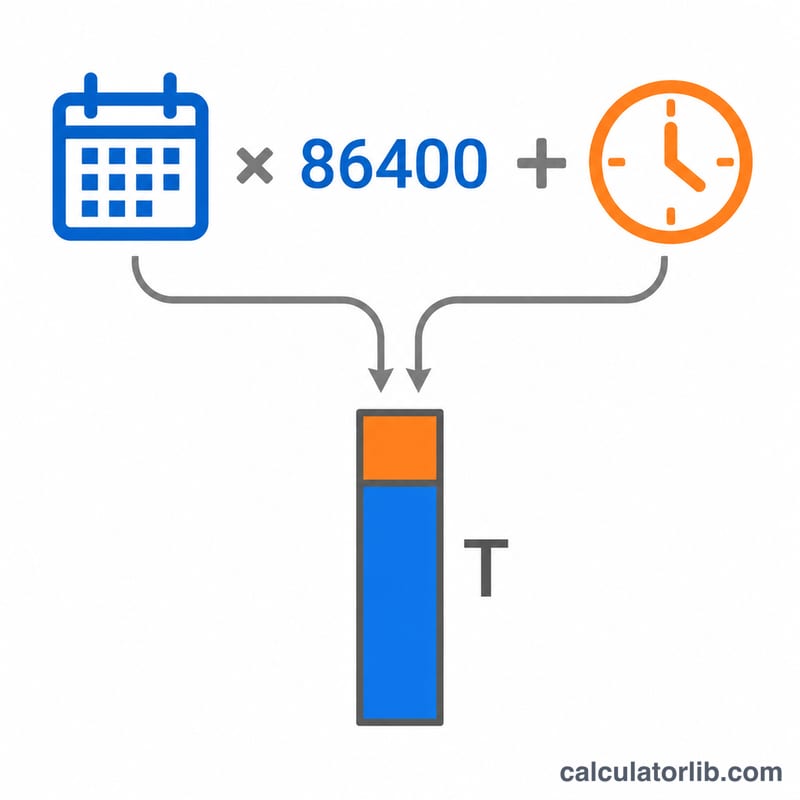
$$\text{Seconds} = (\text{End} - \text{Start}) \times 86400$$For TIMESTAMP columns the subtraction returns an INTERVAL DAY TO SECOND, so you extract the parts: \(\text{EXTRACT(DAY)} \times 86400 + \text{EXTRACT(HOUR)} \times 3600 + \text{EXTRACT(MINUTE)} \times 60 + \text{EXTRACT(SECOND)}\). Here each timestamp is converted to seconds from a fixed epoch, using the proleptic Gregorian calendar with leap years, and the two values are subtracted.
Worked example
Start: 2024-01-01 00:00:00. End: 2024-01-02 12:30:15. The gap is one full day plus 12 h 30 min 15 s.
$$1 \times 86400 + 12 \times 3600 + 30 \times 60 + 15 = 86400 + 43200 + 1800 + 15 = 131415\,\text{s}$$That equals 2,190.25 minutes, or about 1.521 days.
Time Unit Conversion Reference
Total seconds are the common base unit: the calculator turns each date and time into seconds and subtracts them. The table shows how the other units relate to seconds and to Oracle's day-based DATE arithmetic. Oracle's NUMTODSINTERVAL(n, 'unit') accepts only the unit names DAY, HOUR, MINUTE and SECOND. There is no WEEK unit, so use 7 days.
| Unit | Seconds per unit | Fraction of a day | Oracle NUMTODSINTERVAL unit name |
|---|---|---|---|
| Second | 1 | 1/86400 | 'SECOND' |
| Minute | 60 | 1/1440 | 'MINUTE' |
| Hour | 3600 | 1/24 | 'HOUR' |
| Day | 86400 | 1 | 'DAY' |
| Week | 604800 | 7 | No WEEK unit; use NUMTODSINTERVAL(n*7, 'DAY') |
Example: to add 90 seconds to a timestamp, use ts + NUMTODSINTERVAL(90, 'SECOND'). To add 90 seconds to a DATE, use d + 90/86400.
Oracle SQL Syntax: DATE vs TIMESTAMP
Subtraction behaves differently depending on the data type. Oracle DATE values carry a time down to whole seconds. TIMESTAMP values can also carry fractional seconds.
| Aspect | DATE - DATE | TIMESTAMP - TIMESTAMP |
|---|---|---|
| Return type | NUMBER (days, with a fractional part) |
INTERVAL DAY(9) TO SECOND(9) |
| Getting seconds | Multiply by 86400 | Use EXTRACT on DAY, HOUR, MINUTE and SECOND, then combine them |
| Fractional seconds | Not stored; precision is 1 second | Supported. The default precision is 6 digits and the maximum is 9. EXTRACT(SECOND ...) returns the fraction. |
| Rounding note | Wrap in ROUND(..., 0) to remove floating-point noise |
No rounding needed; the interval is exact |
Case 1: DATE - DATE
SELECT (TO_DATE('2024-03-15 18:30:00', 'YYYY-MM-DD HH24:MI:SS')
      - TO_DATE('2024-03-15 08:00:00', 'YYYY-MM-DD HH24:MI:SS')) * 86400
       AS diff_seconds
FROM dual;
The difference is 10.5 hours, or 10.5/24 days. Substituting: \(\frac{10.5}{24} \times 86400 = 10.5 \times 3600 = \) 37800 seconds.
Case 2: TIMESTAMP - TIMESTAMP
SELECT EXTRACT(DAY    FROM diff) * 86400
     + EXTRACT(HOUR   FROM diff) * 3600
     + EXTRACT(MINUTE FROM diff) * 60
     + EXTRACT(SECOND FROM diff) AS diff_seconds
FROM (
  SELECT TIMESTAMP '2024-03-16 12:00:00.500'
       - TIMESTAMP '2024-03-15 08:00:00.000' AS diff
  FROM dual
);
The interval is 1 day 4 hours 0 minutes 0.5 seconds. Substituting: \(1 \times 86400 + 4 \times 3600 + 0 \times 60 + 0.5 = 86400 + 14400 + 0.5 = 100800.5\) seconds.
Tip: EXTRACT(SECOND FROM ...) returns only the seconds component (0 to 59.999...), not the total. Always add the day, hour and minute parts as shown. This calculator works with whole-second date and time inputs, so use the TIMESTAMP query above when you need fractional seconds.
FAQ
Why is my result negative?
The end timestamp is earlier than the start. The absolute value row shows the size of the gap regardless of order.
Are leap years handled?
Yes. From 2024-02-28 23:59:59 to 2024-03-01 00:00:01 the result is 86,402 seconds, because 29 February 2024 exists.
Are time zones or daylight saving considered?
No. Both values are assumed to be in the same time zone with no offset change between them. Convert to UTC first if you need that.