
What Is the Age in Months Calculator?
This tool converts a person's age into a total number of complete months. It is especially useful for parents tracking a baby or toddler's development, for medical and growth-chart milestones, and any time you need precise age expressed in months rather than years. It works for any two dates, so you can also use it to measure the gap between any past date and today.
How to Use It
Enter the birth date (year, month, day) and the current date (year, month, day). The calculator returns the total number of complete months elapsed, and also breaks that down into whole years plus the remaining months for convenience.
The Formula Explained
The calculation is:
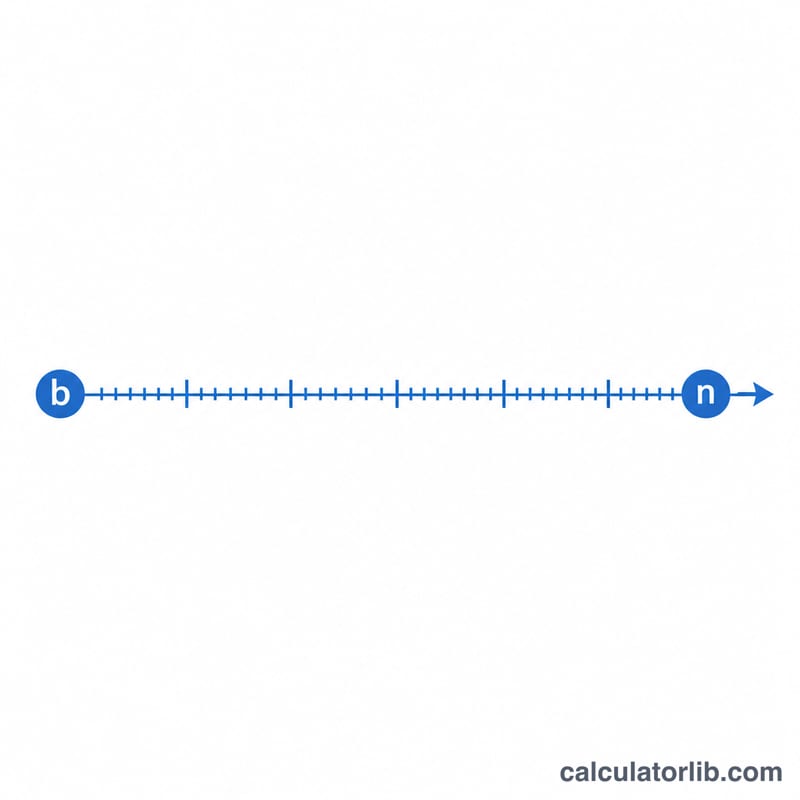
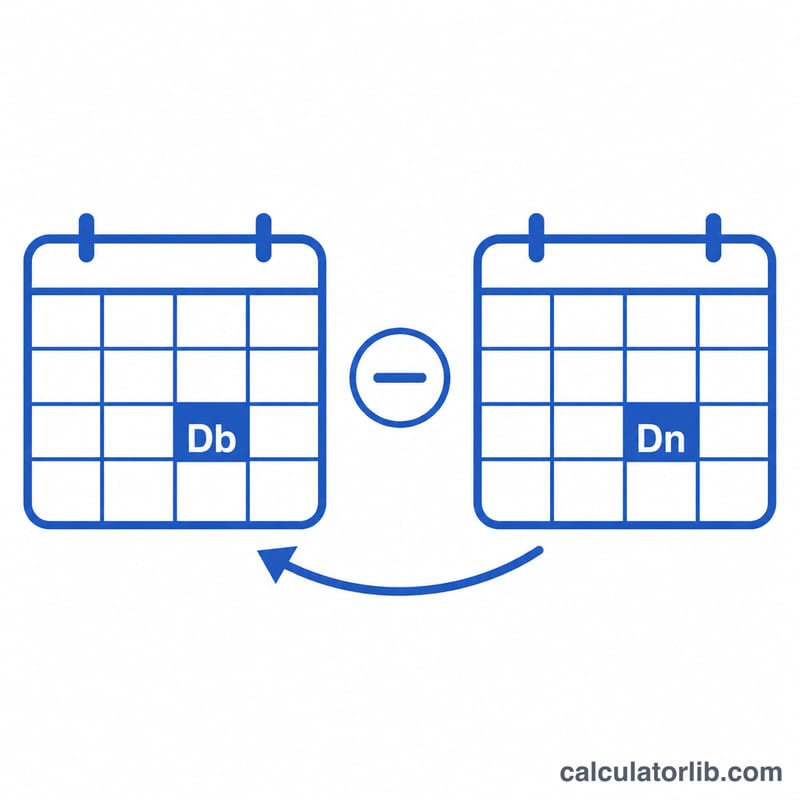
$$\text{months} = (\text{currentYear} - \text{birthYear}) \times 12 + (\text{currentMonth} - \text{birthMonth}) - \text{adjustment}$$
The adjustment subtracts one month when the current day-of-month is earlier than the birth day-of-month, because that final month has not yet been fully completed. This mirrors how we count age: you only "gain" a month once the day-number is reached.
Worked Example
Suppose someone was born on 15 March 2020 and today is 10 July 2023. Year difference: \((2023 - 2020) \times 12 = 36\). Month difference: \((7 - 3) = 4\). Day check: current day 10 is less than birth day 15, so subtract 1. Total $$= 36 + 4 - 1 = 39 \text{ months},$$ which is 3 years and 3 months.
FAQ
Does it count partial months? No. It returns only fully completed months, matching how age is conventionally counted.
Why does the day matter? If today's day-of-month hasn't reached the birth day, the current month isn't complete yet, so it's not counted.
What if the dates are reversed? If the result would be negative, the calculator clamps it to 0; make sure the current date is on or after the birth date.