What is the "How Old Was I When..." Calculator?
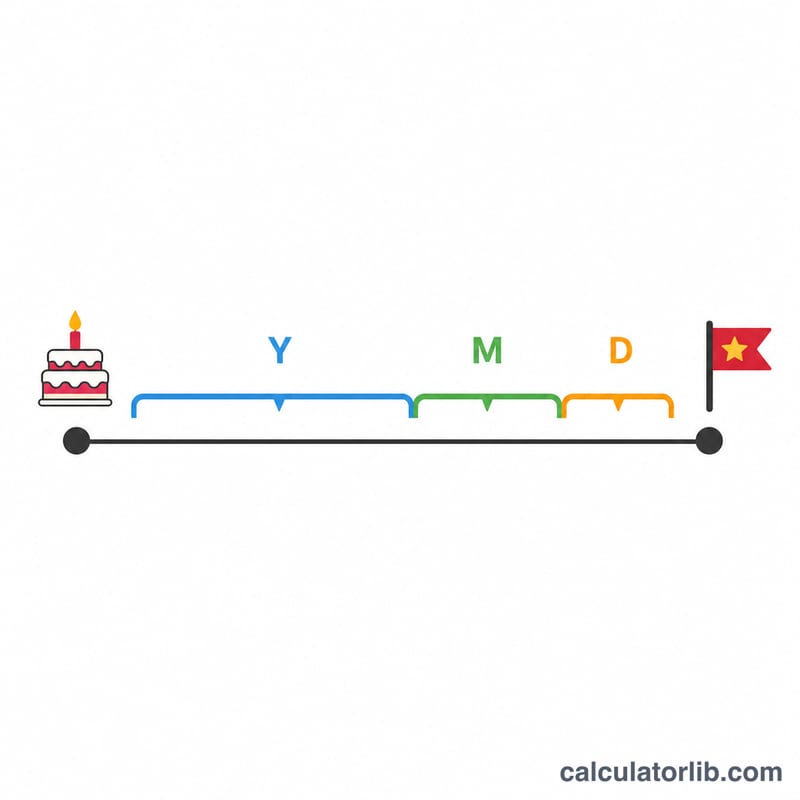
This tool tells you your exact age on the date a particular event happened — a graduation, a wedding, a historic moment, a family milestone, or any past date. Instead of doing fuzzy mental math, it returns your precise age in full years, remaining months and remaining days, plus the total number of days you had been alive.
How to use it
Enter your date of birth (year, month, day) and the date of the event (year, month, day). Click calculate and the tool subtracts the two dates and breaks the difference into years, months and days. The event date should be on or after your birth date for meaningful results.
The formula explained
The calculation starts from the calendar difference: years = event year − birth year, months = event month − birth month, days = event day − birth day. When the day difference is negative, one month is borrowed and the number of days in the previous calendar month is added. When the resulting months value is negative, one year is borrowed and 12 months are added. Total days lived is computed directly from the millisecond gap between the two dates divided by the number of milliseconds in a day.
$$\text{Age} = \text{Event Date} - \text{Birth Date} \;\;(\text{in years, months, days})$$
$$\text{Total Days} = \frac{\text{Event} - \text{Birth (ms)}}{86{,}400{,}000}$$
Worked example
Suppose you were born on 15 June 1990 and the event happened on 1 September 2010. Years = \(2010 - 1990 = 20\). Months = \(9 - 6 = 3\). Days = \(1 - 15 = -14\), so we borrow a month (months becomes 2) and add the 31 days of August: days = \(31 - 14 = 17\). Result: you were 20 years, 2 months and 17 days old — about 7,383 days.
How to Calculate Your Age at an Event by Hand
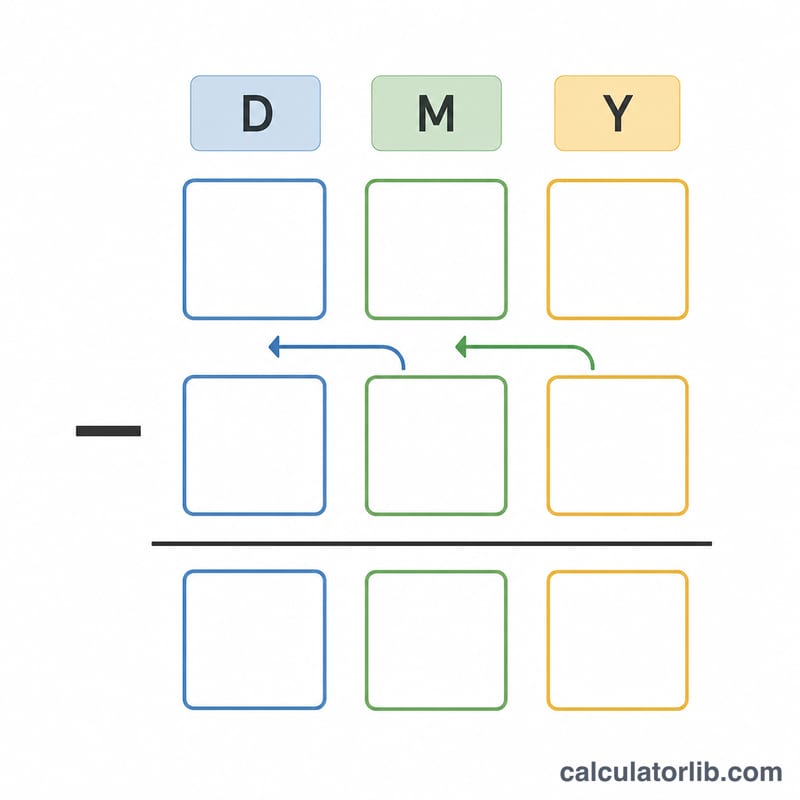
- Write both dates as Year / Month / Day. Put the event date on top and the birth date underneath, the way you would set up a subtraction — for example event = 2020/04/30, birth = 1985/01/31.
- Subtract the day fields. \(d = d_{\text{event}} - d_{\text{birth}}\). If the result is zero or positive, keep it and move on.
- If the days are negative, borrow a month. Reduce your month count by 1 and add the number of days in the calendar month immediately preceding the event month — 28, 29, 30 or 31, where February's length depends on whether that year is a leap year. Special case: if the birth day-of-month is 29, 30 or 31 and the borrowed month is shorter than that, use the length of the birth month itself; this is what makes a 29 February birth date borrow 29 days rather than 28.
- Subtract the month fields. \(m = m_{\text{event}} - m_{\text{birth}}\), minus 1 more if you borrowed in step 3.
- If the months are negative, borrow a year. Reduce the year count by 1 and add 12 to the months: \(m \to m + 12\).
- Subtract the year fields and read off the answer as years, months and days — for instance 35 years, 2 months, 30 days.
- For total days lived at that moment, take the whole years and compute \(365 \times \text{years}\), add one day for every 29 February that falls after the birth date and on or before the event date, then add the leftover days between the last anniversary and the event. An equivalent shortcut is the day-of-year method: \(\text{total} = 365 \times \Delta\text{year} + \text{leap days} + \left(\text{DOY}_{\text{event}} - \text{DOY}_{\text{birth}}\right)\), where DOY is the ordinal day of the year (1–366).
Why the "months" part is not a fixed amount of time: this is calendar arithmetic, not decimal arithmetic. One calendar month can be 28, 29, 30 or 31 days long, so "2 months, 30 days" represents a different number of days depending on which months were crossed. If you need a single comparable number — for ranking events, computing averages, or feeding a spreadsheet — use the total-days figure instead of the years/months/days breakdown. The years/months/days form uses the common Gregorian-calendar convention; some cultural age-reckoning systems (for example traditional East Asian age counting) assign a different age to the same pair of dates.
Key Terms Used in This Calculator
- Date of birth (DOB) — the calendar date you were born, entered as birth year, month and day. It is the starting point of every calculation here; the day of birth counts as day 0, so you are 0 days old on the day you are born.
- Event date — the past (or future) date whose age you want to know: a moon landing, a wedding, a first day of school, a historic match. It is the end point of the interval.
- Calendar age (years / months / days) — age expressed the way people speak it: complete years first, then complete months, then leftover days. This is the standard Gregorian-calendar convention and is what "35 years, 2 months, 30 days" means.
- Total days lived — the whole interval expressed as one number of days, obtained from the raw time difference (in milliseconds) divided by 86,400,000. Unlike the years/months/days form, it is directly comparable between any two intervals.
- Month borrowing — the step that fixes a negative day count: you subtract one from the month total and add the length of the adjacent calendar month. It is exactly like borrowing a ten in column subtraction, except the "base" is 28, 29, 30 or 31 instead of 10.
- Leap year — under the Gregorian rule, a year divisible by 4 is a leap year, except century years, which must be divisible by 400. So 1996, 2000, 2004, 2020 and 2024 are leap years; 1900 and 2100 are not.
- Leap day — 29 February, the extra day added in a leap year, giving that year 366 days. Every leap day inside your interval adds one to your total days lived.
- Anniversary date — the same month and day in a later year. When the event date is the anniversary of your birth date, the result has 0 months and 0 days. A 29 February birth date has no true anniversary in common years, so the calculation falls back on the end of February.
- Elapsed time vs. age-next-birthday — elapsed time is what this tool reports: complete time already lived, so you stay "46" until your 47th birthday actually arrives. "Age next birthday" is a different measure used in some insurance and actuarial pricing, which rounds up to the age you will reach at your next birthday; it is typically one year higher than your calendar age. Do not mix the two when comparing figures from different sources.
FAQ
Does it account for leap years? Yes. The day count uses actual calendar dates, so leap days are included automatically.
What if the event was before I was born? The result will be negative or zero; this tool is designed for events on or after your birth date.
Is this affected by time zones? No. Dates are treated at midnight, so the result depends only on the calendar dates you enter.