
What this calculator does
This tool tells you exactly how many days old you are. Enter your date of birth and a reference date (today by default), and it computes the total number of days, weeks, and hours that have elapsed between the two dates. It's a fun and precise alternative to thinking about your age in years.
How to use it
Enter your birth year, month, and day. Then enter the reference date you want to measure against — leave it on today's date to find your current age in days, or change it to count toward a milestone such as your 10,000th day. Click calculate to see your age in days, weeks, and hours.
The formula explained
The calculation is simply the difference between two calendar dates measured in days: $$\text{days} = \text{reference date} - \text{birthdate}$$ Internally both dates are converted to milliseconds since a fixed point in time, the difference is taken, and that value is divided by the number of milliseconds in a day (86,400,000). Weeks are \(d / 7\), and hours are \(d \times 24\). The day count automatically accounts for leap years because it works from real calendar dates.
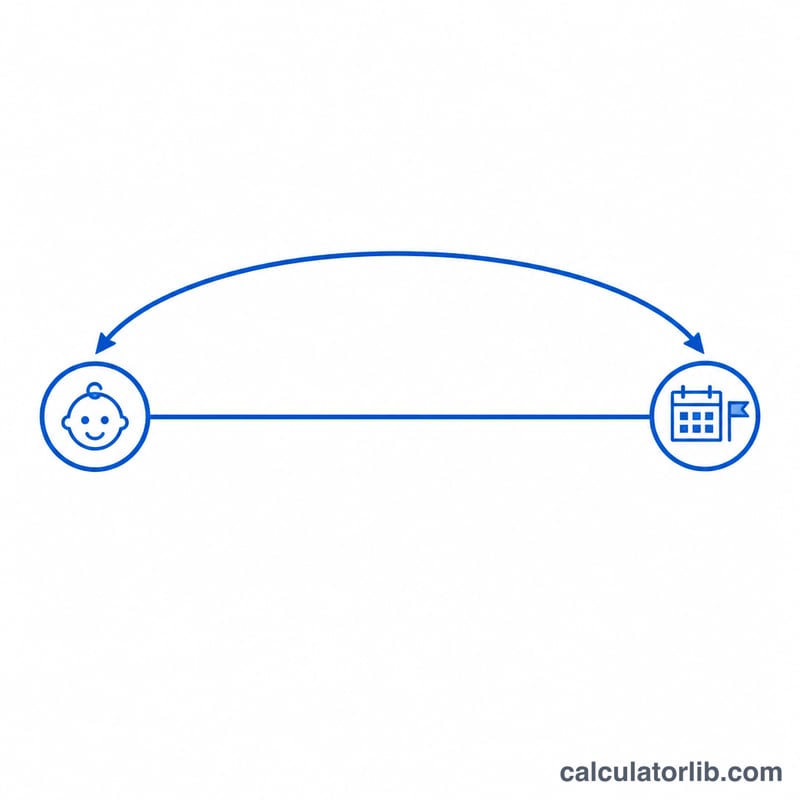
Worked example
Suppose you were born on January 1, 2000 and the reference date is January 1, 2020. That span includes 20 years, five of which (2000, 2004, 2008, 2012, 2016) are leap years. That gives $$15 \times 365 + 5 \times 366 = 5{,}475 + 1{,}830 = 7{,}305 \text{ days}.$$ Dividing by 7 gives about \(1{,}043.6\) weeks, and multiplying by 24 gives \(175{,}320\) hours.
FAQ
Does it count leap years? Yes. Because it subtracts actual calendar dates, every leap day is included automatically.
Why use a reference date? Setting a custom reference date lets you check your age on a past or future day, or count down to milestones like 10,000 days old.
Is the day count inclusive? No — it counts the number of full days between the two dates, so the birthdate itself counts as day zero.