
What Is the Cell Dilution Calculator?
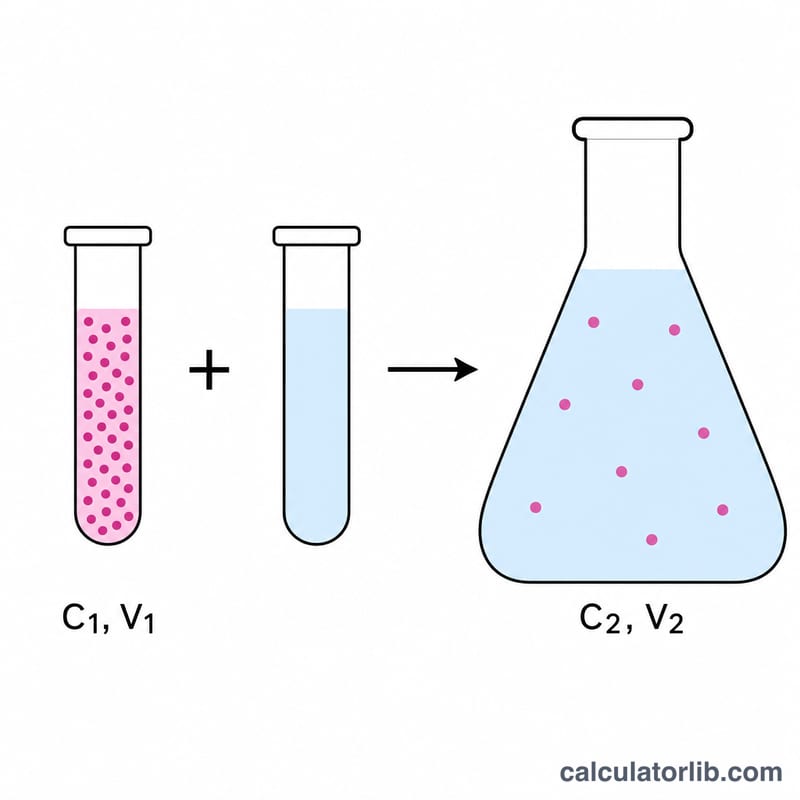
This calculator helps you dilute a concentrated cell suspension (or any solution) to a desired working concentration. It is based on the universal dilution relationship \(C_1 \cdot V_1 = C_2 \cdot V_2\), where C1 is your starting (stock) concentration, V1 is the volume of stock you need, C2 is the target final concentration, and V2 is the final total volume you want to end up with.
How to Use It
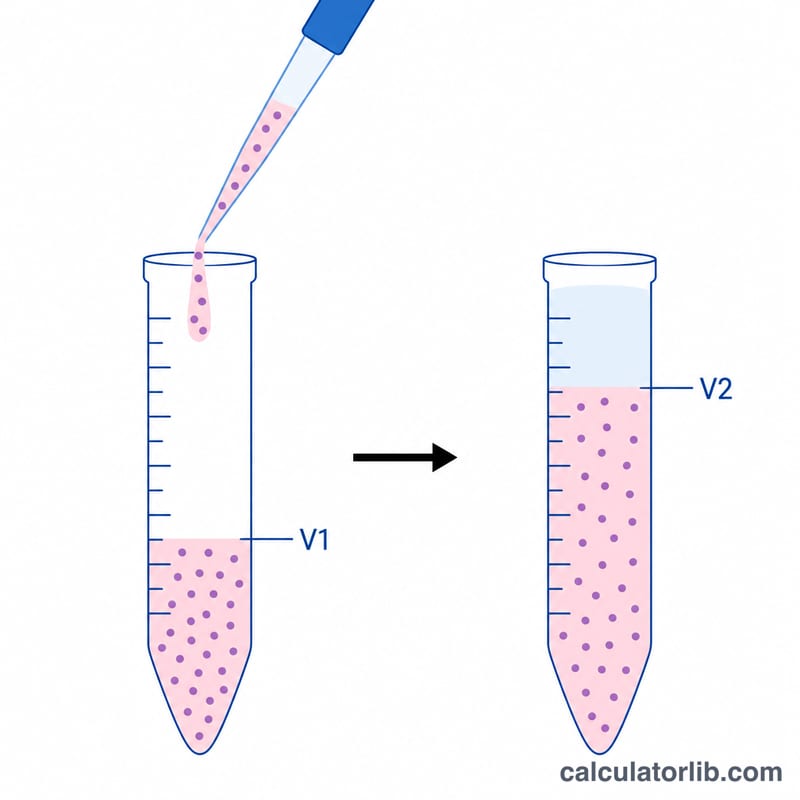
Enter your stock concentration (C1) — for cells this is often cells/mL. Enter the final concentration you want (C2) in the same units, and the final volume (V2) in any volume unit such as mL or µL. The tool returns V1, the amount of stock to pipette, and the amount of diluent (media or buffer) to add so the volumes work out.
The Formula Explained
Rearranging \(C_1 \cdot V_1 = C_2 \cdot V_2\) gives
$$V_1 = \frac{C_2 \times V_2}{C_1}$$The diluent to add is simply \(V_2 - V_1\). The fold dilution, \(C_1 / C_2\), tells you how many times you are diluting the suspension. Keep concentration units identical on both sides and volume units identical on both sides.
Worked Example
Suppose your stock is 1,000,000 cells/mL and you need 10 mL at 100,000 cells/mL. Then
$$V_1 = \frac{100{,}000 \times 10}{1{,}000{,}000} = 1 \text{ mL of stock}$$Add \(10 - 1 = 9\) mL of media. That is a 10× dilution.
FAQ
What units should I use? Any units work, as long as both concentrations match and both volumes match. The output V1 is in the same unit as V2.
Why is my V1 larger than V2? That happens when C2 exceeds C1 — you cannot dilute up to a higher concentration. Check that your stock is more concentrated than your target.
Does this work for non-cell solutions? Yes. The same equation governs molarity, protein, or any concentration-based dilution.