
What this calculator does
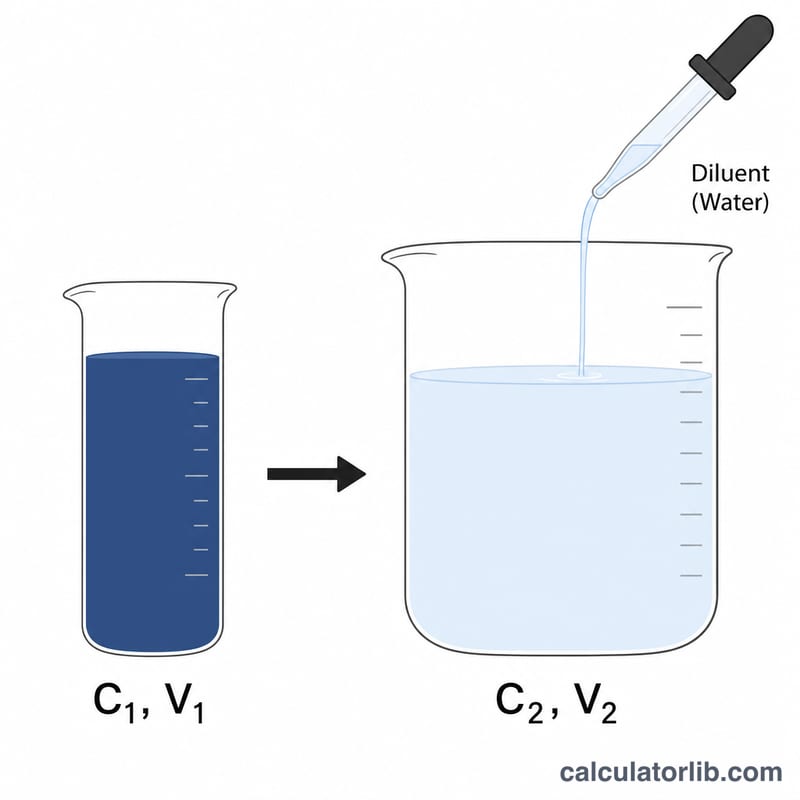
This tool solves the classic dilution equation \(C_1V_1 = C_2V_2\) for the volume of concentrated stock solution you need (V1) when your concentrations are expressed as percentages. It then tells you how much diluent (typically water) to add to reach your desired final volume. Because the same percentage units appear on both sides of the equation, they cancel out — so the result is correct as long as C1 and C2 use the same percent basis (% w/v, % v/v, or % w/w).
How to use it
Enter the concentration of your stock solution (C1), the concentration you want in the final solution (C2), and the final volume you want to prepare (V2). The calculator returns V1, the amount of stock to measure out, and the diluent volume to add. C1 must be greater than C2 — you cannot make a more concentrated solution by adding solvent.
The formula explained
The number of "units" of solute is conserved during dilution: concentration times volume before equals concentration times volume after. Rearranging \(C_1V_1 = C_2V_2\) gives
$$V_1 = \frac{\text{C2 (\%)} \times \text{V2 (mL)}}{\text{C1 (\%)}}$$Subtract V1 from V2 to find the diluent:
$$V_{\text{diluent}} = V_2 - V_1$$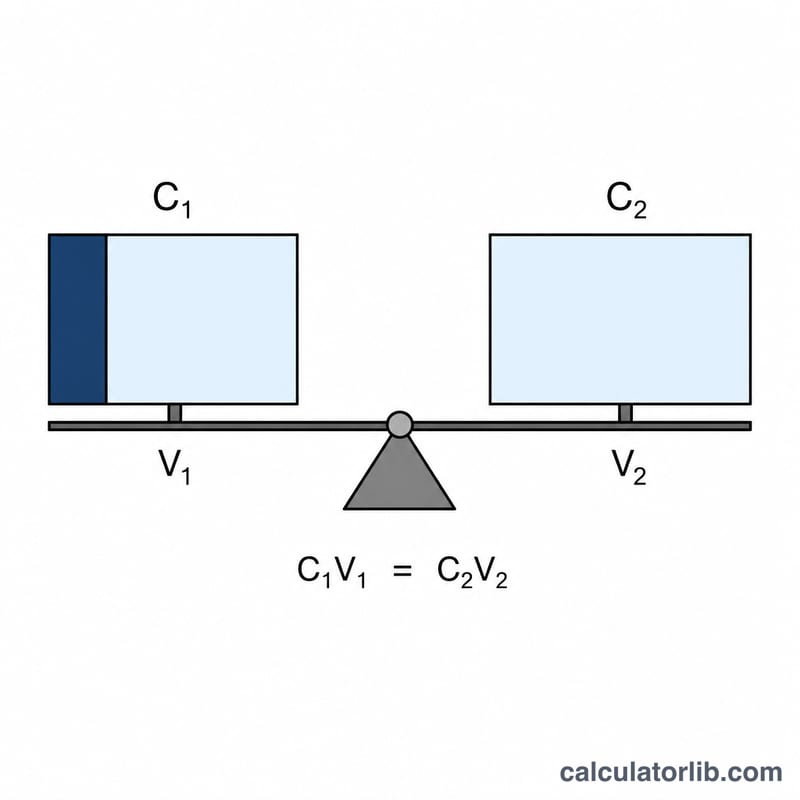
Worked example
Suppose you have a 10% stock and want 500 mL of a 2% solution. Then
$$V_1 = \frac{2 \times 500}{10} = 100 \text{ mL}$$of stock. Add \(500 - 100 = 400\) mL of water to make 500 mL of 2% solution.
FAQ
Can I mix % w/v and % v/v? No — both concentrations must use the same basis for the percent units to cancel correctly.
What if C1 is less than C2? That would require concentrating, not diluting, so V1 would exceed V2. Use a higher-concentration stock instead.
Do the units of V2 matter? V1 and the diluent come out in whatever volume unit you enter for V2 (mL, L, etc.). The default label here is mL.