
What is the Days Between Dates Calculator?
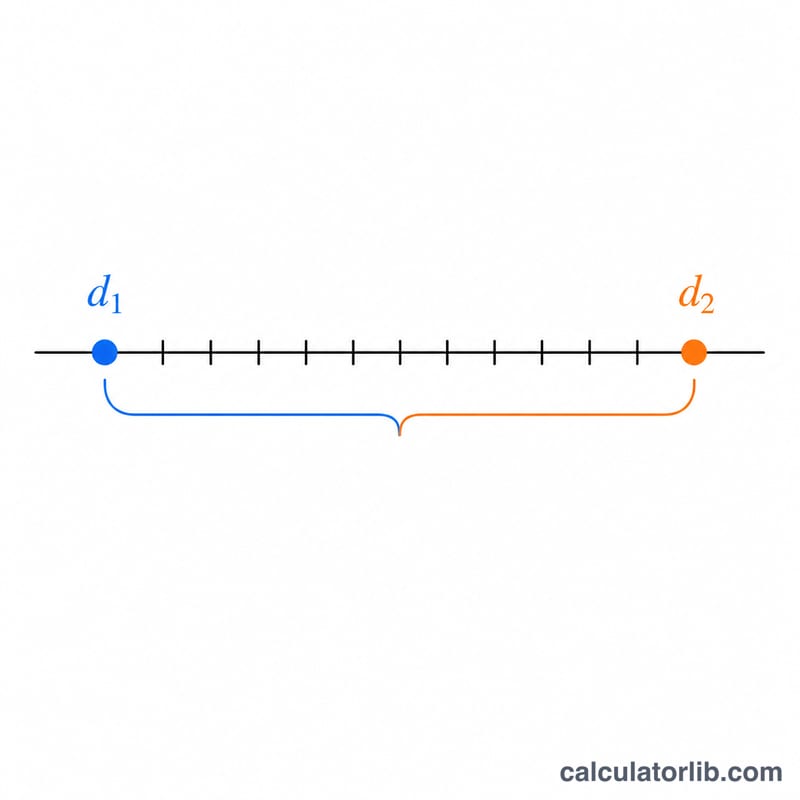
This tool counts the exact number of full days between any two calendar dates. Whether you are tracking a project deadline, counting down to an event, working out an age in days, or measuring an interest period, it gives you a clean whole-day answer plus the equivalent in weeks. It works for any pair of dates, past or future, and is not tied to any single country or calendar convention.
How to use it
Enter the start date (year, month, day) and the end date in the same format, then submit. The calculator returns the total number of days between the two dates, the signed difference (positive when the end date is later, negative when it is earlier), and the number of weeks.
The formula explained
Each date is converted to a timestamp measured in milliseconds. Subtracting the start timestamp from the end timestamp gives the elapsed time in milliseconds. Because one day contains \(24 \times 60 \times 60 \times 1000 = 86{,}400{,}000\) milliseconds, dividing by that constant converts the gap into days:
$$\text{days} = \frac{\text{date}_2 - \text{date}_1}{86{,}400{,}000}$$The weeks figure is simply the absolute days divided by 7.
Worked example
From 1 January 2024 to 31 December 2024: 2024 is a leap year, so it has 366 days. Counting from Jan 1 to Dec 31 spans 365 days. The calculator returns 365 total days, a signed difference of 365, and about \(52.14\) weeks.
FAQ
Does it include the end date? No. It counts the gap between the two dates, so Jan 1 to Jan 2 is 1 day.
Can the result be negative? The "signed difference" row is negative if your end date is before your start date. The headline "total days" is always shown as a positive value.
Are leap years handled? Yes. The calculation uses calendar timestamps, so February 29 and leap years are counted automatically.