
What is the Months From Today Calculator?
This tool tells you the exact calendar date that falls a chosen number of months from today — or a number of months before today. It is perfect for planning lease renewals, warranty expirations, subscription terms, milestone reviews, medical follow-ups, or any deadline expressed in months rather than days.
How to use it
Enter the number of months you want to move, then choose whether to count forward ("From today") or backward ("Before today"). The calculator reads today's date automatically and returns the resulting year, month, and day, plus an approximate count of days between the two dates.
The formula explained
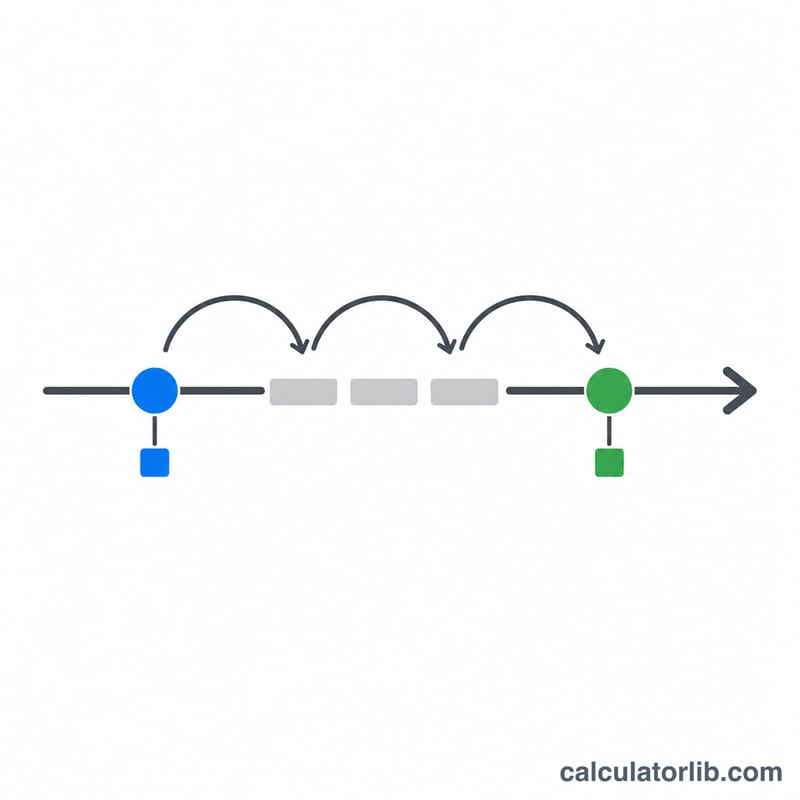
Adding months is a calendar operation, not a fixed number of days, because months vary in length. The calculator takes today's date, adds (or subtracts) the requested whole months to the month component, and keeps the same day-of-month where possible. When the original day does not exist in the target month — for example, the 31st in a 30-day month, or January 31 shifted to February — the result is clamped to the last valid day of that month.
$$\text{Result Date} = \text{Today} + \text{Months}\ \text{months}$$$$\text{Result Date} = \text{Today} - \text{Months}\ \text{months}$$
Worked example
Suppose today is January 31 and you add 1 month. February has no 31st, so the result clamps to February 28 (or 29 in a leap year). Add 3 months to October 15 and you simply get January 15 of the following year, crossing the year boundary cleanly.
$$\text{January 31} + 1\ \text{month} = \text{February 28}$$$$\text{October 15} + 3\ \text{months} = \text{January 15 (next year)}$$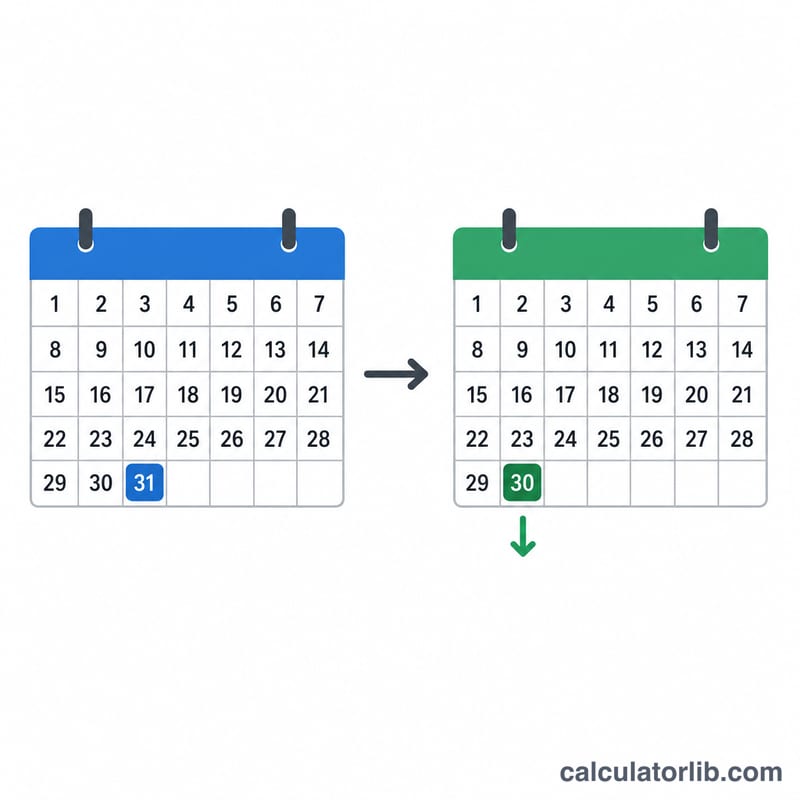
FAQ
Does it count exact days or whole months? It moves by whole calendar months, which is how most contracts and schedules define a "month."
What happens at month end? The day is clamped to the last day of the target month so the result is always a valid date.
Can I go into the past? Yes — choose "Before today" to subtract months instead of adding them.