
What This Calculator Does
This tool applies to US employer 401(k) retirement plans. It converts the contribution percentage you elect into real dollar figures — both the total you defer each year and the amount taken from each paycheck. Knowing these numbers helps you budget, capture your full employer match, and stay within IRS annual limits ($23,000 for 2024, plus a $7,500 catch-up if age 50+).
How to Use It
Enter your gross annual salary, the percentage of pay you want to contribute, and how often you are paid. The calculator multiplies salary by the percentage to find your yearly contribution, then divides by your number of paychecks to show the per-check deduction.
The Formula Explained
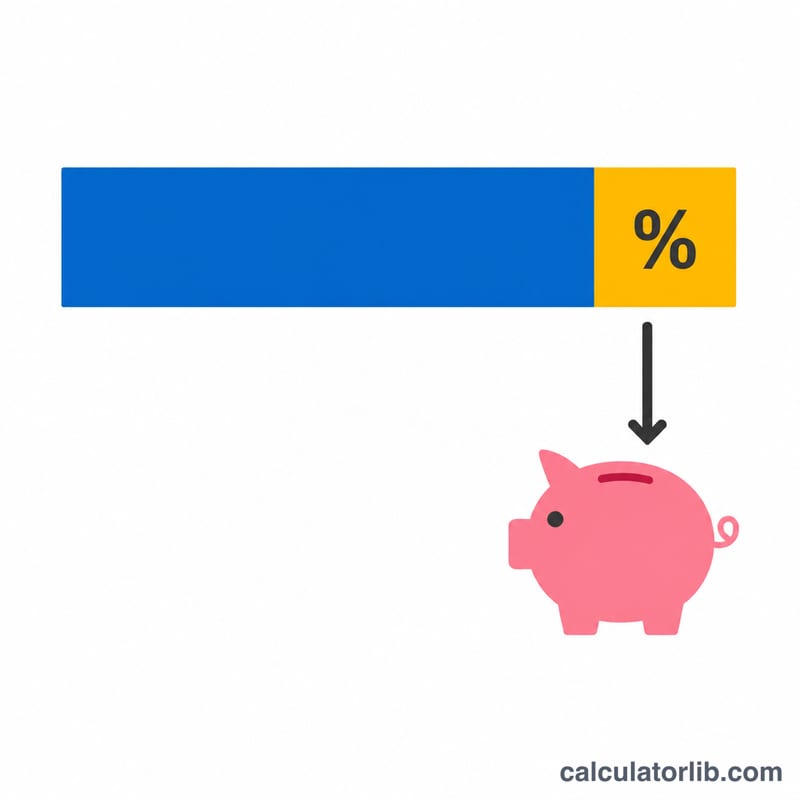
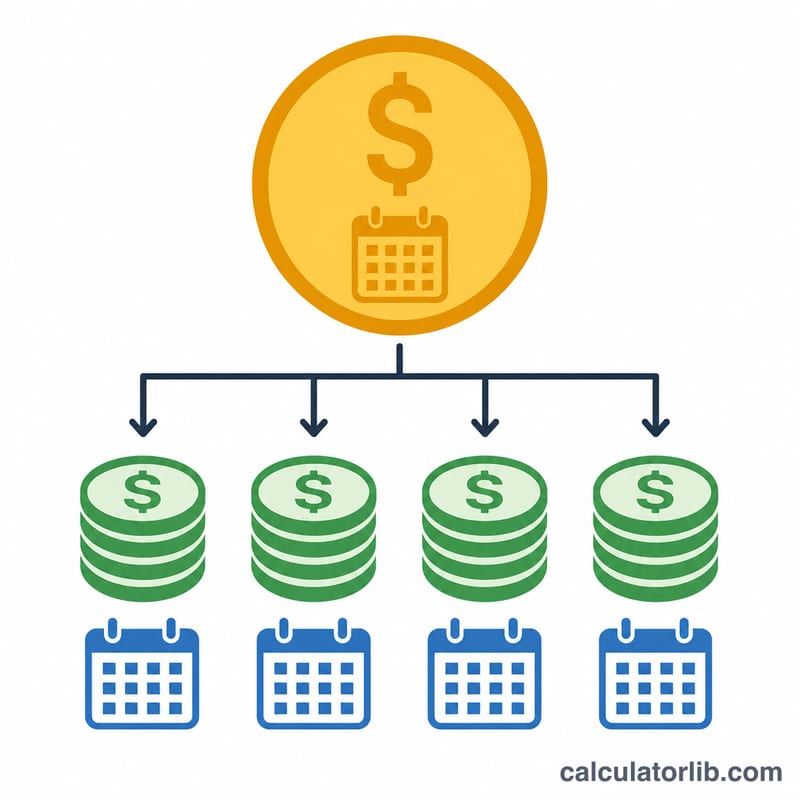
The math is straightforward: $$\text{Annual Contribution} = \text{Salary} \times \frac{\text{Percent}}{100}$$ To get the per-paycheck figure, divide the annual contribution by the number of pay periods in the year — 52 for weekly, 26 for bi-weekly, 24 for semi-monthly, or 12 for monthly pay.
Worked Example
Suppose you earn $60,000 and contribute 6%, paid bi-weekly (26 paychecks). Annual contribution = $$\$60{,}000 \times 0.06 = \$3{,}600$$ Per paycheck = $$\$3{,}600 \div 26 \approx \$138.46$$ If your employer matches 50% up to 6%, you would also receive about $1,800 in free matching dollars per year.
FAQ
Does this include employer match? No — it shows only your own deferral. Employer matching is added on top.
Is the contribution pre-tax? For a traditional 401(k), contributions are pre-tax and reduce taxable income. Roth 401(k) contributions are after-tax. This calculator works for either by using gross salary and your elected percent.
What if I exceed the IRS limit? If your annual contribution exceeds the yearly limit, lower your percentage so the total stays at or below the cap.