
What Is the Profit Percentage Calculator?
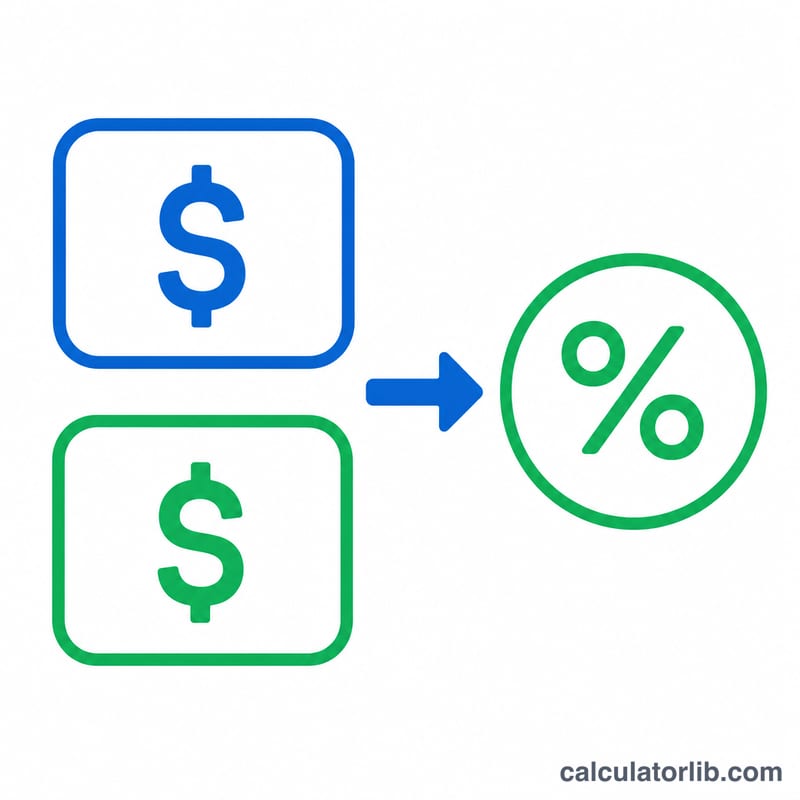
This calculator tells you how much profit you make as a percentage of what an item cost you. It is a quick tool for retailers, resellers, students, and small-business owners who want to measure markup and profitability. Simply enter the cost price (what you paid) and the selling price (what you charged), and it returns the profit amount and the profit percentage.
How to Use It
Enter the Cost Price — the total amount you spent to acquire or produce the item. Then enter the Selling Price — the amount the customer pays. Click calculate. The tool shows your profit in currency and your profit percentage relative to cost. A positive percentage means a gain; a negative one means you sold at a loss.
The Formula Explained
Profit percentage is calculated as:
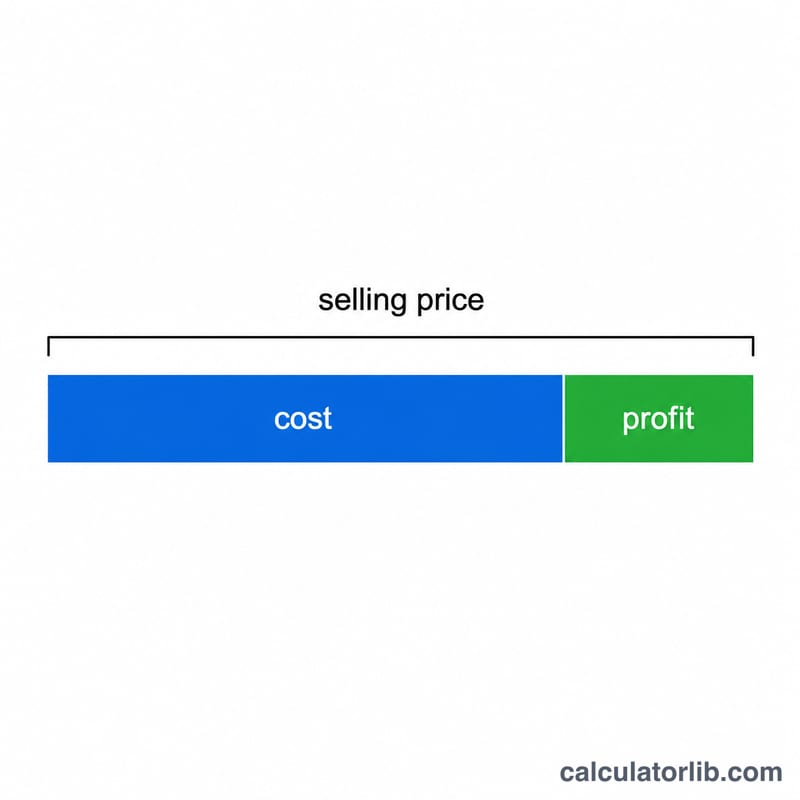
$$\text{Profit \%} = \frac{\text{Selling Price} - \text{Cost Price}}{\text{Cost Price}} \times 100$$First subtract cost from the selling price to find absolute profit. Then divide that profit by the cost price to express it as a fraction of your investment, and multiply by 100 to convert to a percentage. Note this is profit relative to cost (markup), not relative to revenue (margin).
Worked Example
Suppose you buy a product for $100 and sell it for $125. Profit = \(125 - 100 = \$25\). Profit% =
$$25 \div 100 \times 100 = 25\%$$So you earned a 25% profit on your cost.
FAQ
Is profit percentage the same as profit margin? No. Profit percentage (markup) is profit divided by cost. Profit margin is profit divided by selling price. For the example above, margin = \(25/125 = 20\%\).
What if the result is negative? A negative percentage means the selling price was below the cost price — you sold at a loss.
Can I use any currency? Yes. The percentage is unit-free, so as long as both prices use the same currency the result is valid.