
What Is the Race Time Improvement Calculator?
This calculator tells you how much faster (or slower) your latest race performance is compared to a previous one. Enter both times in minutes and seconds, and it returns the percentage improvement plus the exact number of seconds you shaved off. It works for any distance — a 5K, a 10K, a marathon, a swim, or a cycling time trial — because it compares raw elapsed time, not pace.
How to Use It
Enter your old time (your previous best or baseline) and your new time in the minutes and seconds fields. Press calculate. A positive percentage means you got faster; a negative value means the new time was slower. The result table also shows the seconds saved and each time converted to total seconds.
The Formula Explained
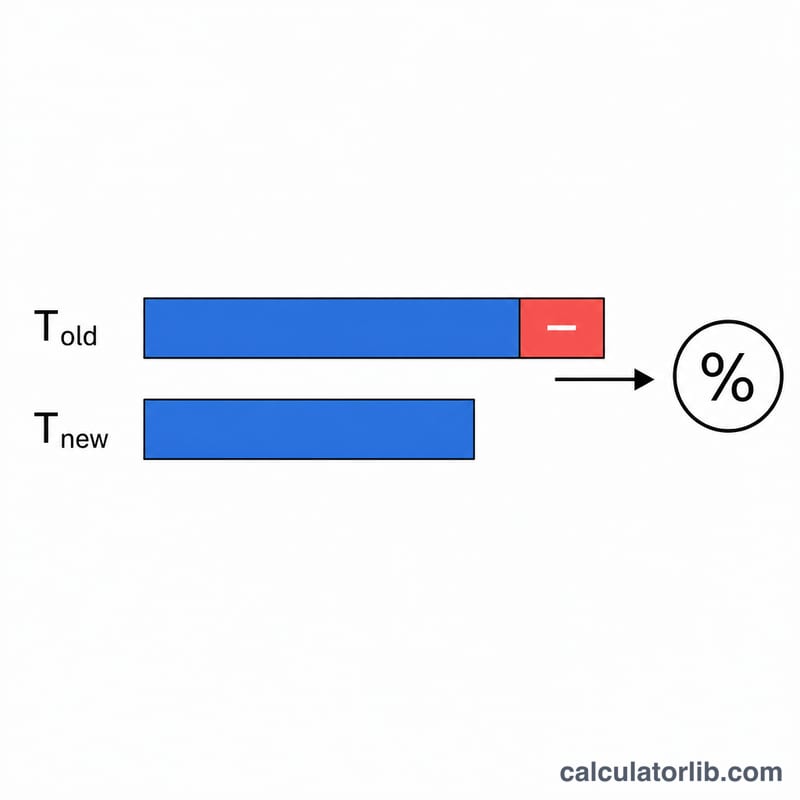
The improvement percentage is the time saved divided by the original time, scaled to 100:
$$\text{improvement\%} = \frac{T_{old} - T_{new}}{T_{old}} \times 100$$Both times are first converted to total seconds (\(\text{minutes} \times 60 + \text{seconds}\)). Dividing by the old time normalizes the improvement so a 30-second gain on a marathon counts differently than 30 seconds on a 5K.
Worked Example
Suppose your old 5K time was 25:00 (1500 seconds) and your new time is 23:30 (1410 seconds). The difference is 90 seconds. $$\text{improvement\%} = \frac{1500 - 1410}{1500} \times 100 = \frac{90}{1500} \times 100 = \textbf{6\%}$$ You ran 6% faster and saved 90 seconds.
FAQ
What if my new time is slower? The result will be negative, indicating a percentage regression rather than an improvement.
Does the distance matter? The percentage is relative to your old time, so it is directly comparable across distances even though the seconds saved differ.
Can I use it for hours-long events? Yes — just add the hours into the minutes field (e.g., 2 hours = 120 minutes).