
What Is the Calories Per Serving Calculator?
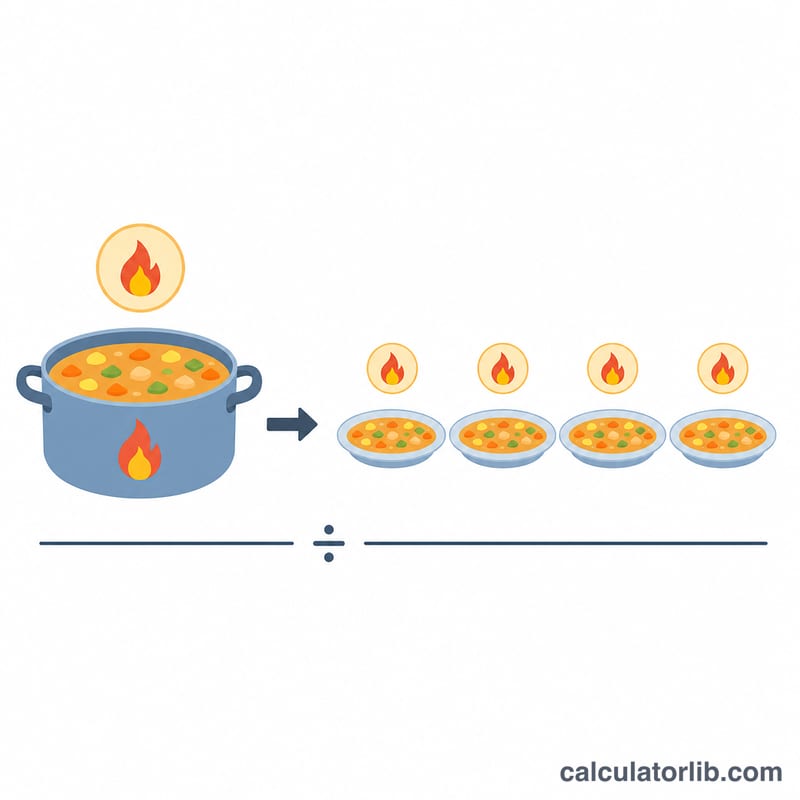
This calculator tells you how many calories are in a single portion of a recipe. By dividing the total calories of the whole dish by the number of servings it makes, you get an accurate per-portion figure — perfect for meal planning, calorie counting, and nutrition labeling for homemade food.
How to Use It
Enter the total calories of the entire recipe (add up the calories of every ingredient you used), then enter how many servings the recipe yields. The calculator instantly returns the calories per serving. If you change the portion size, simply adjust the number of servings to see the new per-portion value.
The Formula Explained
The math is a simple division:
$$\text{Calories Per Serving} = \frac{\text{Total Recipe Calories}}{\text{Number of Servings}}$$
The total represents the combined calories of all ingredients in the dish, and servings is how many equal portions you divide it into. More servings means fewer calories per portion.
Worked Example
Suppose a casserole uses ingredients totaling 2,400 calories and serves 4 people. Calories per serving = \(2{,}400 \div 4 = 600\) 600 calories per portion. If the same dish were split into 6 servings instead, each would have \(2{,}400 \div 6 = 400\) calories.
$$\text{Calories Per Serving} = \frac{2{,}400}{4} = 600$$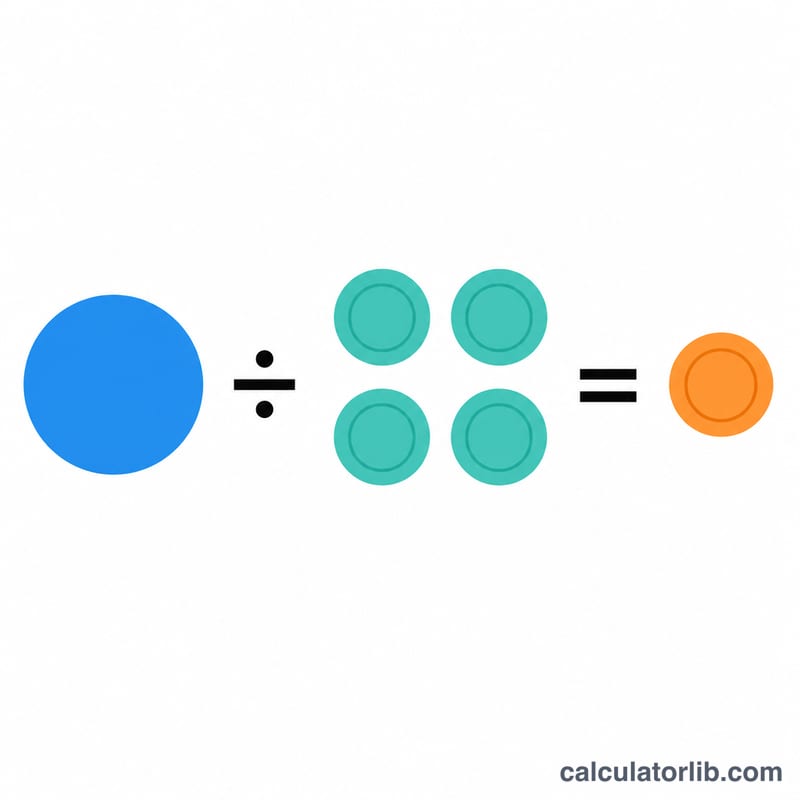
FAQ
How do I find the total recipe calories? Add up the calorie count of every ingredient using nutrition labels or a food database, then enter that sum here.
Does this account for cooking losses? No. It assumes calories are conserved and distributed evenly across servings, which is accurate for most recipes.
What if my servings aren't equal in size? This calculator assumes equal portions. For uneven servings, calculate based on the actual weight or volume of each portion relative to the total.