
What this calculator does
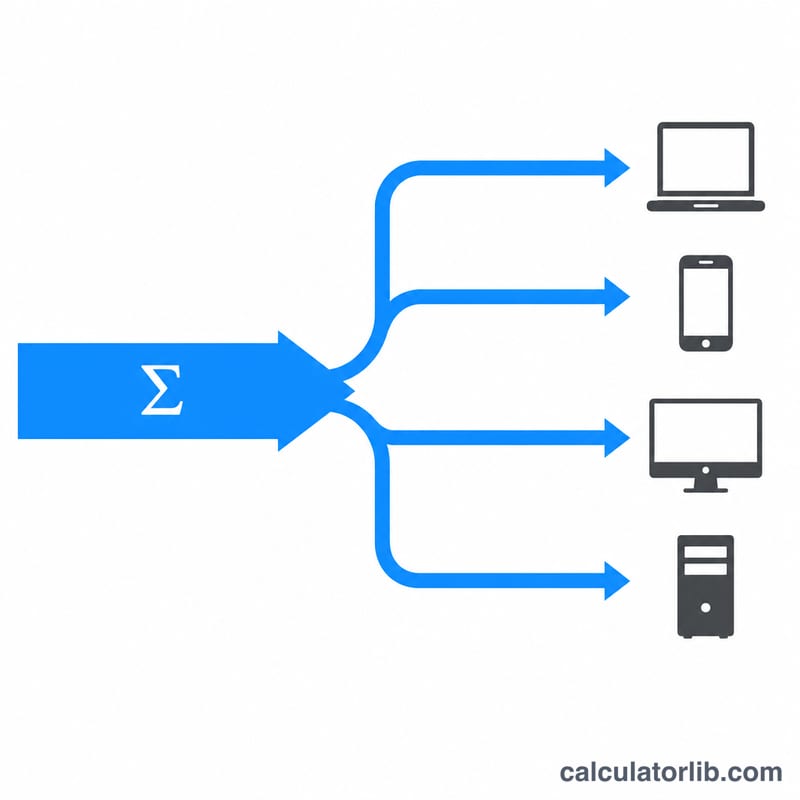
The Concurrent Users Bandwidth Calculator estimates how much internet speed each person can expect when a single connection is shared by several simultaneous users. It assumes the total bandwidth is divided evenly, giving you a quick worst-case "fair share" figure for planning a Wi-Fi network, office connection, café, classroom, or streaming setup.
How to use it
Enter your total connection speed in Mbps (for example, the download speed from your internet plan or speed test) and the number of users you expect to be online at the same time. The calculator returns the bandwidth available per user in both Mbps and Kbps. Compare the result against the requirements of your activities — roughly 5 Mbps for HD video, 25 Mbps for 4K, and under 1 Mbps for browsing or chat.
The formula explained
The core equation is simply $$\text{Per-User Mbps} = \frac{\text{Total Mbps}}{\text{Number of Users}}$$ This models the simplest case where each connected device receives an equal slice of capacity. Real networks share bandwidth dynamically — idle users free up capacity for active ones — so this even-split figure is a conservative baseline rather than an exact prediction.
Worked example
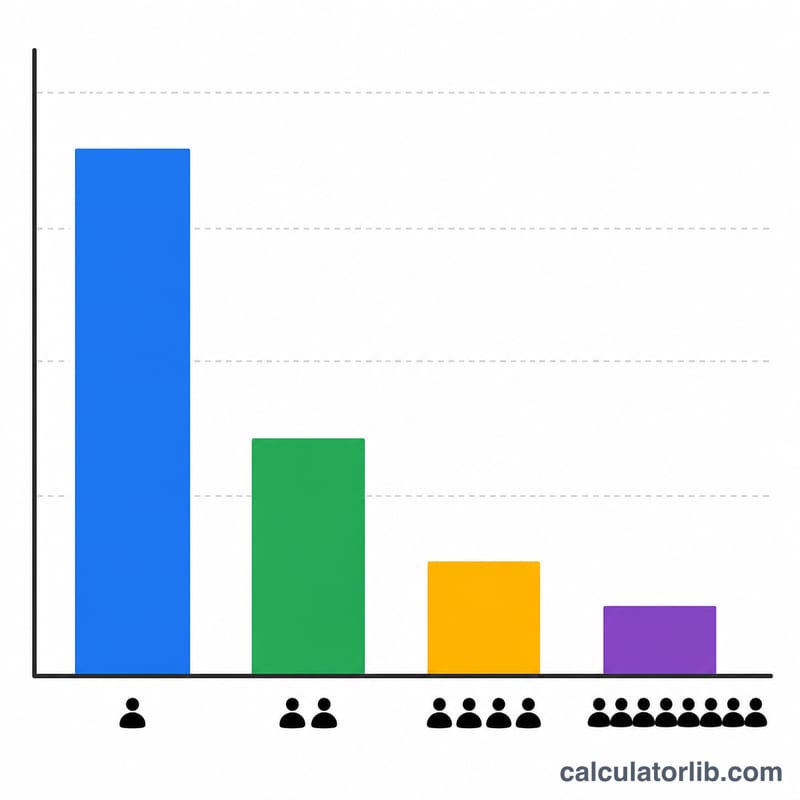
Suppose you have a 100 Mbps connection and 10 people streaming at once. $$\text{Per-User} = \frac{100}{10} = 10 \text{ Mbps}$$ each (10,000 Kbps). That is comfortably enough for HD streaming per person but not for everyone in 4K simultaneously.
Typical Bandwidth Requirements by Activity
These are approximate per-user minimums for a smooth experience. Exact needs vary by service, resolution and codec. Figures are based on published guidance from providers such as Netflix and Zoom, rounded for planning.
| Activity | Typical minimum per user | Notes |
|---|---|---|
| Web browsing / email | ~1 Mbps | Pages load faster with more, but 1 Mbps is workable for light use. |
| Music streaming | ~0.1–0.3 Mbps | Roughly 96–320 kbps depending on quality setting. |
| SD video streaming | ~3 Mbps | Netflix recommends about 3 Mbps for standard definition. |
| HD (1080p) streaming | ~5 Mbps | Netflix recommends about 5 Mbps for HD. |
| 4K streaming | ~25 Mbps | Netflix cites about 15 Mbps for Ultra HD; 25 Mbps is a common safer planning figure that leaves headroom. |
| Video calls (Zoom, Teams) | ~1–4 Mbps up and down | Zoom's guidance ranges from under 1 Mbps for basic 1:1 video up to several Mbps for 1080p or gallery view. Teams guidance is in a similar range. |
| Online gaming | ~3–6 Mbps | Low latency matters more than raw speed. Cloud gaming needs considerably more. |
| Large downloads / cloud backup | As much as available | These will use all spare capacity and slow other users. |
Per-User Speed Across Common Scenarios
Per-user bandwidth is total Mbps divided by concurrent users, and Kbps = Mbps × 1000. This assumes every user is active at the same moment and shares the connection equally.
| Total bandwidth (Mbps) | Concurrent users | Per-user Mbps | Per-user Kbps | Suitability |
|---|---|---|---|---|
| 50 | 5 | 10 | 10,000 | Comfortable for HD video and video calls. |
| 100 | 25 | 4 | 4,000 | Browsing, SD video and calls. HD is marginal. |
| 300 | 30 | 10 | 10,000 | Suits HD video and conferencing. |
| 500 | 100 | 5 | 5,000 | Just enough for one HD stream, with little headroom. Fine for browsing. |
| 1000 | 200 | 5 | 5,000 | Same as above: HD at the minimum, comfortable for browsing and calls. |
In practice not all users are active at once, so real-world speeds are often higher than these worst-case figures.
Interpreting Your Per-User Result
- Under 1 Mbps: basic browsing and messaging only. Video will buffer and calls will struggle.
- 1–5 Mbps: SD video, audio streaming and most video calls at standard quality.
- 5–25 Mbps: HD streaming and reliable video conferencing, with more room for several tasks at once.
- 25+ Mbps: 4K streaming and heavy use such as large downloads.
Worst case: an even split assumes everyone uses the link at the same time. Usage is usually bursty, so a user can often get more than the average. A few heavy users such as backups or big downloads can take a larger share, though.
Overhead: Wi-Fi contention, signal quality, protocol overhead and router limits reduce usable throughput. It is often well below the advertised line speed, so leave a margin of roughly 20–30%.
Units: Mbps means megabits per second. File sizes and download tools often use megabytes per second (MB/s). Divide by 8 to convert: \(\text{MB/s} = \text{Mbps} / 8\). For example, 10 Mbps is 1.25 MB/s.
Upload vs download: they are separate capacities. Many connections have much lower upload speed, which matters for video calls, screen sharing and cloud backup. Run the calculation again using your upload speed to check it.
FAQ
Does each user really get an equal share? Not exactly. Most routers allocate bandwidth on demand, so light users use less and leave more for heavy users. This calculator gives the even-split worst case.
What is a good per-user speed? Aim for at least 5–10 Mbps per active user for smooth HD video and video calls; less is fine for browsing and email.
Should I use download or upload speed? Use whichever matters for your use case — download for streaming, upload for video calls or hosting — since they are usually different on most plans.