
What Is a Discount Amount Calculator?
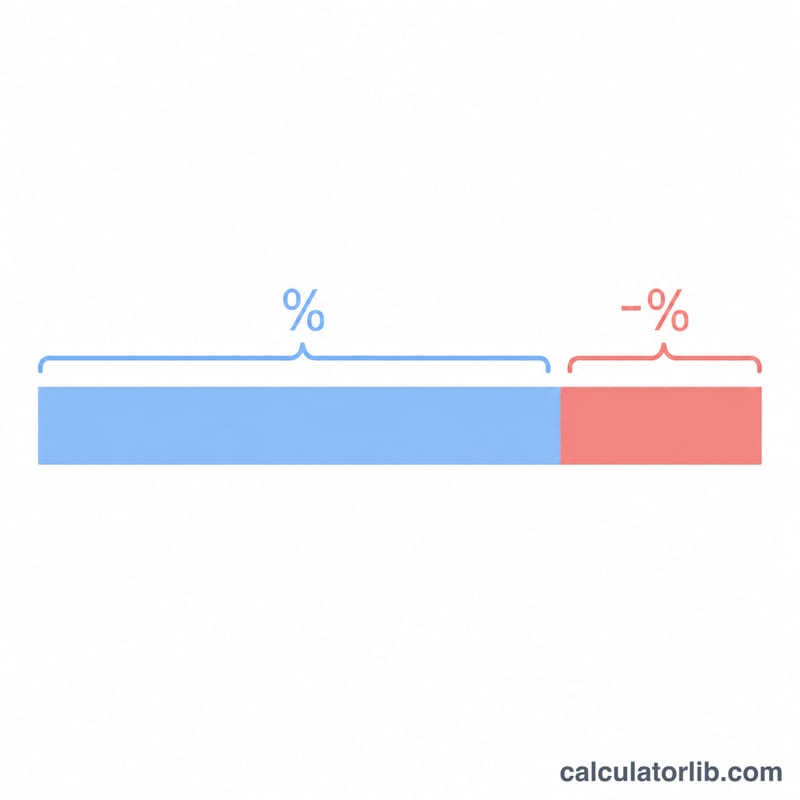
A discount amount calculator tells you exactly how many dollars you save when an item is marked down by a percentage. Instead of guessing, enter the original price and the percent off, and the tool returns the dollar discount plus the final price you actually pay at checkout. This works for store sales, coupons, clearance markdowns, and promotional offers.
How to Use It
Enter the original price of the item in dollars, then enter the discount percentage (for example, 25 for a 25% off sale). The calculator instantly shows the amount you save and the discounted final price. The percentage can be any value from 0 to 100.
The Formula Explained
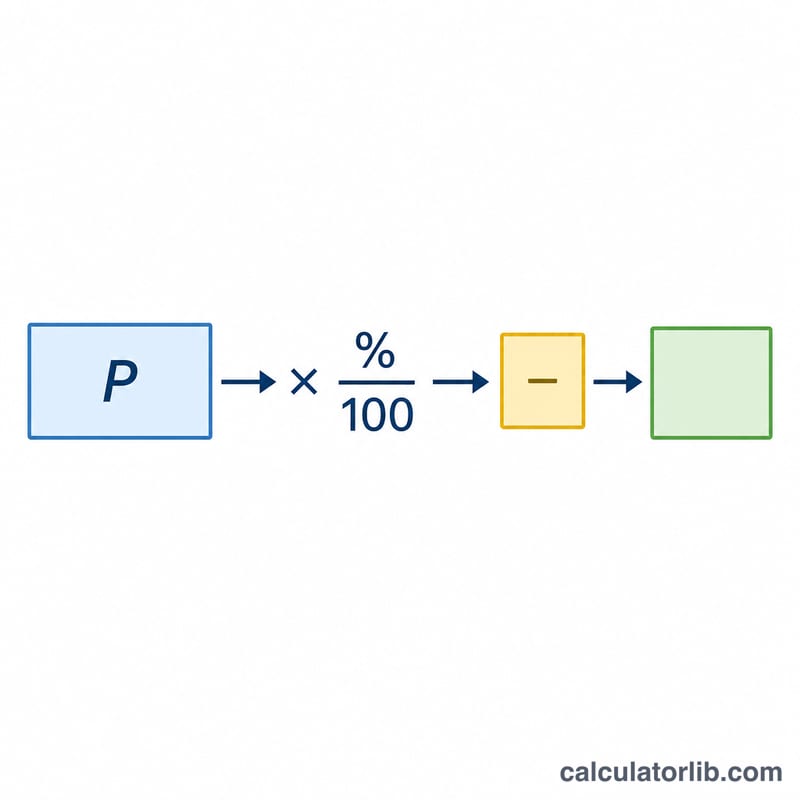
The discount in dollars is found by converting the percentage to a decimal and multiplying it by the price:
$$\text{Discount} = \text{Price} \times \frac{\text{Percent}}{100}$$The final price is simply the original price minus that discount. For example, a 20% percentage becomes 0.20, so on a $50 item you save \(50 \times 0.20 = \$10\), paying $40.
Worked Example
Suppose a jacket costs $120 and is on sale at 30% off. The discount is $$120 \times \frac{30}{100} = 120 \times 0.30 = \$36$$ The final price is \(120 - 36 = \$84\). So you save $36 and pay $84.
FAQ
Does the currency have to be dollars? No. The math is the same for any currency — the dollar sign is just a label. Enter the amount in whatever currency you use.
How do I find the final price? Subtract the discount amount from the original price. The calculator does this for you and shows it in the results table.
Can I enter a discount over 100%? A discount above 100% is not meaningful for a sale, so the field is capped at 100. A 100% discount means the item is free.