
What Is the FPS Converter Calculator?
The FPS Converter Calculator helps video editors, animators, and game developers translate a frame count from one frame rate (frames per second) to another. When footage shot at one fps is retimed to play at a different fps, the number of frames needed to fill the same span of time changes. This tool computes the converted frame count and shows the clip duration at both the source and target frame rates.
How to Use It
Enter three values: the original frame count, the source frame rate (the fps the footage was created at), and the target frame rate (the fps you want to convert to). The calculator returns the equivalent frame count at the target rate, plus the duration in seconds measured at each rate.
The Formula Explained
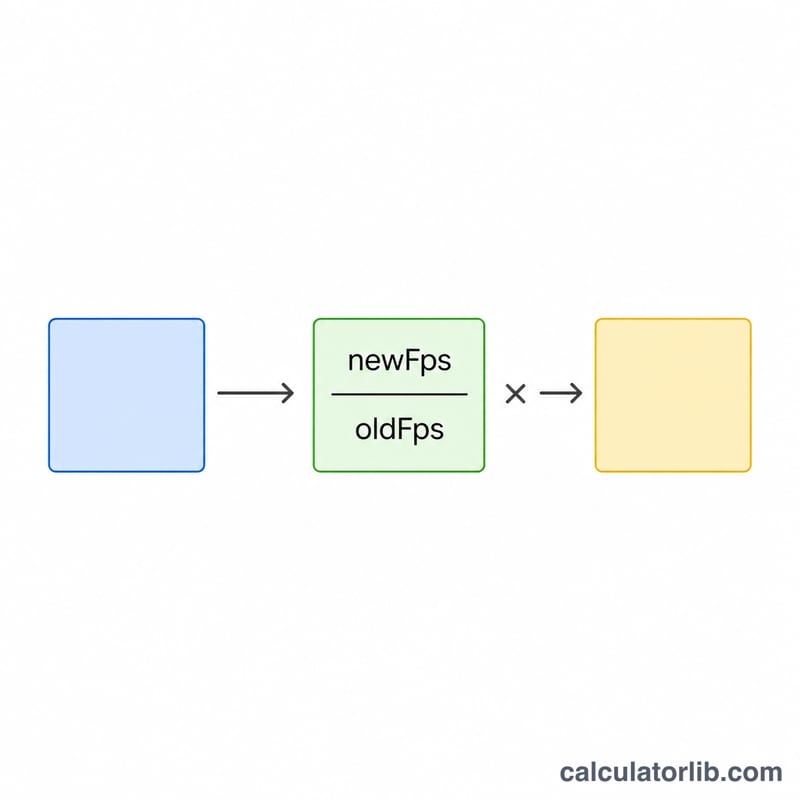
The core relationship is $$N_{new} = \text{Frame Count} \times \frac{\text{Target FPS}}{\text{Source FPS}}$$ Duration is independent of conversion and follows \(\text{durationSeconds} = \text{frameCount} / \text{fps}\). If you keep the same real-world duration, scaling the frame count by the ratio of frame rates produces the number of frames the clip needs at the new rate.
Worked Example
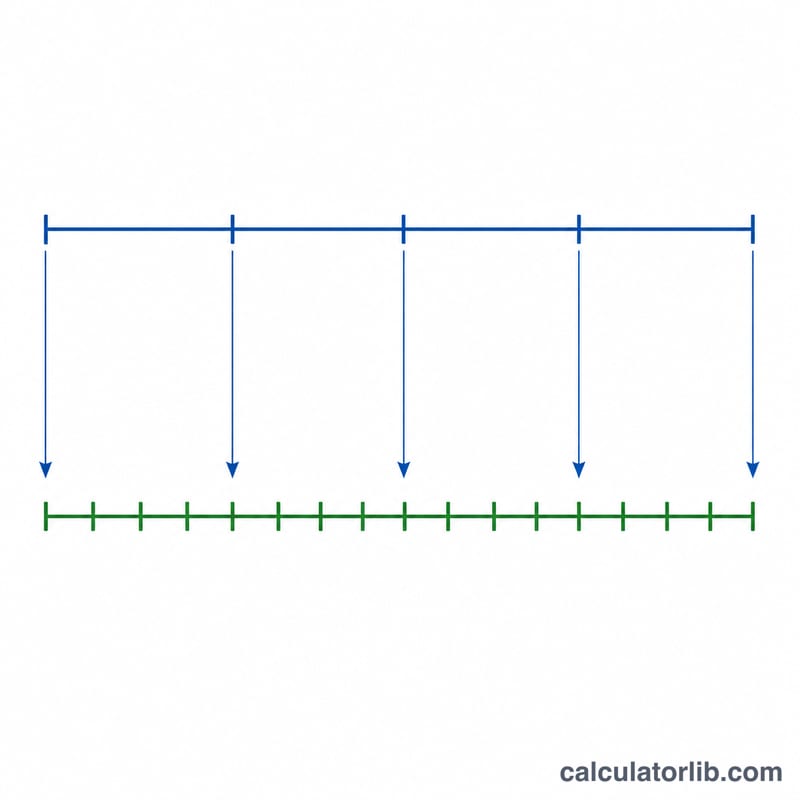
Suppose you have a 1,500-frame clip recorded at 24 fps and you want the equivalent at 30 fps. Frame count $$= 1500 \times (30 / 24) = 1500 \times 1.25 = \textbf{1{,}875 frames}.$$ The source duration is \(1500 / 24 = 62.5\) seconds, and the target duration is \(1875 / 30 = 62.5\) seconds — the clip plays for the same length of time.
FAQ
Does this resample or interpolate frames? No. It calculates how many frames the new rate requires for the same duration; your editing software handles the actual frame blending or duplication.
Why are both durations the same in my result? When you convert by scaling the frame count, real-world duration is preserved, so both durations match. They differ only if you change the frame count manually.
Can I use decimal frame rates like 29.97? Yes. Enter any positive decimal fps value such as 23.976 or 59.94.