What is the Frames to Timecode Calculator?
This tool converts a raw video frame count into a real-world duration (in seconds) and a standard HH:MM:SS:FF timecode. Editors, animators, colorists and motion-graphics artists constantly need to translate "how many frames" into "how long" — for example when reading a frame number from After Effects, Premiere, DaVinci Resolve or an EDL. Just enter the total number of frames and pick your project's frame rate.
How to use it
Type the total number of frames, then choose the frame rate your footage or timeline runs at: 23.976, 24, 25 (PAL), 29.97, 30, 50, 59.94 or 60 fps. The calculator returns the exact duration in seconds plus the timecode broken into hours, minutes, seconds and the leftover frames component.
The formula explained
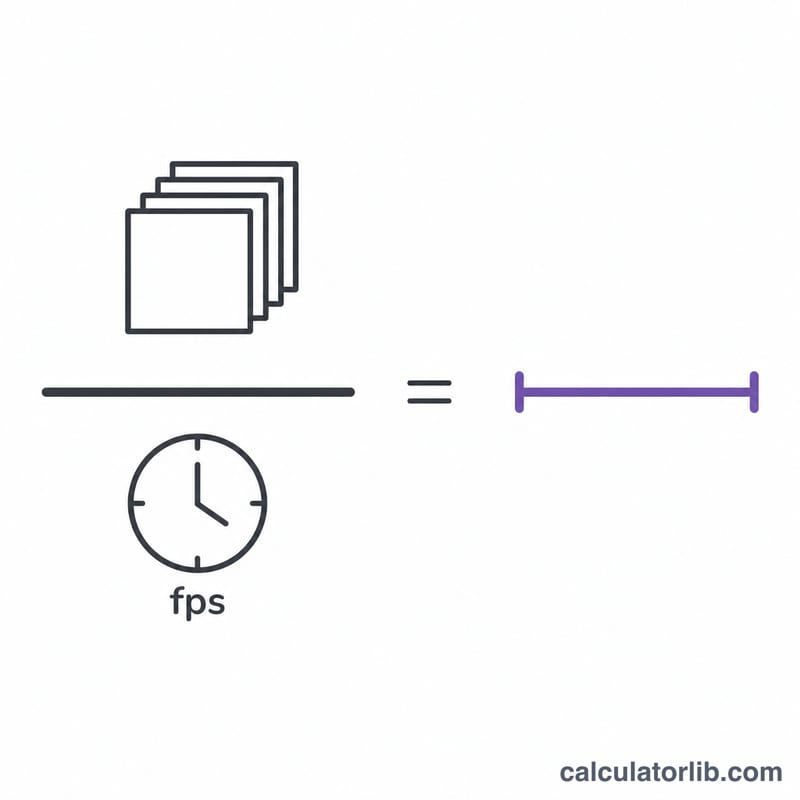
The duration is simply the frame count divided by the frame rate: \(t = N / \text{fps}\). The timecode is built by repeatedly dividing by the number of frames in each unit. The frames-per-second value is rounded to the nearest whole number for the FF component (so 29.97 fps uses 30 frames per displayed second, matching the non-drop-frame convention). This is a non-drop-frame model, so for 29.97/59.94 fps the displayed timecode runs slightly slower than wall-clock time — the "Total duration" row always shows the true real time.
$$\begin{gathered} \text{Timecode} = HH:MM:SS:FF \\[1.5em] \text{where}\quad \left\{ \begin{aligned} N &= \left\lfloor \text{Total Frames} \right\rfloor,\quad f = \operatorname{round}\!\left(\text{FPS}\right) \\ HH &= \left\lfloor \dfrac{N}{3600\,f} \right\rfloor \\ MM &= \left\lfloor \dfrac{N \bmod 3600\,f}{60\,f} \right\rfloor \\ SS &= \left\lfloor \dfrac{N \bmod 60\,f}{f} \right\rfloor \\ FF &= N \bmod f \end{aligned} \right. \end{gathered}$$ $$\text{Total Seconds} = \frac{\text{Total Frames}}{\text{FPS}}$$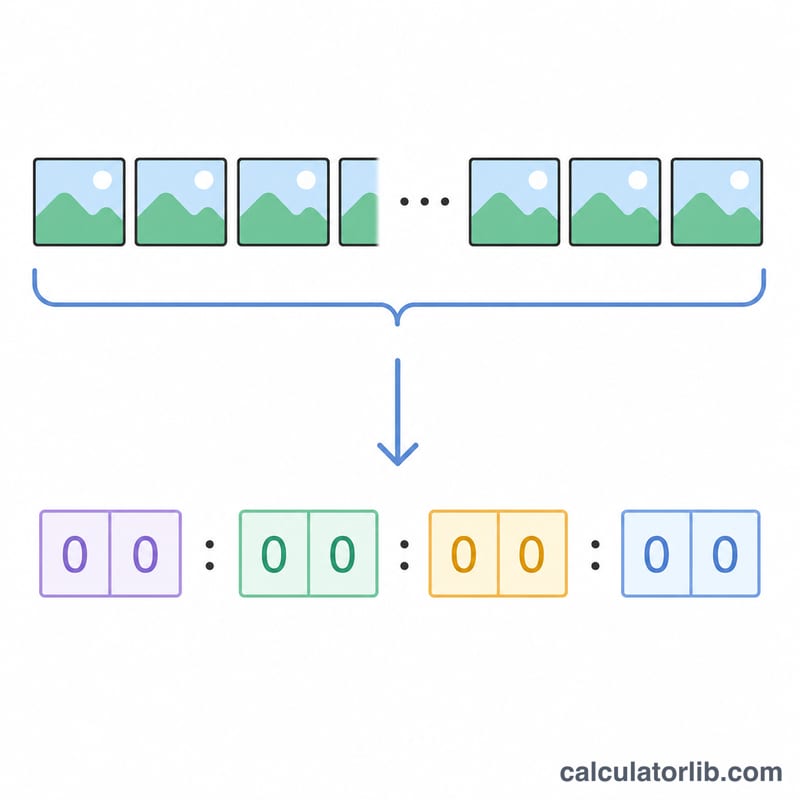
Worked example
Suppose you have 1800 frames at 30 fps. Duration = \(1800 / 30 = 60\) seconds. Timecode: 60 seconds = 1 minute exactly, so the result is 00:01:00:00.
More Worked Examples at Different Frame Rates
In each example, the timebase \(f\) is the frame rate rounded to a whole number. It is used for the HH:MM:SS:FF split. The true duration is always total frames divided by the exact frame rate.
Example 1: 86,400 frames at 24 fps
- Timebase: \(f = 24\). Duration: \(86400 / 24 = 3600\) s.
- Hours: \(3600 f = 86400\), so \(HH = \lfloor 86400 / 86400 \rfloor = 1\), remainder \(86400 \bmod 86400 = 0\).
- Minutes: \(60 f = 1440\), so \(MM = \lfloor 0 / 1440 \rfloor = 0\).
- Seconds: \(SS = \lfloor 0 / 24 \rfloor = 0\). Frames: \(FF = 0 \bmod 24 = 0\).
Timecode: 01:00:00:00 (3600 s).
Example 2: 100,000 frames at 25 fps
- Timebase: \(f = 25\). Duration: \(100000 / 25 = 4000\) s.
- Hours: \(3600 f = 90000\), so \(HH = \lfloor 100000 / 90000 \rfloor = 1\), remainder \(100000 - 90000 = 10000\).
- Minutes: \(60 f = 1500\), so \(MM = \lfloor 10000 / 1500 \rfloor = 6\), remainder \(10000 - 9000 = 1000\).
- Seconds: \(SS = \lfloor 1000 / 25 \rfloor = 40\), remainder \(1000 - 1000 = 0\), so \(FF = 0\).
Timecode: 01:06:40:00 (4000 s). Check: \(3600 + 6 \times 60 + 40 = 4000\).
Example 3: 108,000 frames at 29.97 fps (non-drop-frame)
- Timebase: \(f = \operatorname{round}(29.97) = 30\).
- Hours: \(3600 f = 108000\), so \(HH = \lfloor 108000 / 108000 \rfloor = 1\), remainder \(0\).
- Minutes, seconds and frames are all 0, giving a non-drop timecode of 01:00:00:00.
- True duration: \(108000 / 29.97 \approx 3603.6\) s, which is about 01:00:03.6.
- Drift: \(3603.6 - 3600 \approx 3.6\) s. The timecode label runs about 3.6 s behind the real clock after one hour. This is why drop-frame timecode exists for NTSC-rate broadcast material.
Frame Rate Reference Table
The rounded timebase \(f\) sets the maximum FF value (\(f - 1\)). Frames per minute is \(60 f\) and frames per hour is \(3600 f\) at that timebase. Regional use varies: PAL/European broadcast is common in Europe and many other regions, while NTSC-rate video is common in North America and Japan.
| Frame rate (fps) | Exact value | Timebase \(f\) | Typical use | Frames per minute | Frames per hour |
|---|---|---|---|---|---|
| 23.976 | 24000/1001 | 24 | Film-style content in NTSC-compatible video and streaming | 1,440 | 86,400 |
| 24 | 24/1 | 24 | Cinema | 1,440 | 86,400 |
| 25 | 25/1 | 25 | PAL/European broadcast | 1,500 | 90,000 |
| 29.97 | 30000/1001 | 30 | NTSC broadcast | 1,800 | 108,000 |
| 30 | 30/1 | 30 | Web video | 1,800 | 108,000 |
| 50 | 50/1 | 50 | High frame rate/sports (PAL regions) | 3,000 | 180,000 |
| 59.94 | 60000/1001 | 60 | High frame rate/sports (NTSC regions) | 3,600 | 216,000 |
| 60 | 60/1 | 60 | Web, gaming, high frame rate | 3,600 | 216,000 |
The fractional rates (23.976, 29.97, 59.94) are the integer rates multiplied by 1000/1001. Their timecode labels therefore drift slightly from the real clock unless drop-frame counting is used.
Same Frame Count at Different Frame Rates
The same 18,000 frames give very different running times depending on the frame rate. The table below uses non-drop timecode with the rounded timebase \(f\). The difference column is true duration minus the duration the timecode label implies.
| Frame rate (fps) | True duration (s) | Timecode (HH:MM:SS:FF) | True duration minus timecode label |
|---|---|---|---|
| 23.976 | 750.75 | 00:12:30:00 | +0.75 s |
| 24 | 750 | 00:12:30:00 | 0 s |
| 25 | 720 | 00:12:00:00 | 0 s |
| 29.97 | ≈ 600.6 | 00:10:00:00 | ≈ +0.6 s |
| 30 | 600 | 00:10:00:00 | 0 s |
| 50 | 360 | 00:06:00:00 | 0 s |
| 59.94 | ≈ 300.3 | 00:05:00:00 | ≈ +0.3 s |
| 60 | 300 | 00:05:00:00 | 0 s |
Sample substitution at 29.97 fps: \(f = 30\), \(60 f = 1800\), \(MM = \lfloor 18000 / 1800 \rfloor = 10\), remainder 0, giving 00:10:00:00. The true duration is \(18000 / 29.97 \approx 600.6\) s. Doubling the frame rate halves the duration for the same number of frames.
FAQ
What does the FF part mean? FF is the frame component — how many frames past the last whole second, from 00 up to \((\text{fps} - 1)\).
Why is total seconds different from the timecode at 29.97 fps? Non-drop-frame timecode counts 30 frames per labeled second even though only 29.97 actually play, so the labeled time drifts ahead of real time. The seconds value is the true elapsed time.
Can I go the other way? This calculator converts frames to time; to get frames from a timecode, multiply each time unit by fps and add the frame component.