
What Is the Golden Ratio Design Calculator?
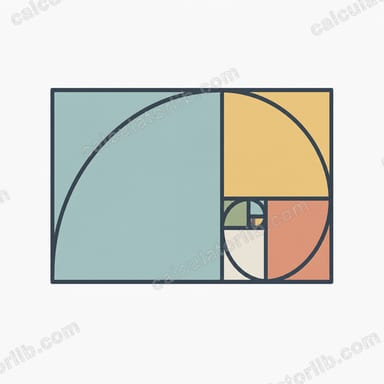
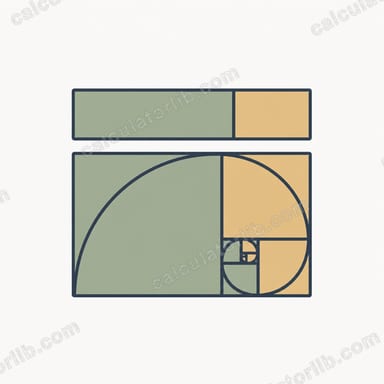
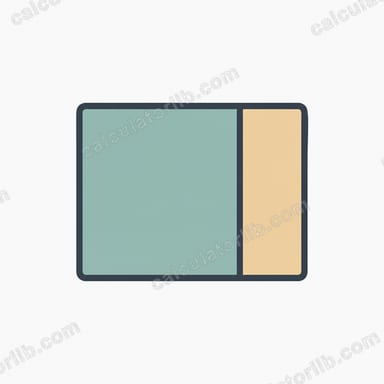
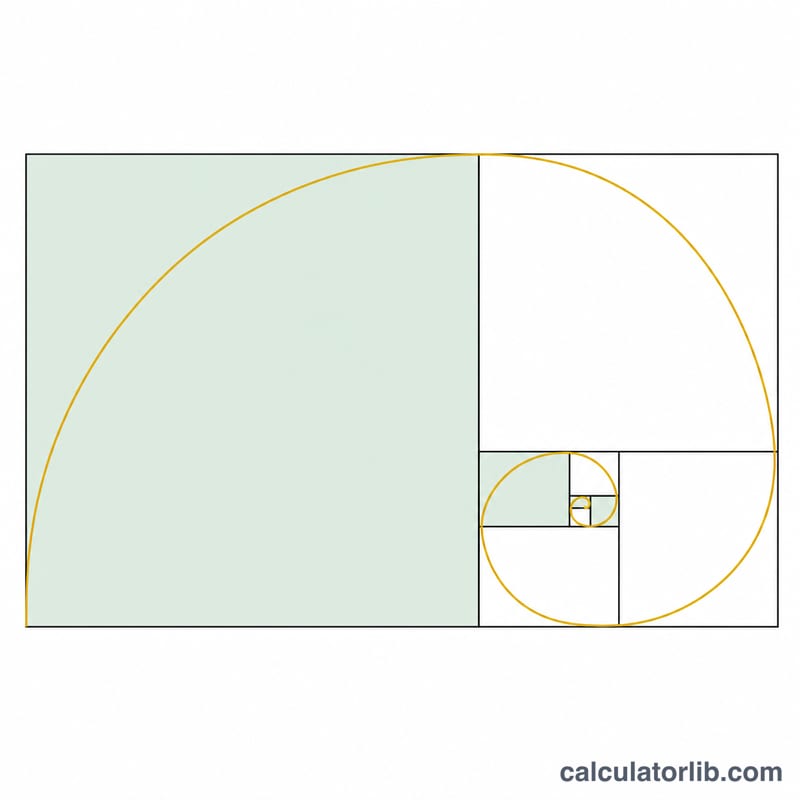
The golden ratio (φ, phi ≈ \(1.6180339887\)) is a proportion found throughout art, architecture and nature. When a line is divided so that the whole is to the larger part as the larger part is to the smaller part, the result is considered exceptionally balanced and pleasing. This calculator takes any total length or size and splits it into two golden-ratio segments — perfect for laying out pages, sizing typography, planning grids or framing photographs.
How to Use It
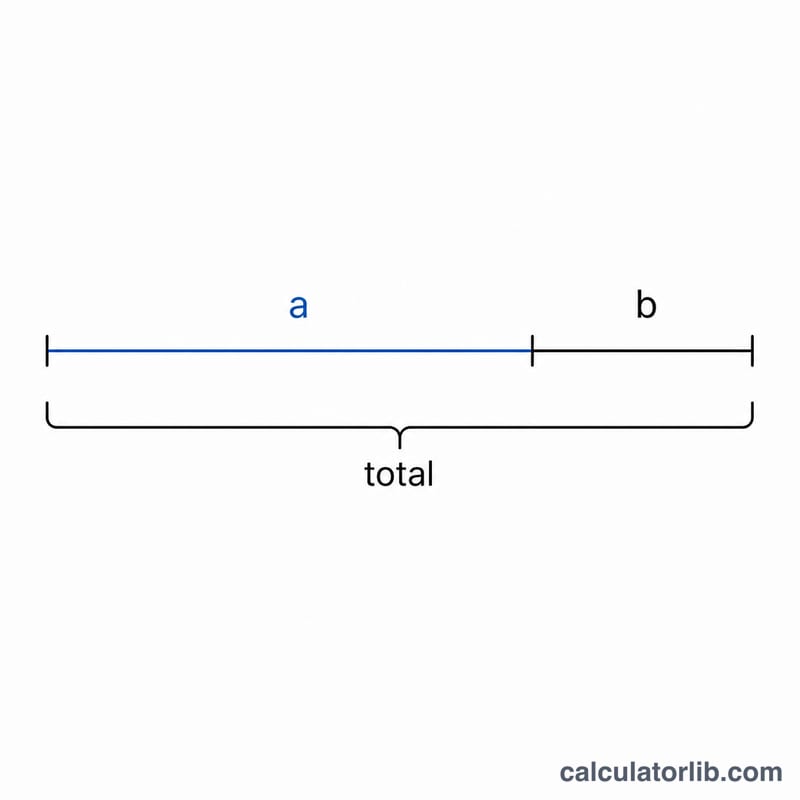
Enter a total value — it can be pixels, centimetres, inches or any unit. The calculator returns the larger segment (a), the smaller segment (b), and confirms the value of φ. The larger segment is the total divided by phi; the smaller is whatever remains. Use the larger part for your primary content area or heading size and the smaller part for sidebars, captions or secondary spacing.
The Formula Explained
The split uses two simple equations: $$\text{Larger} = \frac{\text{Total}}{\varphi} \qquad \text{Smaller} = \text{Total} - \text{Larger}$$ $$\text{where}\quad \varphi = 1.6180339887$$ with φ fixed at \(1.6180339887\). Because φ has the unique property that \(1/\varphi = \varphi - 1 \approx 0.618\), the larger segment is about 61.8% of the total and the smaller is about 38.2%. The ratio between the two parts (a/b) again equals φ.
Worked Example
Suppose you have a 1000-pixel wide layout. The larger segment is $$1000 \div 1.6180339887 \approx 618.03 \text{ px},$$ and the smaller is $$1000 - 618.03 \approx 381.97 \text{ px}.$$ So a content column of ~618 px beside a sidebar of ~382 px gives a golden-ratio layout.
FAQ
Is the golden ratio the same as the rule of thirds? No. The rule of thirds splits into equal thirds (33/33/33), while the golden ratio uses a 61.8/38.2 split, which many designers find more dynamic.
What units should I use? Any consistent unit — the ratio is dimensionless, so pixels, mm or inches all work the same way.
Why is the smaller part 38.2%? Because \(1 - 1/\varphi = 1 - 0.618 = 0.382\), the leftover share after taking the larger golden segment.