

What Is a Gross-Up Calculator?
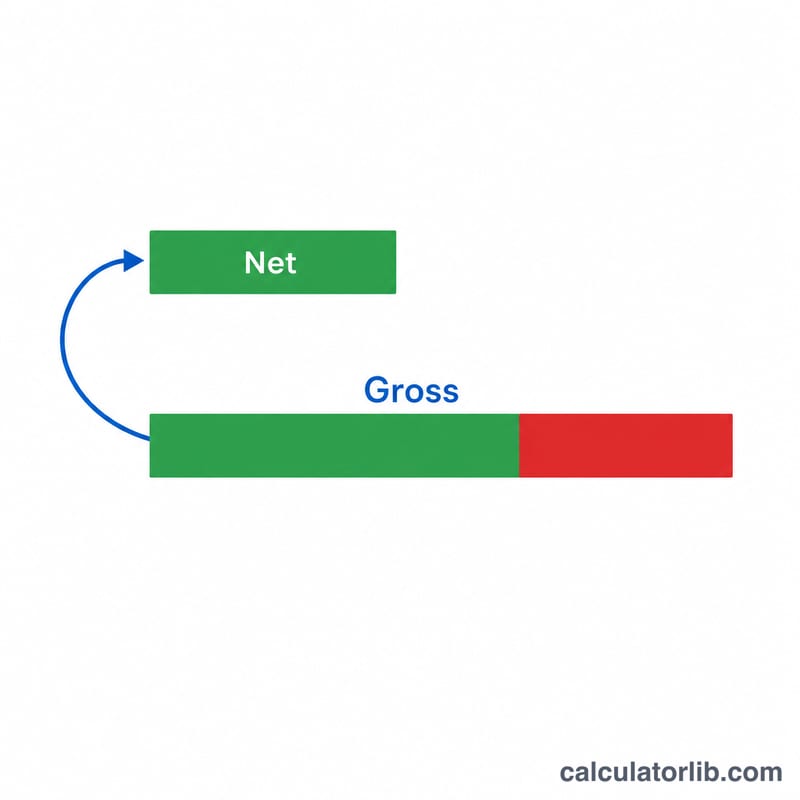
A gross-up calculator works backwards from a target take-home (net) amount to find the gross amount you need to start with. Employers commonly "gross up" bonuses, relocation payments, and benefits so that an employee receives a specific net figure after taxes and deductions are withheld. This tool is universal — enter whatever combined deduction rate applies to your situation, regardless of country.
How to Use It
Enter the desired net amount you want the recipient to actually keep, and the total tax and deduction rate as a percentage. The calculator returns the gross amount required, plus the deduction amount that will be withheld. Combine all applicable rates (income tax, payroll taxes, etc.) into the single rate field.
The Formula Explained
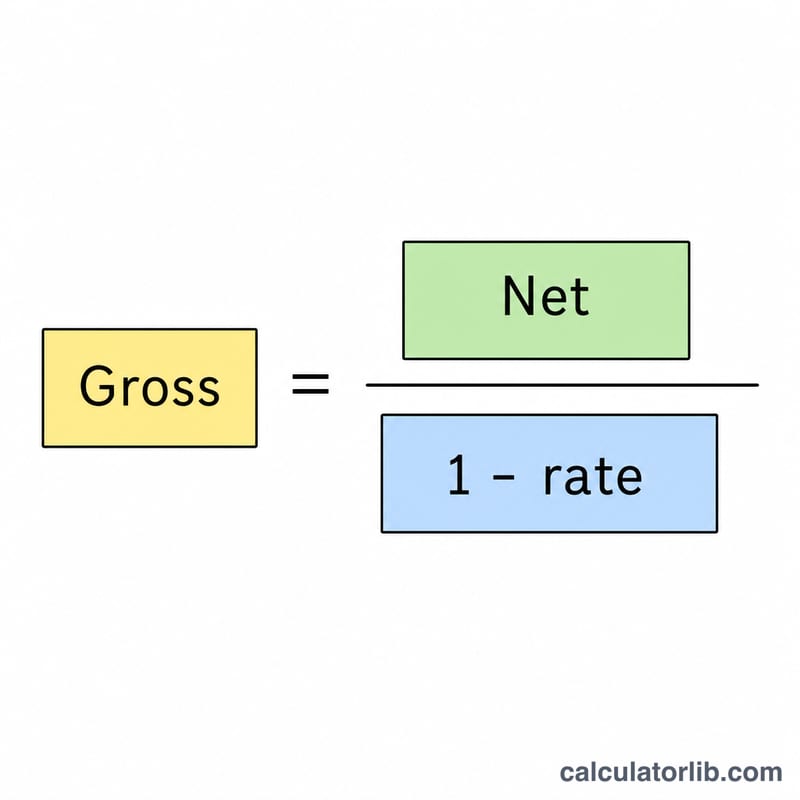
The relationship is $$\text{Gross} = \frac{\text{Net}}{1 - \dfrac{\text{Tax Rate (\%)}}{100}}$$ If 25% is withheld, only 75% of the gross survives as net, so you must divide by \(0.75\) to recover the gross. The withheld amount is simply \(\text{Gross} - \text{Net}\). Note that you cannot gross up at a 100% rate, because nothing would remain.
Worked Example
Suppose you want an employee to receive a $1,000 net bonus and the effective deduction rate is 25%. $$\text{Gross} = \frac{1000}{1 - 0.25} = \frac{1000}{0.75} = 1{,}333.33$$ Of that, $333.33 covers taxes and the employee keeps exactly $1,000.
FAQ
Is grossed-up tax based on the gross or net? The flat gross-up formula assumes the rate applies to the gross. With progressive brackets the true rate may differ; use your effective rate for best accuracy.
Can the rate be 0%? Yes — with a 0% rate the gross equals the net.
Why can't I use 100%? A 100% rate would leave nothing for the recipient, so the calculation is undefined and the tool returns 0.