What Is the IP Camera Bandwidth Calculator?
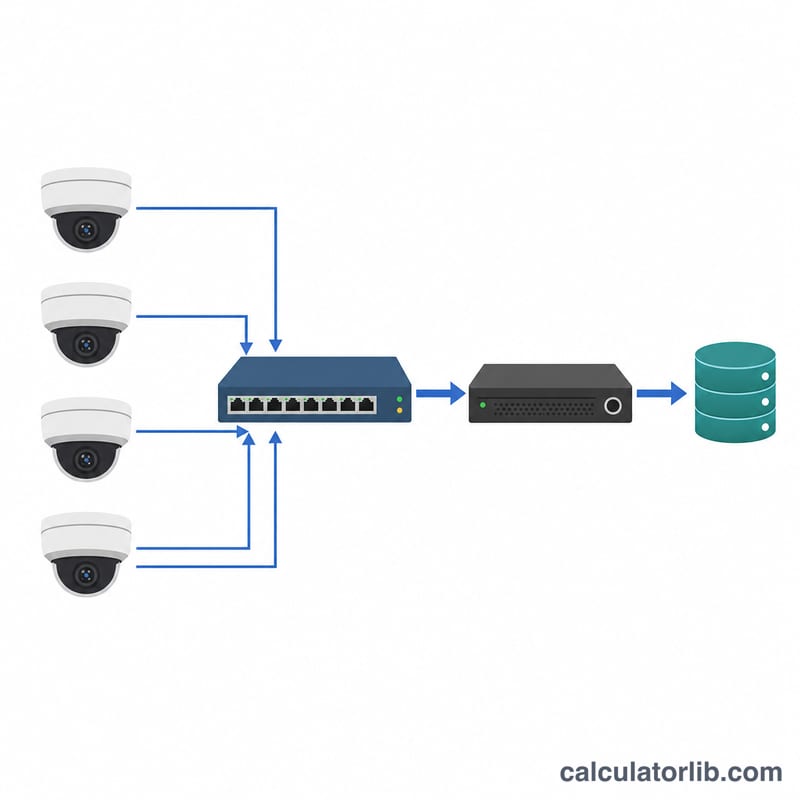
This tool estimates how much network bandwidth and storage an IP (CCTV) camera system requires. Planning bandwidth correctly prevents dropped frames, lag, and saturated switches, while accurate storage estimates help you size NVR hard drives or cloud plans. It works for any IP camera regardless of brand and applies universally — no country-specific rules involved.
How to Use It
Enter the bitrate per camera in megabits per second (Mbps), the number of cameras, and the recording hours per day (use 24 for continuous recording). The calculator returns total bandwidth plus daily and monthly storage. You can find a camera's bitrate in its specs or its on-screen display; typical values range from 2 Mbps (1080p, motion only) to 8+ Mbps (4K continuous).
The Formula Explained
Total bandwidth is simply: bitrate per camera × number of cameras. Storage builds on this. Bandwidth in Mbps is megabits per second; multiply by 3600 seconds and the daily recording hours to get megabits per day, then divide by 8 to convert bits to bytes (megabytes), and by 1000 to reach gigabytes. Monthly storage assumes a 30-day month.
$$\text{Bandwidth} = \text{Bitrate (Mbps)} \times \text{Cameras}$$$$\text{Storage}_{\text{day}}\,(\text{GB}) = \frac{\text{Bandwidth} \times 3600 \times \text{Hours/Day}}{8 \times 1000}$$$$\text{Storage}_{\text{month}} = \text{Storage}_{\text{day}} \times 30$$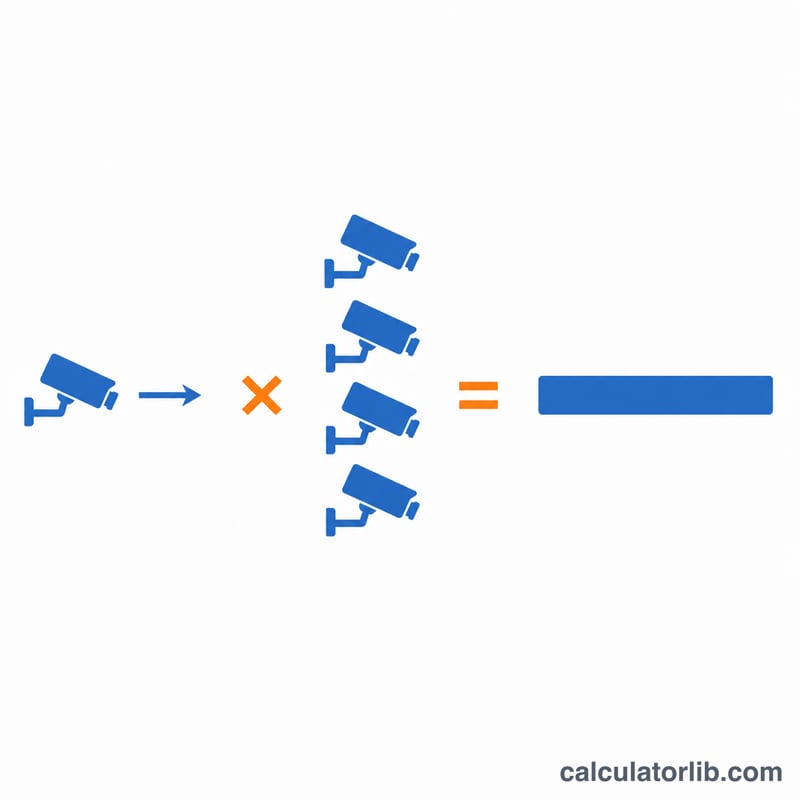
Worked Example
Suppose you have 8 cameras each streaming at 4 Mbps, recording 24 hours a day. Total bandwidth = \(4 \times 8 = \mathbf{32}\) Mbps. Daily storage = \(32 \times 3600 \times 24 \div 8 \div 1000 = \mathbf{345.6}\) GB/day. Over 30 days that is about 10,368 GB ≈ 10.37 TB — so you'd want a 12 TB+ NVR for a month of footage.
Typical IP Camera Bitrates by Resolution and Codec
The table below lists rough per-camera bitrates for continuous recording at about 15–30 fps. H.265 (HEVC) usually needs roughly 30–50% less bitrate than H.264 for similar quality. These are planning estimates, not guarantees.
| Resolution | H.264 (Mbps) | H.265 (Mbps, approx.) |
|---|---|---|
| 720p (1 MP) | 1–2 | 0.5–1.4 |
| 1080p (2 MP) | 2–4 | 1–2.8 |
| 4 MP | 4–6 | 2–4.2 |
| 5 MP | 5–8 | 2.5–5.6 |
| 8 MP / 4K | 8–16 | 4–11 |
Actual bitrates depend on scene motion and complexity, frame rate, image noise (for example, low light), and whether the camera uses VBR (variable bitrate) or CBR (constant bitrate). A busy street can use several times the bitrate of a quiet corridor on the same camera. For accurate planning, check the live bitrate in your camera's web interface or manufacturer's bandwidth tool.
Storage Needs: Scenario Comparison
Each row uses the formula \(\text{GB/day} = \frac{ \text{Mbps} \times 3600 \times \text{hours} }{8 \times 1000}\), where total Mbps = bitrate × number of cameras. The 30-day figure is the daily GB × 30, converted to TB at 1 TB = 1000 GB.
| Scenario | Total bandwidth (Mbps) | Recording hours/day | GB per day | 30-day storage (TB) |
|---|---|---|---|---|
| 4 cameras at 2 Mbps, 24 h | 8 | 24 | 86.4 | 2.592 |
| 8 cameras at 4 Mbps, 24 h | 32 | 24 | 345.6 | 10.368 |
| 16 cameras at 4 Mbps, 12 h | 64 | 12 | 345.6 | 10.368 |
| 16 cameras at 8 Mbps, 24 h | 128 | 24 | 1382.4 | 41.472 |
| 8 cameras at 4 Mbps, 8 h (motion-only, effective) | 32 | 8 | 115.2 | 3.456 |
Worked check for the second row: \(\frac{32 \times 3600 \times 24}{8 \times 1000} = \frac{2{,}764{,}800}{8000} = 345.6\) GB/day. Over 30 days: 345.6 × 30 = 10,368 GB ≈ 10.37 TB.
Note that the 12-hour and 8-hour rows show how recording fewer hours (or using motion-based recording) cuts storage proportionally, even when the live bandwidth is the same or higher.
Practical Network and Storage Planning Tips
- Keep headroom on the network. Aim to keep total camera traffic under about 70–80% of the switch or NVR uplink capacity. For example, a 32 Mbps load is trivial on a Gigabit link, but always check the NVR's maximum incoming bandwidth specification, which is often the real limit (many are rated in the range of tens to a few hundred Mbps).
- Add 20–30% storage headroom. Bitrates rise with motion, low light, and added cameras. For 10.368 TB of calculated need, a 25% margin gives \(10.368 \times 1.25 = 12.96\) TB.
- Round up to the next available drive size. Choose a drive or RAID capacity at or above the padded figure, not the raw calculation.
- Reduce load where possible. Use H.265 where your NVR and viewing clients support it, motion-based or scheduled recording, lower frame rates (for example, 10–15 fps for general surveillance), and lower-bitrate substreams for live viewing and remote access.
- Plan PoE capacity. Use a PoE switch whose total power budget covers all cameras (including IR, heaters, or PTZ models, which draw more) with some spare capacity.
- Mind the units. Drive makers use 1 TB = 1000 GB (decimal), as in this calculator. Operating systems often report capacity in TiB (1024-based), so a 10 TB drive appears as about 9.09 TiB.
This is general planning guidance; confirm figures against your camera, NVR, and drive specifications.
FAQ
Is bandwidth the same as my internet speed? No — this is the bandwidth on your local network/switch. Remote viewing over the internet only needs upload capacity for the streams you actually watch.
What bitrate should I use? As a rough guide: 2–4 Mbps for 1080p, 4–8 Mbps for 4MP/5MP, and 8–16 Mbps for 4K, depending on frame rate and scene motion.
Why divide by 8? Bitrate is measured in bits, but storage is measured in bytes. There are 8 bits in a byte, so you divide to convert megabits to megabytes.