
What is the Miles to Steps Calculator?
This tool converts a distance measured in miles into an estimated number of walking steps. It is useful for hitting daily step goals (like 10,000 steps), planning a walk or run, or comparing treadmill distance to fitness-tracker step counts. Because everyone's stride is different, the calculator lets you enter your own stride length for a more accurate result.
How to use it
Enter the distance you walked or plan to walk in miles, then enter your stride length in inches. If you don't know your stride, the default of 26.4 inches (about 2.2 feet) reflects an average adult walking stride. Press calculate to see your estimated step count, the total distance in inches, and the stride used.
The formula explained
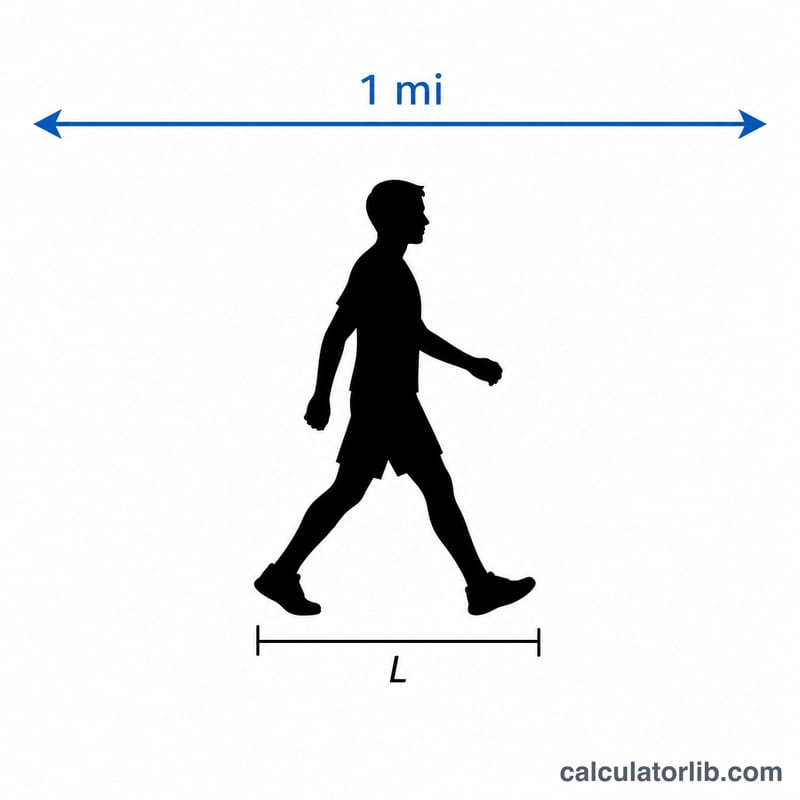
One mile contains 5,280 feet, and each foot has 12 inches, so a mile equals 63,360 inches. To find steps, the calculator multiplies your miles by 63,360 to get total inches, then divides by your stride length in inches:
$$\text{Steps} = \frac{\text{Distance (mi)} \times 63360}{\text{Stride (in)}}$$With the default 26.4-inch stride this simplifies to roughly \(\text{miles} \times 2{,}112\).
Worked example
Suppose you walk 3 miles with a 30-inch stride. Total inches = \(3 \times 63360 = 190080\). Steps = \(190080 \div 30 = \mathbf{6336}\) steps. If instead you used the average 26.4-inch stride, you'd get \(190080 \div 26.4 \approx 7200\) steps.
FAQ
How do I measure my stride length? Walk 10 normal steps, measure the total distance in inches, then divide by 10. That gives a realistic stride for this calculator.
Why does my fitness tracker disagree? Trackers use accelerometers and your profile settings; small differences in stride or terrain change the count. This calculator gives a clean mathematical estimate.
Is running the same as walking? No — running strides are longer, so running a mile takes fewer steps. Enter a larger stride length to estimate running steps.