
What Is a Salary Hike Calculator?
This Salary Hike Calculator is designed for the Indian context, where compensation is commonly expressed as CTC (Cost to Company) per annum. When you receive an appraisal or a new offer with a percentage raise, this tool instantly converts that hike percentage into your new annual CTC and shows the exact rupee increase. It works for any currency, but figures are labelled in ₹ (INR) for Indian professionals.
How to Use It
Enter your current CTC (your existing annual package) and the hike percentage offered to you. Click calculate to instantly see your new CTC, the percentage applied, and the absolute increase amount. This is useful during appraisal season, when comparing job offers, or when negotiating a raise.
The Formula Explained
The calculation is straightforward:
$$\text{New CTC} = \text{Old CTC} \times \left(1 + \frac{\text{Hike \%}}{100}\right)$$
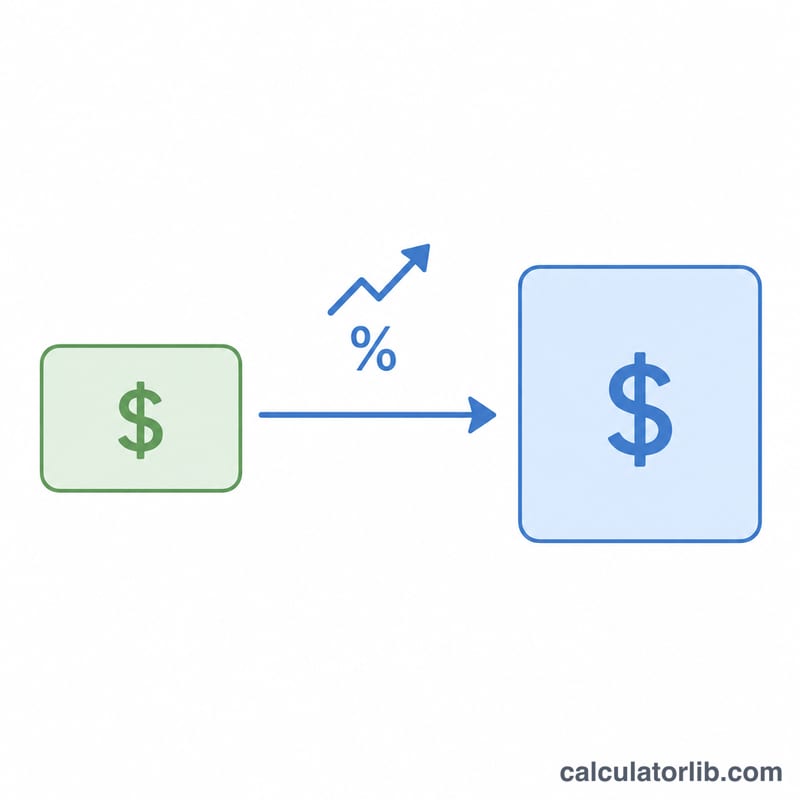
The hike percentage is converted to a decimal fraction and added to 1, then multiplied by the current CTC. The increase amount is simply the new CTC minus the old CTC, or equivalently \(\text{Old CTC} \times \left(\text{Hike \%} / 100\right)\).
Worked Example
Suppose your current CTC is ₹6,00,000 per year and you receive a 10% hike. Your new CTC $$= 6{,}00{,}000 \times \left(1 + \frac{10}{100}\right) = 6{,}00{,}000 \times 1.10 = \textbf{₹6{,}60{,}000}$$. The increase amount is ₹60,000 per year.
FAQ
Is the hike applied to CTC or in-hand salary? A hike percentage is normally applied to your CTC. Your in-hand salary changes proportionally but depends on deductions like PF, tax, and other components.
Does this account for tax? No. This calculator gives the gross new CTC. Income tax under the chosen regime is not deducted here.
Can I use it for monthly salary? Yes. The formula is the same whether you enter an annual CTC or a monthly figure — just be consistent.