
What is the Scale Calculator?
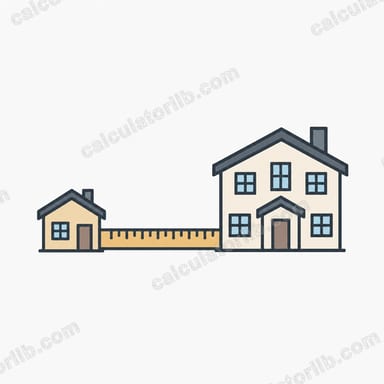
The Scale Calculator converts between a real-world size and a scaled-down (or scaled-up) size using a scale ratio written as 1 : N. It is widely used by model railway and miniature builders, architects, map readers, engineers and designers who need to translate measurements between a drawing or model and the real object.
How to use it
First pick the direction. Choose Scaled → Real when you have a model measurement and want the full-size dimension, or Real → Scaled when you know the real object and need the model dimension. Enter your known size and the N value of your scale ratio (for example 87 for HO scale 1:87, or 25000 for a 1:25,000 map). The result is given in the same units you typed in — millimetres in, millimetres out.
The formula explained
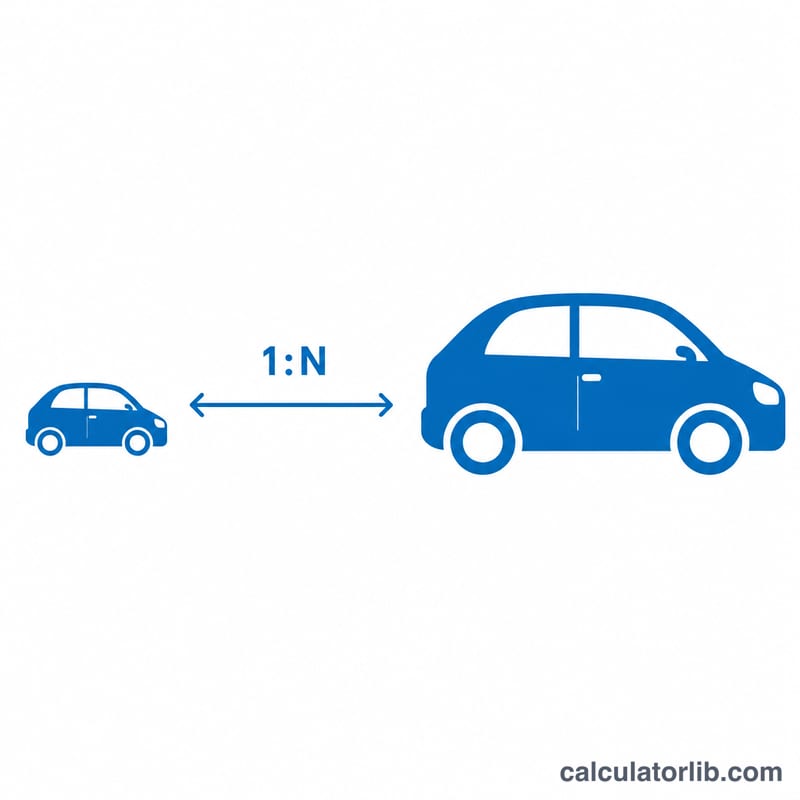
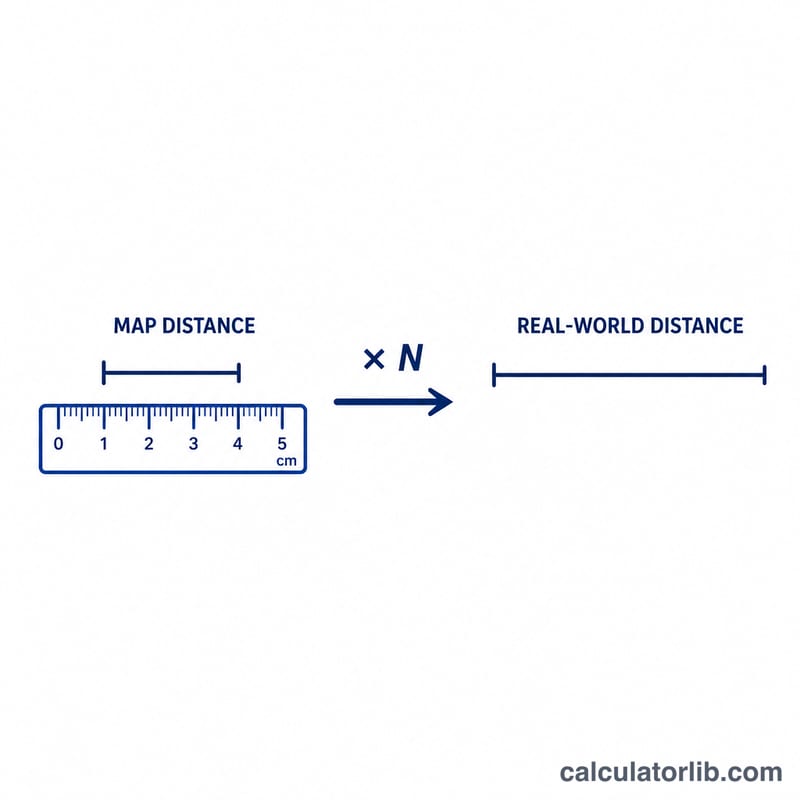
A scale of 1 : N means one unit on the model equals N units in reality. So to go from a scaled size to the real size you multiply: $$\text{real} = \text{scaled} \times N$$. To go the other way you divide: $$\text{scaled} = \text{real} / N$$. The same logic works for maps, blueprints and any proportional drawing.
Worked example
Suppose you have an HO-scale (1:87) model car that is 5 cm long and want the real length. Multiply: $$5 \times 87 = 435\ \text{cm}$$ or about 4.35 metres — a realistic full-size length. Conversely, to model a 4.35 m real car at 1:87 you divide: $$435\ \text{cm} / 87 = 5\ \text{cm}$$
FAQ
What does 1:100 mean? Every 1 unit on the drawing represents 100 of the same units in real life.
Can I use any units? Yes. The ratio is unitless, so whatever unit you enter (cm, mm, inches, feet) is the unit of the answer.
What about enlargements? If your model is larger than reality, the same formula applies — just use the appropriate ratio; for an enlargement of 5× use \(N = 0.2\) in the real-to-scaled direction.