
What this calculator does
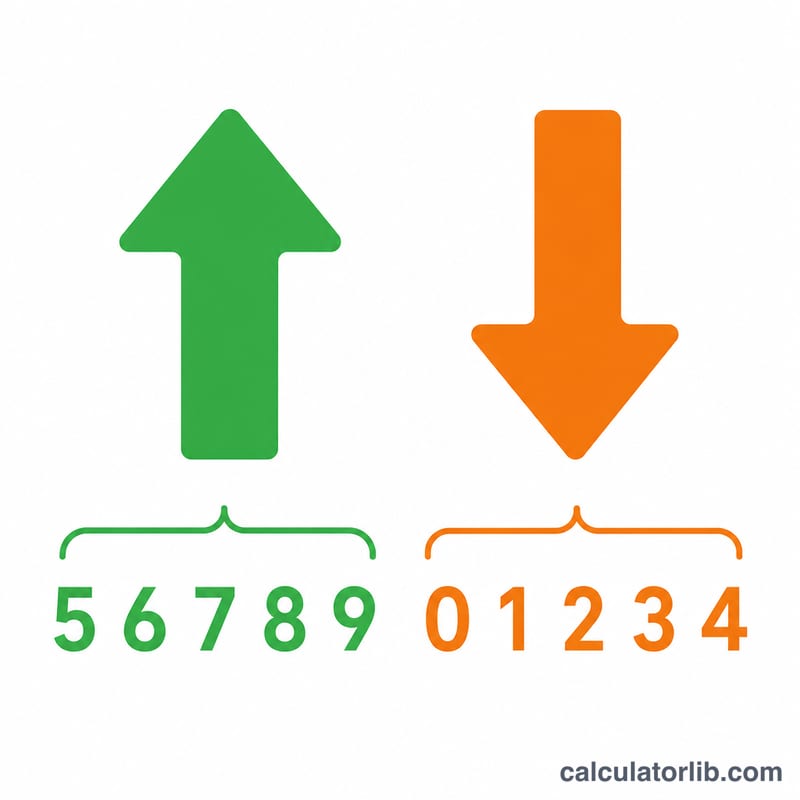
This rounding calculator takes any number and rounds it to a place value you choose: the nearest whole number, tenth, hundredth, ten, hundred, or thousand. It uses standard "round half up" rounding and also shows the difference between the rounded value and the original, so you can see exactly how much was added or removed.
How to use it
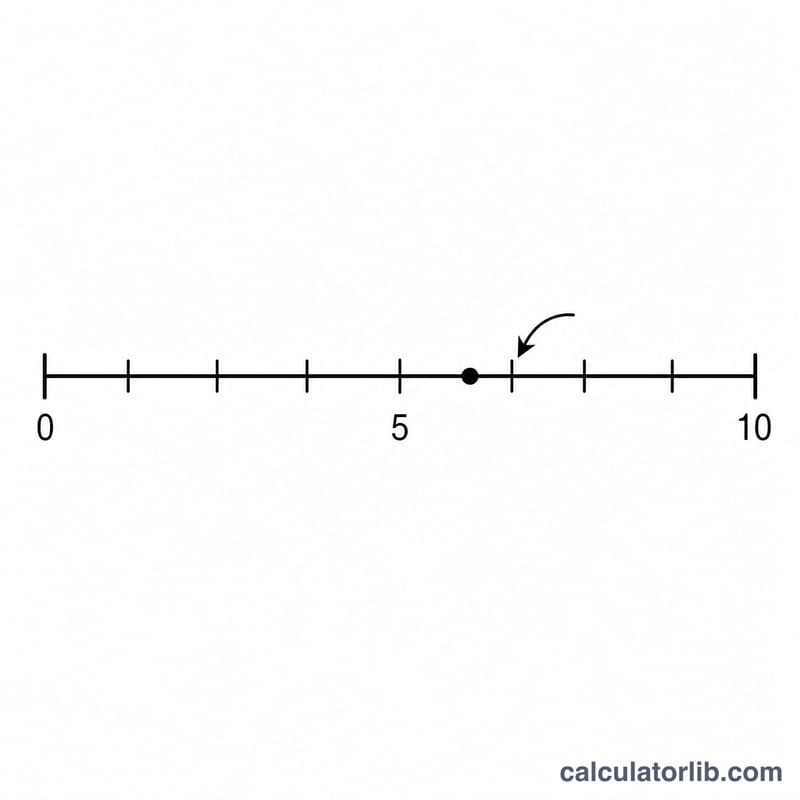
Enter the number you want to round, pick the target place value from the dropdown, and submit. The hero box shows the rounded result, while the table lists your original number and the signed difference (rounded minus original).
The formula explained
Rounding to a place is controlled by an exponent p. The number x is scaled by 10p, rounded to the nearest integer, and scaled back: $$\text{rounded} = \frac{\operatorname{round}\!\left(x \times 10^{p}\right)}{10^{p}}$$ A positive p (1, 2) rounds to decimal places; a negative p (-1, -2, -3) rounds to tens, hundreds, and thousands; \(p = 0\) rounds to a whole number.
Worked example
Round 3.14159 to the nearest hundredth, so \(p = 2\). Compute $$3.14159 \times 100 = 314.159,$$ round to 314, divide by 100 to get 3.14. The difference is $$3.14 - 3.14159 = -0.00159.$$
FAQ
How does it handle a value exactly halfway, like 2.5? It rounds half up, so 2.5 to the nearest whole becomes 3.
Can I round to thousands? Yes, choose "Thousand (1000)" which uses \(p = -3\). For example 1234 to the nearest hundred (\(p = -2\)) gives 1200.
Why is the difference sometimes negative? The difference is rounded minus original; if rounding lowered the value it is negative, if it raised the value it is positive.