
What is the Screen Resolution to Megapixels Calculator?
This tool converts a display or image resolution, expressed as a pixel width and height, into megapixels (MP). A megapixel is simply one million pixels, so it provides a compact way to describe how much detail a screen or sensor can show. Whether you are comparing monitors, camera sensors, or exported image sizes, megapixels give a single, easy-to-compare number.
How to use it
Enter the horizontal resolution (width) and vertical resolution (height) in pixels. For example, a Full HD display is 1920 \(\times\) 1080. Click calculate and the tool returns the total pixel count and the equivalent megapixels. The calculation is universal — it works for any screen, image, or camera sensor regardless of country or device.
The formula explained
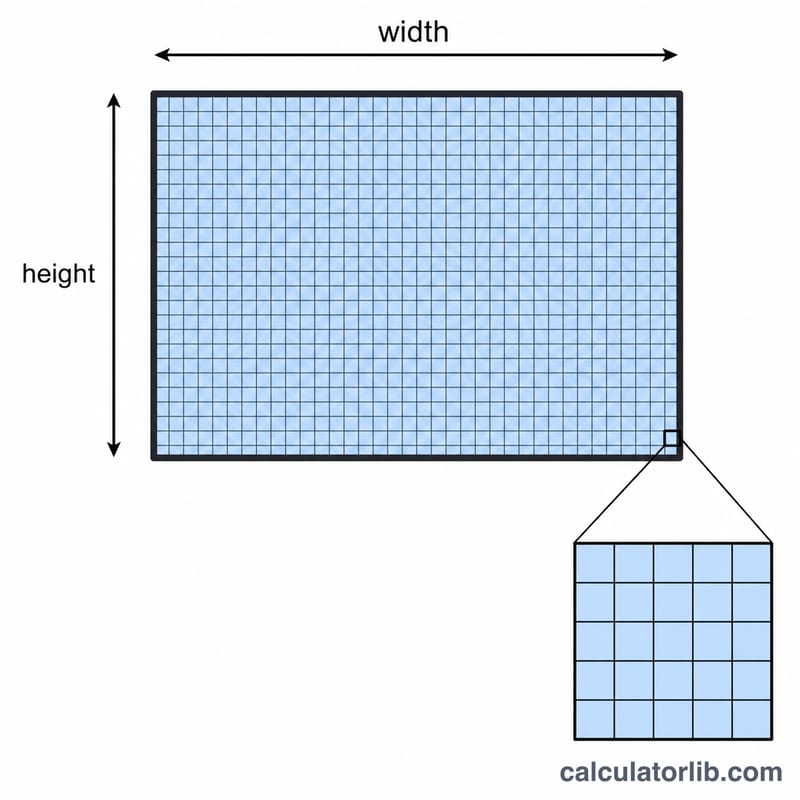
The math is straightforward: multiply width by height to get the total number of pixels, then divide by 1,000,000 to convert to megapixels. In formula form, $$\text{Megapixels} = \frac{\text{Width (px)} \times \text{Height (px)}}{1{,}000{,}000}$$ Because a megapixel is exactly one million pixels, the division simply rescales the total into millions.
Worked example
Take a 4K UHD display at 3840 \(\times\) 2160. Total pixels $$= 3840 \times 2160 = 8{,}294{,}400$$ Divide by 1,000,000 to get 8.29 megapixels. So a 4K screen contains roughly 8.3 MP, while a Full HD (1920 \(\times\) 1080) screen contains about 2.07 MP — about a quarter of the detail.
FAQ
Is a higher megapixel count always better? Not necessarily. More megapixels mean more detail, but factors like pixel density (PPI), panel quality, and viewing distance also matter.
Does this work for camera sensors? Yes. A sensor's megapixel rating is derived the same way — its pixel width times height divided by one million.
Why is my result not a round number? Most resolutions don't divide evenly into millions, so results are commonly fractional (e.g., 2.07 MP for 1080p).