
What is the Volume to Density Calculator?
This calculator determines the density of an object or substance from its mass and volume. Density is one of the most fundamental physical properties, describing how much mass is packed into a given amount of space. It is widely used in physics, chemistry, engineering, and material science to identify substances, calculate buoyancy, and design structures.
How to use it
Enter the mass of the object in kilograms (kg) and its volume in cubic meters (m³). The calculator instantly returns the density in kilograms per cubic meter (kg/m³). Make sure both inputs use consistent SI units for a result in standard kg/m³.
The formula explained
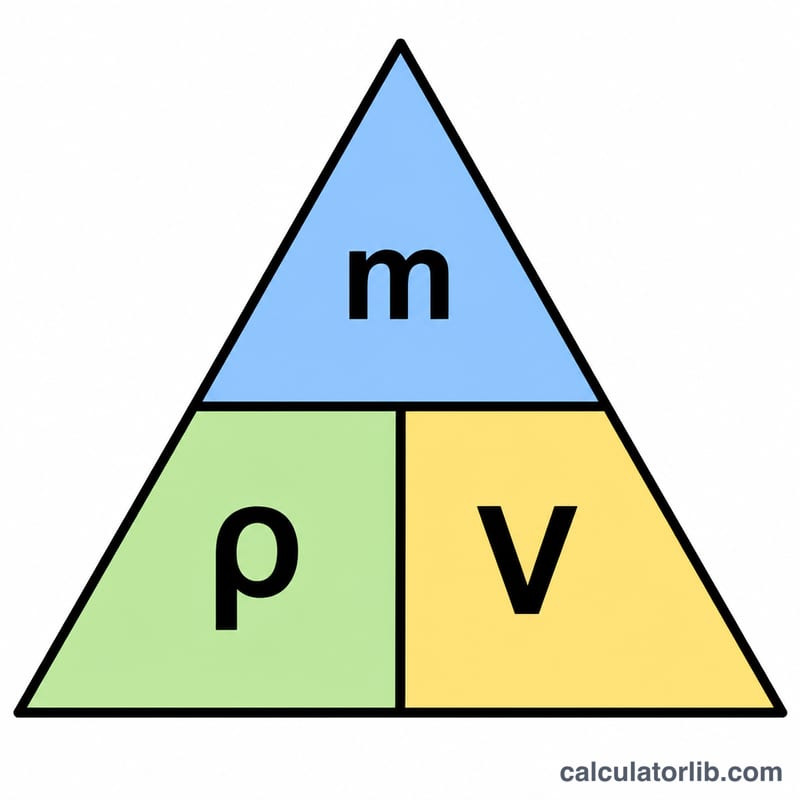
Density is defined by the simple relationship:
$$\rho = \frac{m}{V}$$
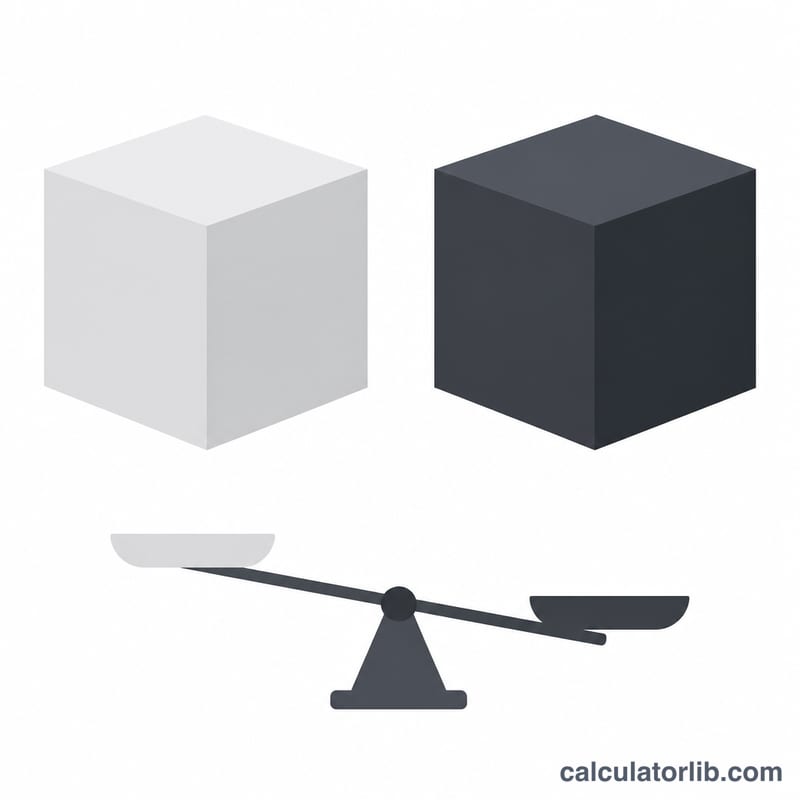
where \(\rho\) (rho) is density, \(m\) is mass, and \(V\) is volume. A larger mass in the same volume means higher density; the same mass spread over a larger volume means lower density. Water, for reference, has a density of about 1000 kg/m³.
Worked example
Suppose a block has a mass of 10 kg and occupies a volume of 2 m³. Then:
$$\rho = \frac{10}{2} = 5 \text{ kg/m}^3$$
This very low density tells us the material is extremely light (lighter than most foams), which is useful for sanity-checking measurements.
FAQ
What units does this calculator use? Mass in kilograms (kg) and volume in cubic meters (m³), giving density in kg/m³. To convert to g/cm³, divide the result by 1000.
Can volume be zero? No — dividing by zero is undefined, so the volume must be greater than zero for a valid density.
How do I find an object's volume? For regular shapes use geometry formulas; for irregular objects use water displacement, then convert the displaced volume to cubic meters.