What is the Chicken Feed Ratio Calculator?
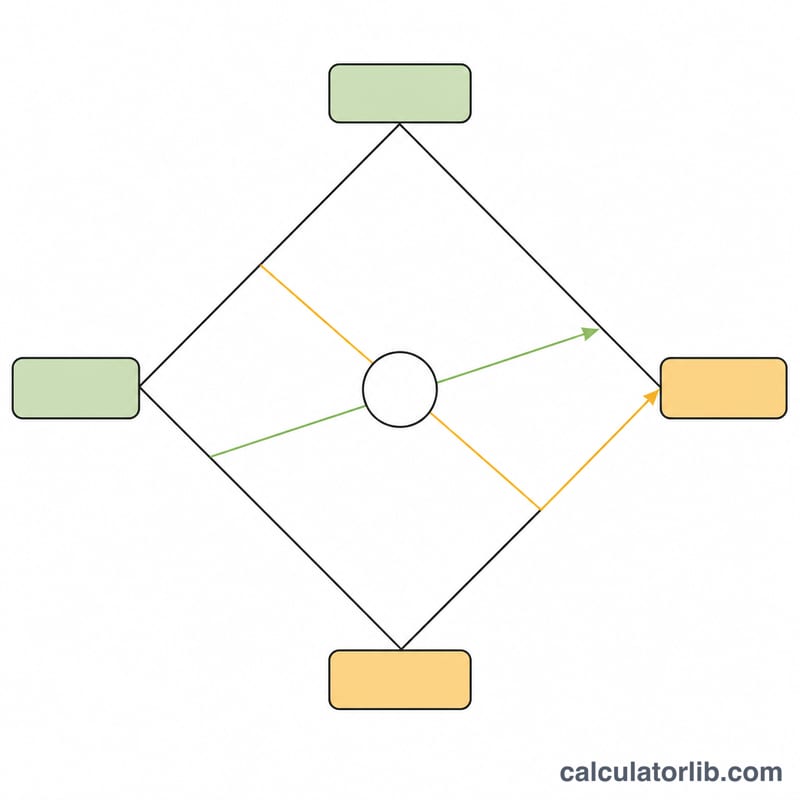
The Chicken Feed Ratio Calculator works out how much of two feed ingredients to combine so the finished blend hits a target protein level. It uses the classic Pearson square method, which balances a high-protein source (such as soybean meal) against a low-protein source (such as ground corn). Enter the protein percentage of each ingredient, your target protein, and the total batch weight to get exact kilograms and blend percentages.
The formula explained
Let \(P_A\) = protein percent of the high source, \(P_B\) = protein percent of the low source, \(P_t\) = target protein percent, and \(W\) = total batch weight. The share of each source comes from the Pearson square:
$$\%_A = \frac{P_t - P_B}{P_A - P_B}\times100, \qquad \%_B = \frac{P_A - P_t}{P_A - P_B}\times100$$Each weight is then \(\text{Weight} = \%\times W\). The target must sit between the two source values for a valid mix.
How to use it
Enter the protein content of your high- and low-protein ingredients, the protein you want in the final ration, and the batch size in kilograms. The calculator returns how many kilograms of each ingredient to weigh out and the percentage share of the blend.
Worked example
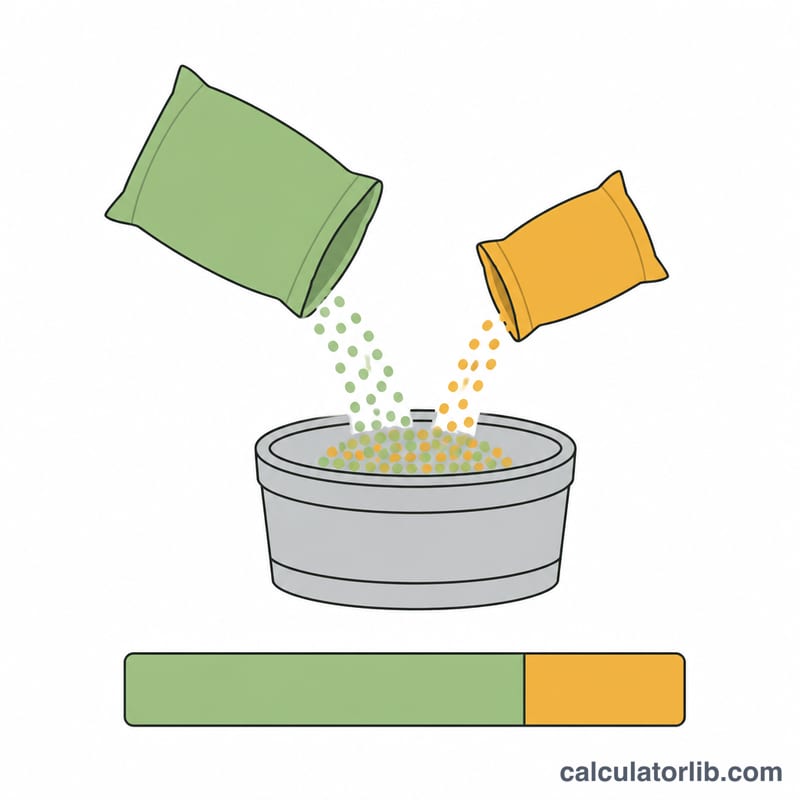
Mix soybean meal at 44% and corn at 9% to reach an 18% ration for a 100 kg batch:
$$\%_A = \frac{18 - 9}{44 - 9}\times100 = \frac{9}{35}\times100 = 25.71\%$$$$\text{Weight}_A = 0.2571\times100 = 25.71\,\text{kg}, \quad \text{Weight}_B = 74.29\,\text{kg}$$So you would weigh out about 25.71 kg of soybean meal and 74.29 kg of corn.
FAQ
Can I use more than two ingredients? This tool balances two sources at a time. For complex rations, fix a base mix first, then treat it as one source.
Why must the target fall between the two sources? You cannot raise a blend above your richest ingredient or below your leanest, so the target has to lie in between.
Does it work in pounds? Yes. Enter the batch weight in any mass unit and the results come back in that same unit.