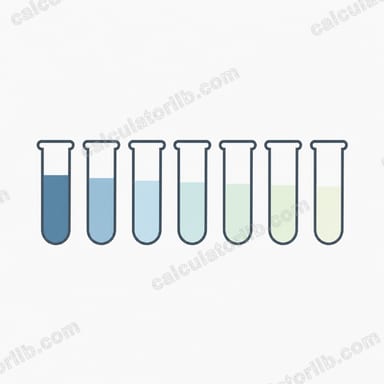

What it does
This calculator tells you how much water (or diluent) to add to an existing solution to lower its concentration to a desired target. It is based on the dilution principle that the amount of solute stays constant — only the total volume changes. It works for any units as long as you keep them consistent, and for any concentration unit (%, ppm, mg/mL) as long as both concentrations use the same unit.
How to use it
Enter the initial volume (V1) of the solution you already have, the initial concentration (C1), and the target concentration (C2) you want after dilution. The calculator returns the volume of water to add and the final total volume. C2 must be lower than C1 — you cannot dilute to a higher concentration by adding water.
The formula explained
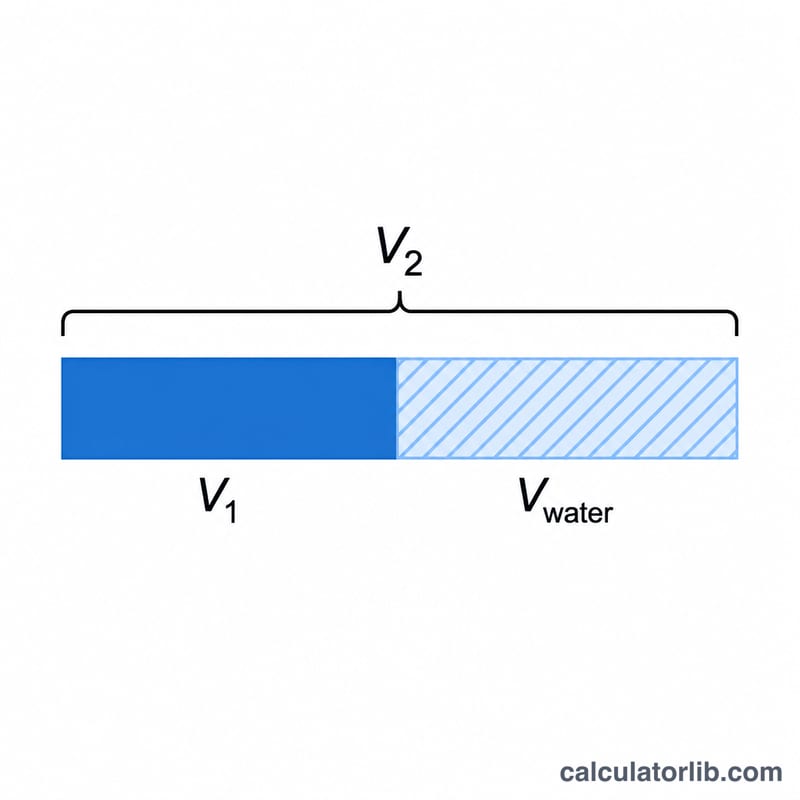
The core dilution equation is \(C_1 \cdot V_1 = C_2 \cdot V_2\). Solving for the final volume gives \(V_2 = V_1 \cdot \frac{C_1}{C_2}\). The water you must add is the difference between the final and initial volumes:
$$V_{\text{water}} = V_1 \cdot \frac{C_1}{C_2} - V_1 = V_1 \cdot \frac{C_1 - C_2}{C_2}$$
Because solute mass is conserved, the original solute (\(C_1 \cdot V_1\)) simply spreads through a larger volume, lowering the concentration to \(C_2\).
Worked example
You have 100 mL of a 70% alcohol solution and want 10% alcohol.
$$V_{\text{water}} = 100 \times \frac{70 - 10}{10} = 100 \times \frac{60}{10} = 600 \text{ mL}$$
of water. The final volume is \(100 + 600 = 700\) mL, which checks out: \(70\% \times 100 = 10\% \times 700\).
FAQ
What units should I use? Any consistent volume unit (mL, L, gallons). The answer comes back in the same unit as V1.
Can C2 be higher than C1? No — adding water can only reduce concentration. The calculator returns zero water in that case.
Does it work for ppm or molarity? Yes, as long as C1 and C2 are expressed in the same unit.