
What Is This Calculator?
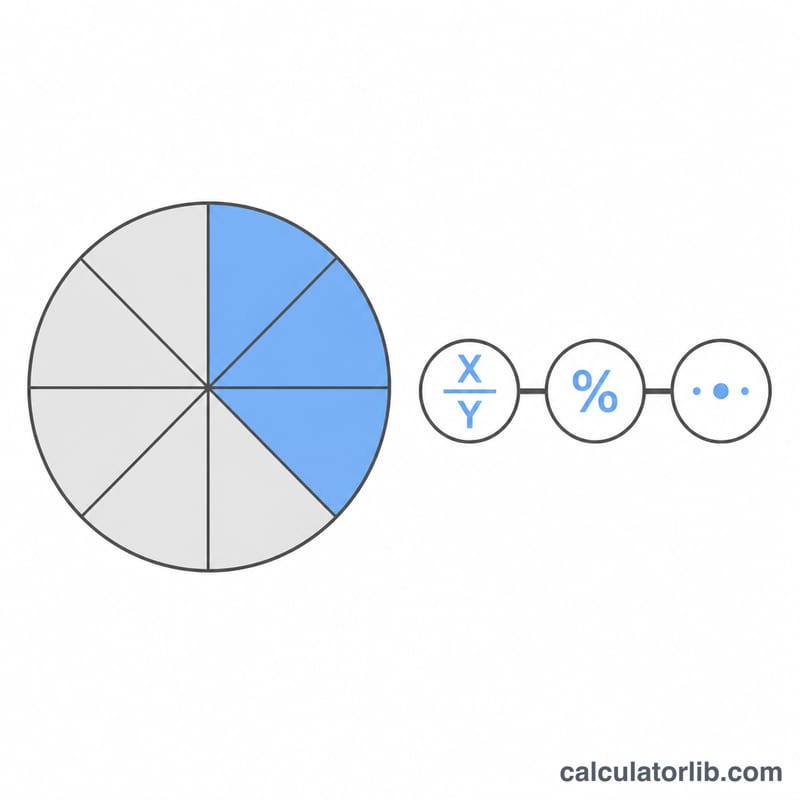
The What Fraction Is X of Y Calculator tells you what part a number (X, the "part") makes up of another number (Y, the "whole"). It returns three things at once: the fraction reduced to its simplest form, the equivalent percentage, and the decimal value. This is handy for homework, recipes, test scores, budgets, and any situation where you need to express one quantity relative to another.
How to Use It
Enter the part (X) in the first box and the whole (Y) in the second box, then read the results. For example, if you scored 18 out of 24 on a quiz, type 18 and 24. The calculator shows the reduced fraction \(\frac{3}{4}\), the percentage 75%, and the decimal 0.75.
The Formula Explained
The raw fraction is simply \(X / Y\). To reduce it, we find the greatest common divisor (GCD) of X and Y — the largest whole number that divides both evenly — and divide the numerator and denominator by it. For \(X = 8\) and \(Y = 12\), the GCD is 4, so \(\frac{8}{12}\) becomes \(\frac{2}{3}\). The percentage is \((X \div Y) \times 100\), and the decimal is simply \(X \div Y\).
$$\text{Percent} = \frac{\text{Part (X)}}{\text{Whole (Y)}} \times 100\%$$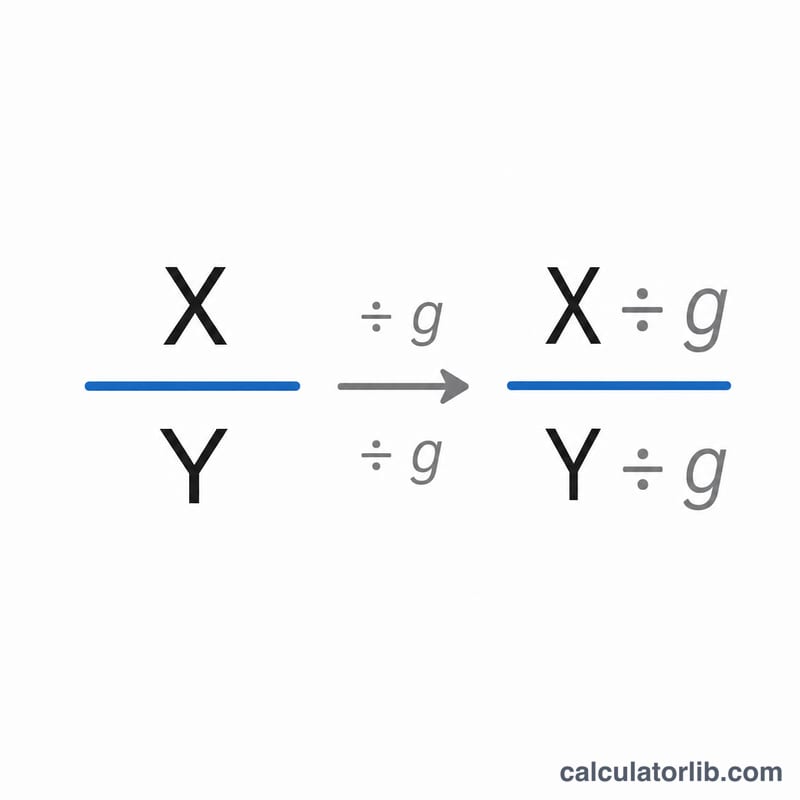
Worked Example
Suppose you spent $30 of a $120 budget. Here \(X = 30\) and \(Y = 120\). The GCD of 30 and 120 is 30, so the reduced fraction is \(\frac{1}{4}\). As a percentage that is $$(30 \div 120) \times 100 = 25\%$$ and the decimal value is 0.25.
FAQ
What if X is larger than Y? The calculator still works — you simply get a fraction greater than 1 and a percentage above 100%, such as 150% for \(X = 3\), \(Y = 2\).
Can I use decimals? Yes. With decimal inputs the percentage and decimal value are still computed; the reduced fraction is only shown for whole-number inputs.
What happens if Y is zero? Division by zero is undefined, so the result is shown as 0. Enter a non-zero whole.