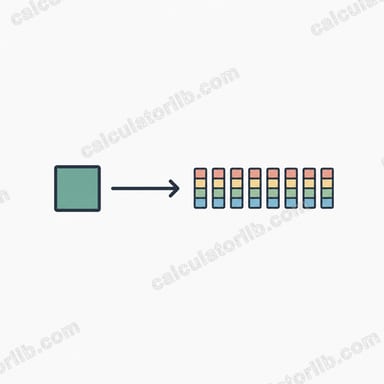
What is the MB/s to Mbps Converter?
This tool converts a data transfer rate measured in megabytes per second (MB/s) into megabits per second (Mbps). The two units are frequently confused because they differ only by a capital "B" (byte) versus a lowercase "b" (bit), yet they differ in value by a factor of 8. File managers and download tools usually report MB/s, while internet plans and network equipment are advertised in Mbps.
How to use it
Enter the speed you see in your download manager or file transfer in the MB/s field and the calculator instantly shows the equivalent in Mbps. This is handy for checking whether your real-world download speed matches the broadband plan your provider advertises.
The formula explained
One byte equals 8 bits. Because "mega" means the same scale in both units, the conversion is simply:
$$\text{Mbps} = \text{MB/s} \times 8$$
For example, a download running at 12.5 MB/s is using \(12.5 \times 8 = 100\) Mbps of bandwidth.
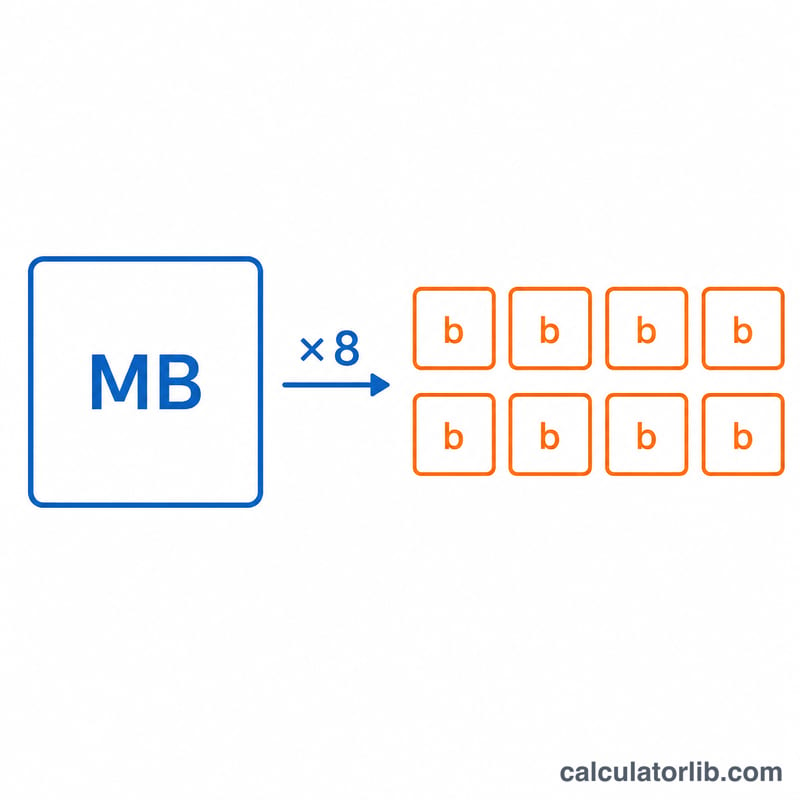
Worked example
Suppose your browser shows a file downloading at 25 MB/s. Multiply by 8: \(25 \times 8 = 200\) Mbps. That means you are pulling 200 megabits of data per second from the network.
Real-World Speed Scenarios
Storage and file-transfer speeds are usually quoted in megabytes per second (MB/s), while network and internet speeds are quoted in megabits per second (Mbps). Since 1 byte = 8 bits, \(\text{Mbps} = \text{MB/s} \times 8\). The figures below are approximate and typical. Real throughput depends on your hardware, protocol overhead, cables, file sizes and other traffic.
| Scenario | Speed in MB/s | Speed in Mbps | Type |
|---|---|---|---|
| Fast Ethernet (100 Mbps link) | 12.5 MB/s | 100 Mbps | Theoretical maximum (real transfers are often ~11–12 MB/s) |
| USB 2.0 external drive | ~30–40 MB/s | ~240–320 Mbps | Typical practical transfer (the 480 Mbps signaling rate equals 60 MB/s but is not reached in practice) |
| Hard disk drive (SATA HDD) | ~100–150 MB/s | ~800–1,200 Mbps | Typical sequential read/write; varies by drive and file layout |
| Gigabit Ethernet (1,000 Mbps link) | 125 MB/s | 1000 Mbps | Theoretical maximum (real transfers are often ~110–118 MB/s) |
| SATA III SSD | ~500–550 MB/s | ~4,000–4,400 Mbps | Typical sequential speed; the interface limit is 6 Gbps line rate |
Worked check: a USB 2.0 drive moving 40 MB/s gives \(40 \times 8 = 320\) Mbps. A Gigabit Ethernet link at its theoretical maximum gives \(125 \times 8 = 1000\) Mbps.
Theoretical vs. real throughput: link rates such as 100 Mbps or 1,000 Mbps are raw maximums. Protocol overhead (Ethernet framing, TCP/IP, file-system and USB protocol overhead) reduces usable speed. In a file copy, the slowest component, whether the drive, the network or the cable, sets the actual speed.
FAQ
Why is my 100 Mbps plan only giving 12.5 MB/s? That is expected — \(100 \div 8 = 12.5\) MB/s. Your speeds are correct; the units are just different.
Is this the same as MiB or Mib? No. This converter uses decimal mega (\(10^6\)) for both units, which is the standard for networking. Binary mebibytes (MiB) are a different base-1024 unit.
Does overhead affect the result? This is the theoretical conversion. Real throughput is slightly lower due to protocol overhead, but the 8× relationship between bytes and bits always holds.