
What is a reverse percentage calculator?
A reverse percentage calculator works backwards from a known final amount to find the original value before a percentage was added or subtracted. This is handy when you see a sale price and want to know the pre-discount sticker price, or when you have a total that already includes a markup and want the base figure.
How to use it
Enter the final price you already know, type in the percentage of the change, and choose whether that percentage was a discount (the price went down) or an increase (the price went up). The calculator returns the original price along with the difference between the two.
The formula explained
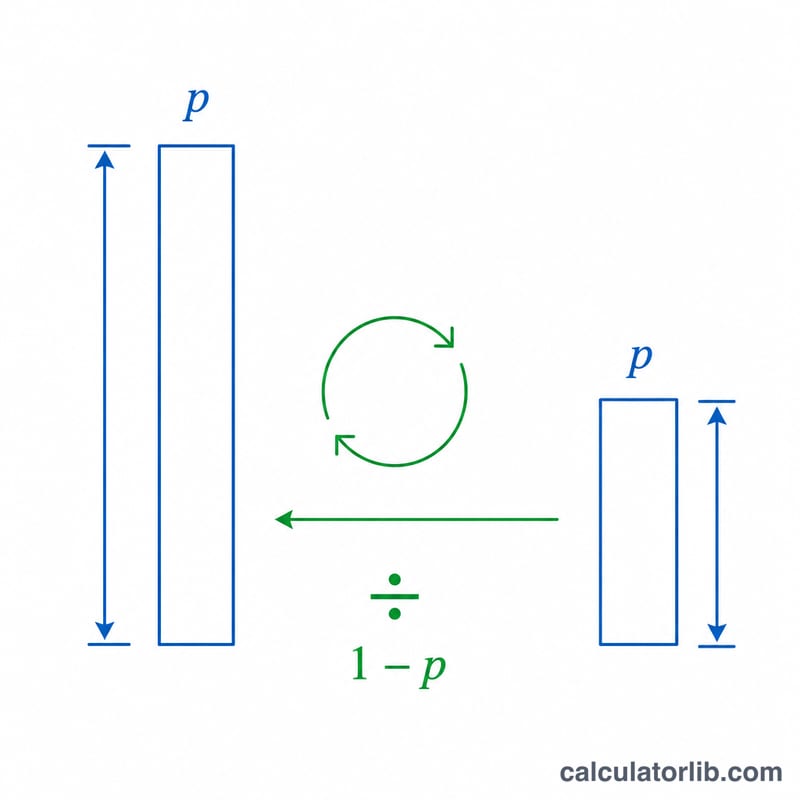
If a price changes by a fraction p (the percentage divided by 100), the final price equals the original multiplied by a factor. For a discount the factor is \((1 - p)\); for an increase it is \((1 + p)\). To reverse it, divide the final price by that factor:
$$\text{Original} = \frac{\text{Final}}{1 \pm p}$$
A common mistake is to simply add the percentage back — that gives the wrong answer because the percentage was taken from the larger original, not the smaller final value.
Worked example
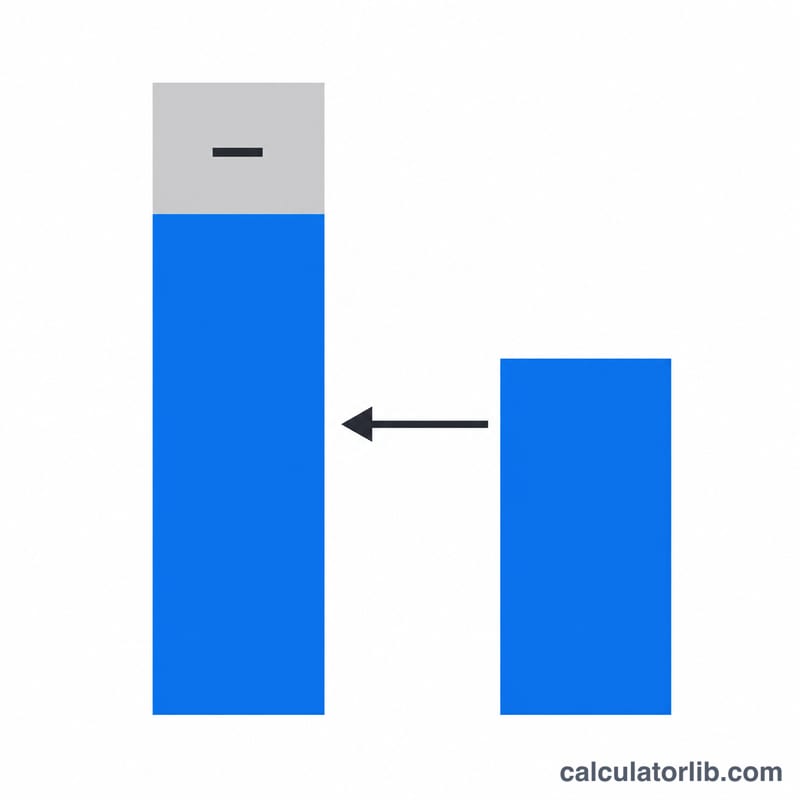
Suppose a jacket is on sale for $80 after a 20% discount. With \(p = 0.20\), the factor is \(1 - 0.20 = 0.80\). So the original price $$\text{Original} = \frac{80}{0.80} = \$100.$$ The discount saved you $20. Notice that adding 20% of $80 ($16) back would have given only $96 — the wrong result.
FAQ
Why isn't reversing a 20% discount just adding 20%? Because the 20% was calculated on the original (larger) price, not the discounted price, so the percentage point value differs.
Can I use it for tax or markup? Yes — choose "Increase" to strip a markup or tax that was added to a base price.
What does the difference row show? It is the absolute amount added or removed (original minus final).