
What is Rounding to the Nearest Ten?
Rounding to the nearest ten replaces a number with the closest multiple of 10 (such as 10, 20, 30, 40). It simplifies values for quick mental math, estimation, and reporting. This calculator works with whole numbers and decimals, and also shows how far the rounded value sits from your original number.
How to Use It
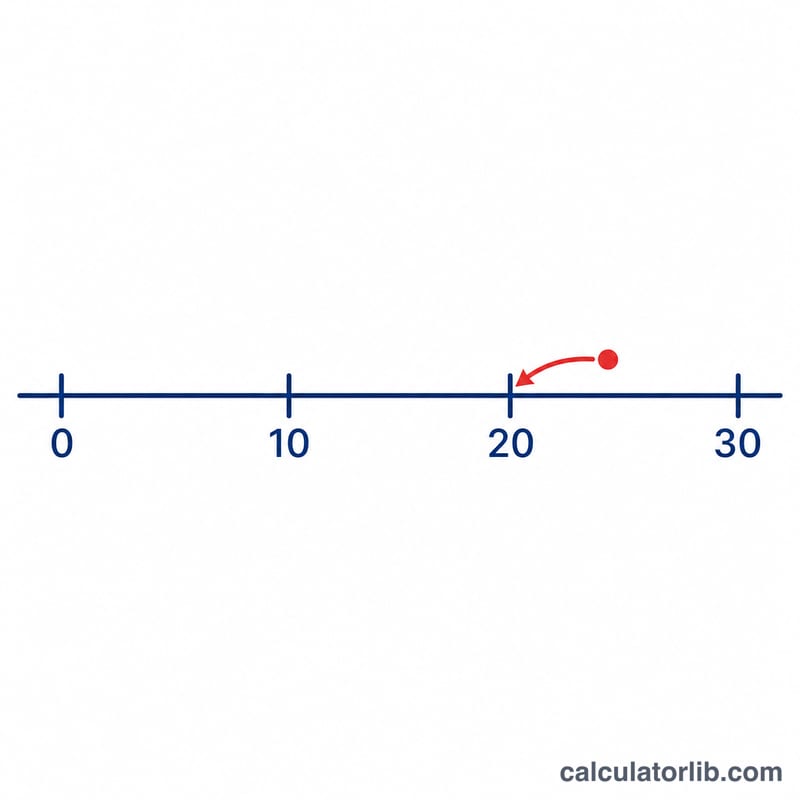
Type any number into the input box and the calculator instantly returns the nearest ten. For example, 47 becomes 50, while 42 becomes 40. The result panel also lists your original value and the difference between the rounded answer and the input, so you can see exactly how much was added or removed.
The Formula Explained
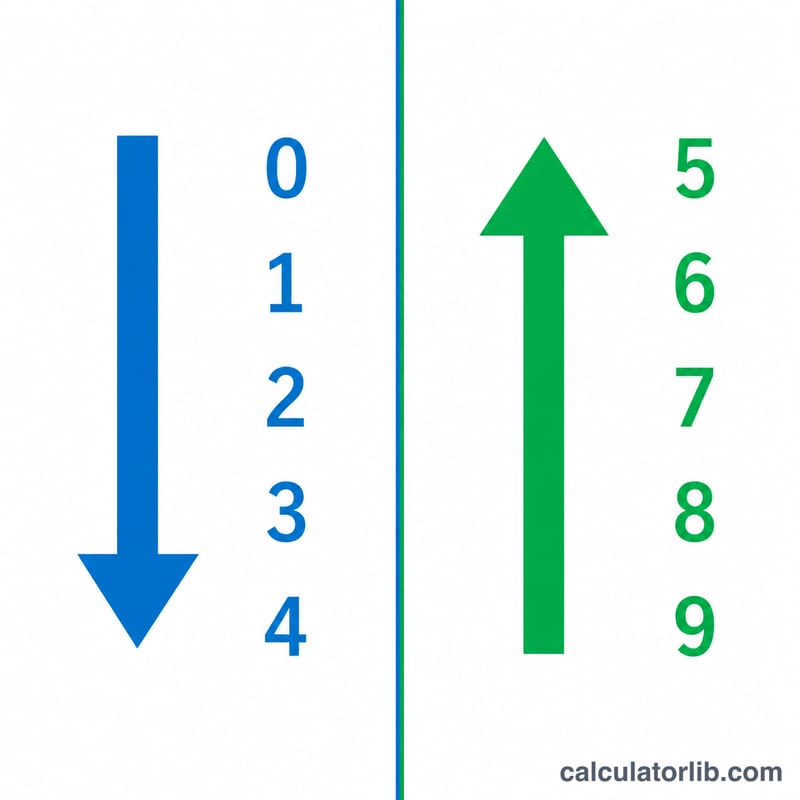
The rule is simple: divide your number by 10, round that quotient to the nearest whole number, then multiply back by 10. In symbols: $$\text{Rounded} = \left\lfloor \frac{\text{Number}}{10} \right\rceil \times 10$$ The "round half up" convention is used, so a digit of 5 in the ones place rounds upward.
Worked Example
Take \(x = 47\). Divide by 10 to get 4.7. Round 4.7 to the nearest whole number to get 5. Multiply by 10 to get 50. The difference is $$50 - 47 = 3$$ meaning 3 was added to reach the nearest ten.
FAQ
What happens with a number like 25? Since \(25 / 10 = 2.5\), it rounds up to 3, giving 30. Values ending in 5 round up under the standard rule.
Can I round negative numbers? Yes. For example, -47 rounds to -50 because -4.7 rounds to -5.
Does it work with decimals? Absolutely. A value like 12.8 rounds to 10, because 1.28 rounds to 1, then \(\times 10 = 10\).