
What this tool does
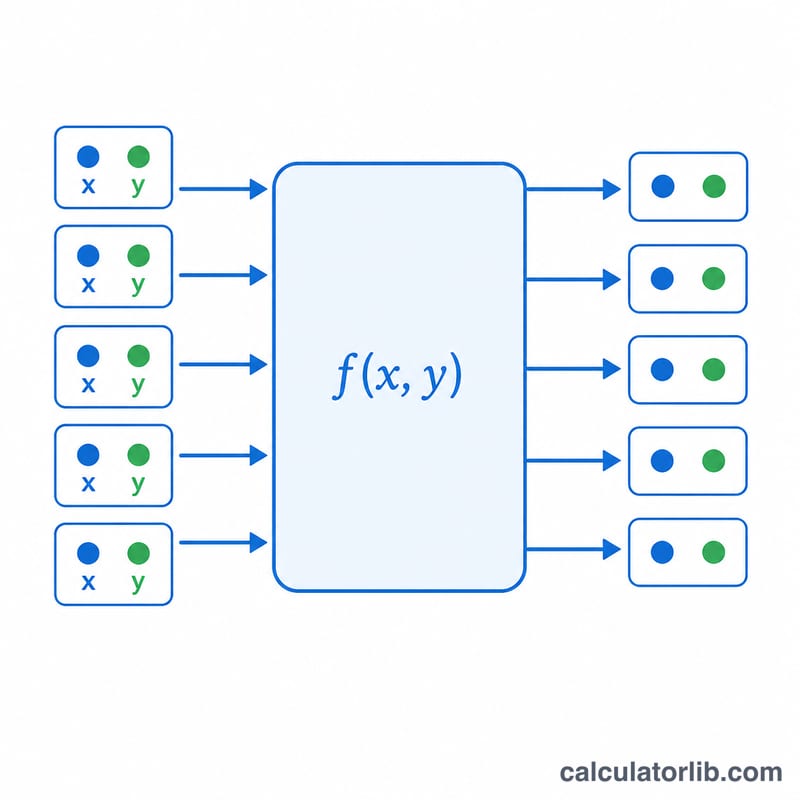
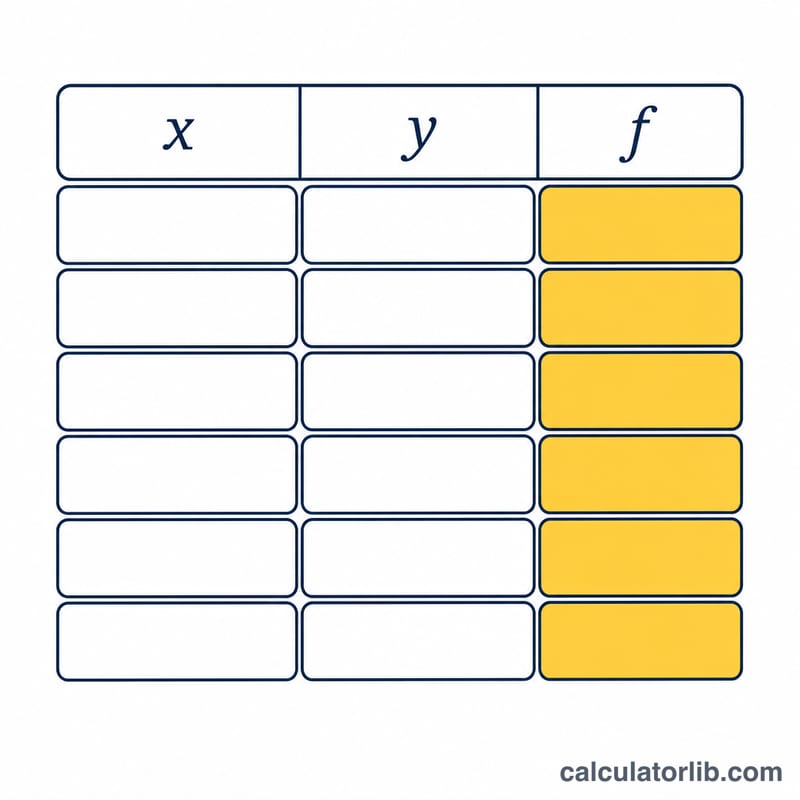
This calculator applies a single user-defined mathematical function \(f(x, y)\) to every row of a table of numeric data pairs. Column one holds the x values, column two holds the y values, and each row produces one output equal to \(f(x, y)\) evaluated at that row. It is a pure-math expression evaluator, so it is universal and has no regional or currency rules.
How to use it
Type an expression in the f(x, y) = field using the variables x and y. You may use the operators + - * / ^ and parentheses, plus common functions: sqrt, exp, ln, log, sin, cos, tan, asin, acos, atan, abs, floor, ceil, round. Then enter your data in the table box, one row per line, with two numbers per line separated by a space, tab or comma. Pick how many significant digits to display, and the tool evaluates each row.
The formula explained
The expression is parsed once into a token stream and converted to an internal evaluation order (shunting-yard). For each row i the engine substitutes that row's values and computes \(\text{result}_i = f(x_i, y_i)\). The substitution is the only thing that changes between rows; the parsed structure is reused, which keeps large tables fast and consistent.
$$z = f(x,\,y)\Big|_{(x,\,y)\,\in\,\text{Table}}$$Worked example
Using the default expression x^2*y+x*y^2 (which factors to x*y*(x+y)) and the default table:
Row 1: x=1, y=2 gives \(1\cdot 2 + 1\cdot 4 = 6\). Row 2: x=2, y=3 gives \(12 + 18 = 30\). Row 3: x=3, y=4 gives \(36 + 48 = 84\). The results column is [6, 30, 84]. Cross-checking with the factored form: \(1\cdot 2\cdot 3 = 6\), \(2\cdot 3\cdot 5 = 30\), \(3\cdot 4\cdot 7 = 84\) — all match.
FAQ
Which variables can I use? Only x and y, plus the constants pi and e. Any other letters are treated as a parse error unless they name a supported function.
What happens with division by zero or a square root of a negative number? That single row shows "undefined" or "infinity" while all other rows still compute normally.
Does the significant-digits setting change the math? No. It only formats the displayed output. The underlying computation is always done in full double precision.