
What this calculator does
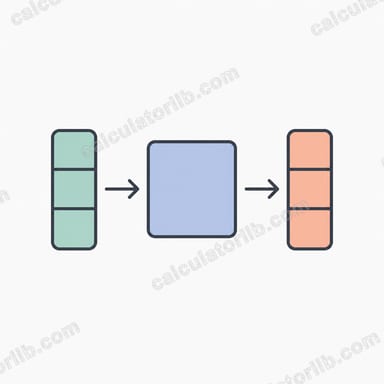
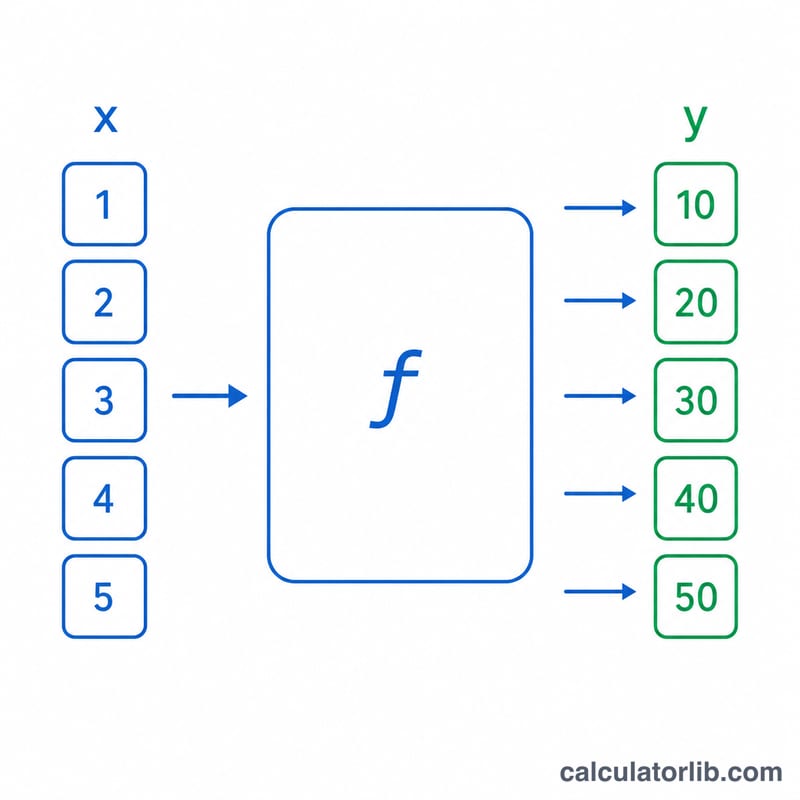
The Table Single-Variable Function Evaluator applies one mathematical function \(f(x)\) to every number in a table at once. Instead of typing each value into a calculator individually, you paste a column or comma-separated list of numbers, write a formula in the variable \(x\), and get a parallel table of results. It is a pure-math tool with no regional or unit rules — every value is treated as a plain real number.
How to use it
1. Enter your data in the table box, one number per line or separated by commas. 2. Type your function in the \(f(x)\) field, for example 3*x+9, x^2 - sqrt(x) or sin(x). 3. Choose how many significant digits to display. 4. Read the output table: each input \(x\) is paired with its computed \(f(x)\).
Supported operators are + - * / and ^ (or **) with parentheses. Supported functions include abs, sqrt, cbrt, exp, ln, log, log10, log2, sin, cos, tan, asin, acos, atan, sinh, cosh, tanh, asinh, acosh, atanh, floor, ceil, round, sign and trunc, plus the constants pi and e. Trigonometric functions use radians.
The formula explained
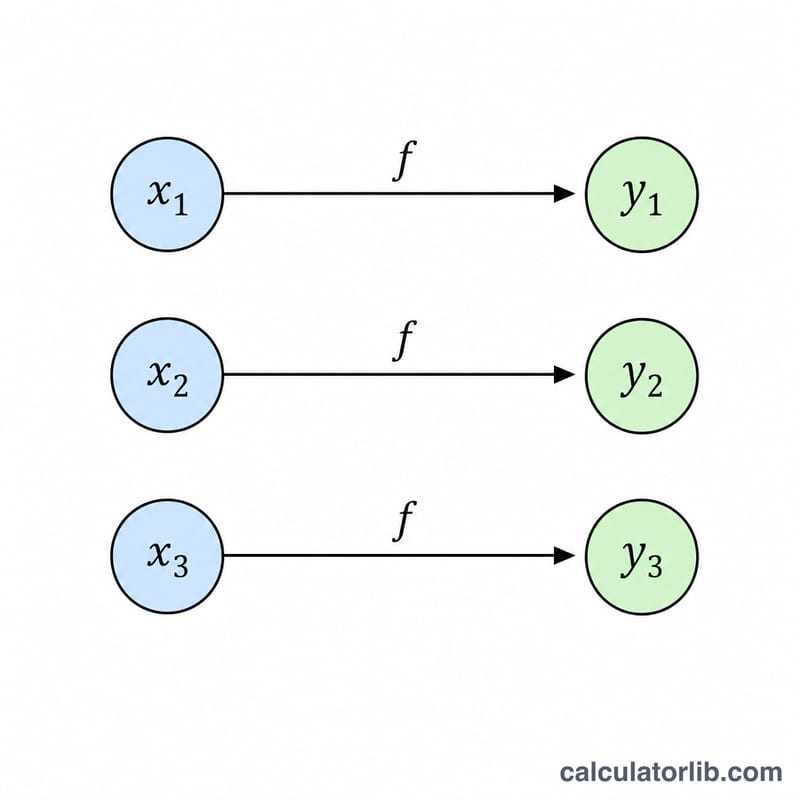
For each input cell value \(x_i\) the calculator computes $$y_i = f\!\left(x_i\right) = \text{f(x)}\Big|_{\,x = x_i}, \qquad x_i \in \text{Data Values}$$ by parsing your expression and substituting \(x = x_i\). The order of outputs matches the order of inputs. The significant-digits setting only controls display rounding; the underlying engine is double precision, so values beyond about 15 significant digits cannot be honored exactly.
Worked example
With \(f(x) = 3x+9\) and data \([1, 2, 3, 4, 5]\): $$f(1)=12, \quad f(2)=15, \quad f(3)=18, \quad f(4)=21, \quad f(5)=24.$$ With \(f(x) = x^2 - \sqrt{x}\) and data \([4, 9]\): $$f(4)=16-2=14 \qquad \text{and} \qquad f(9)=81-3=78.$$
FAQ
What happens to blank or non-numeric cells? They are skipped or flagged rather than treated as zero, so they never distort the table.
How are domain errors handled? Operations like \(\ln\) of a non-positive number, \(\sqrt{\,}\) of a negative number or division by zero are reported per cell as NaN or Infinity, and the rest of the table still computes.
Does it convert units? No. All inputs are dimensionless real numbers and the function is applied directly.